LENS INFO TAB
The Info tab displays the attached lens mount and lens information.
LENS METADATA TAB
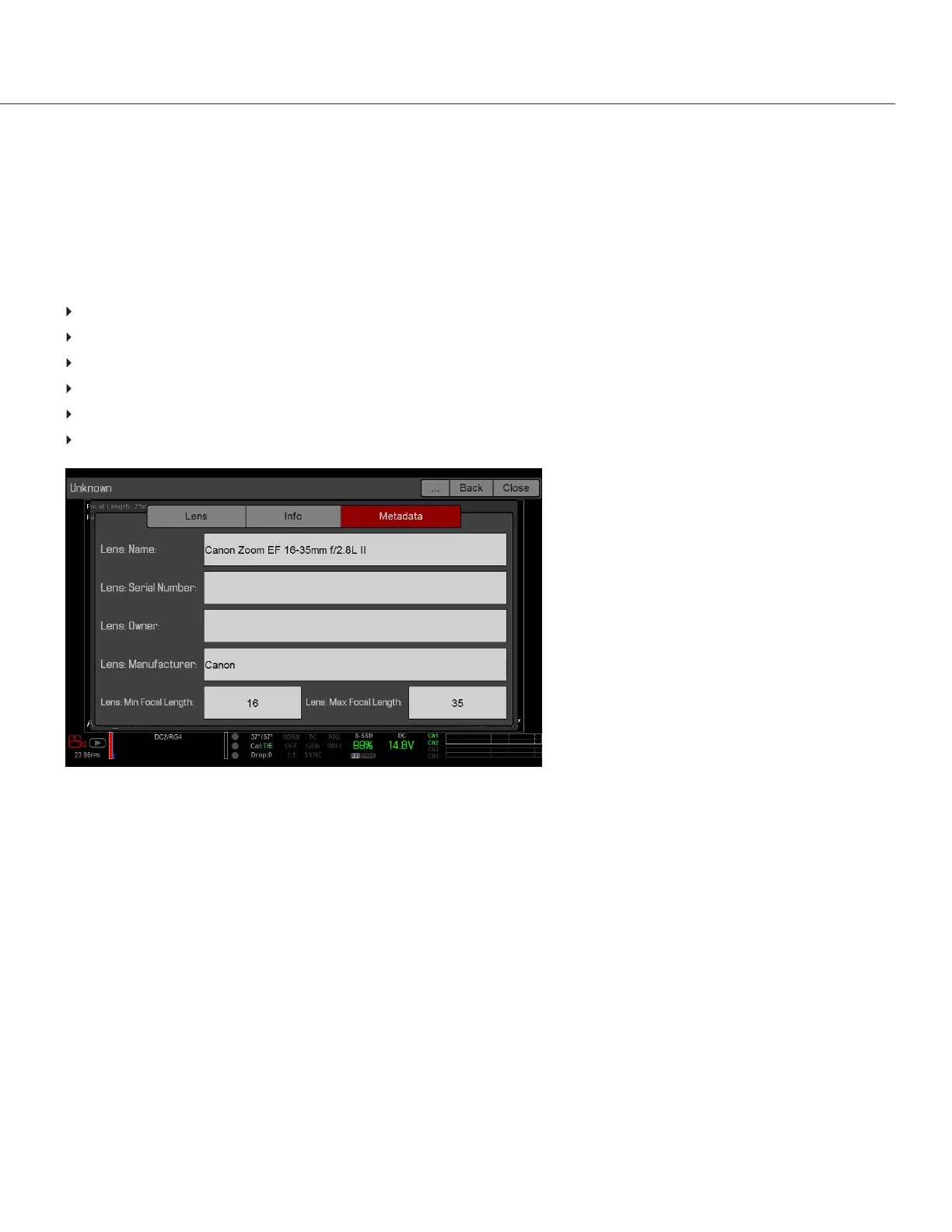
If a supported lens is attached, the camera autopopulates some Lens Metadata fields. You can also manually edit the
Lens Metadata fields to describe the attached lens. The information is stored in the clip metadata. The Lens Metadata
fields are:
Lens Name
Lens Serial Number
Lens Owner
Lens Manufacturer
Lens Min Focal Length
Lens Max Focal Length
Figure: Metadata
MOTION MOUNT TAB
The Motion Mount menu is only accessible when a DSMC RED MOTION MOUNTis installed. For more information,
see the RED MOTION MOUNT Operation Guide, available at www.red.com/downloads.
MOTOR CONTROL
Use the Motor Control menu to set up the RED 3-Axis Lens Control System. For more information, see the RED 3-
Axis Lens Control System Operation Guide, available at www.red.com/downloads.
C OPYRI GHT © 2017 R ED.C O M , I NC 955- 01 38 _V6.3, REV-D | 128
WEAPON/EPIC-W OPERATION GUIDE



 To Next Page