SET UP MASTER/SLAVE OPERATION
NOTE: Master/Slave operation requires a GIG-E port, which is available on the DSMC2 REDVOLT Expander and
DSMC2 Jetpack-SDI Expander. For more information, go to "GIG-E (Ethernet)" on page232.
1. Connect the cameras using the Master/Slave Gig-E Cable:
A.
Connect the GIG-E port on one expander to the GIG-E port on the other expander.
2. On the Master camera, follow the instructions below:
A.
Go to Menu > Settings > Setup > Communication.
B.
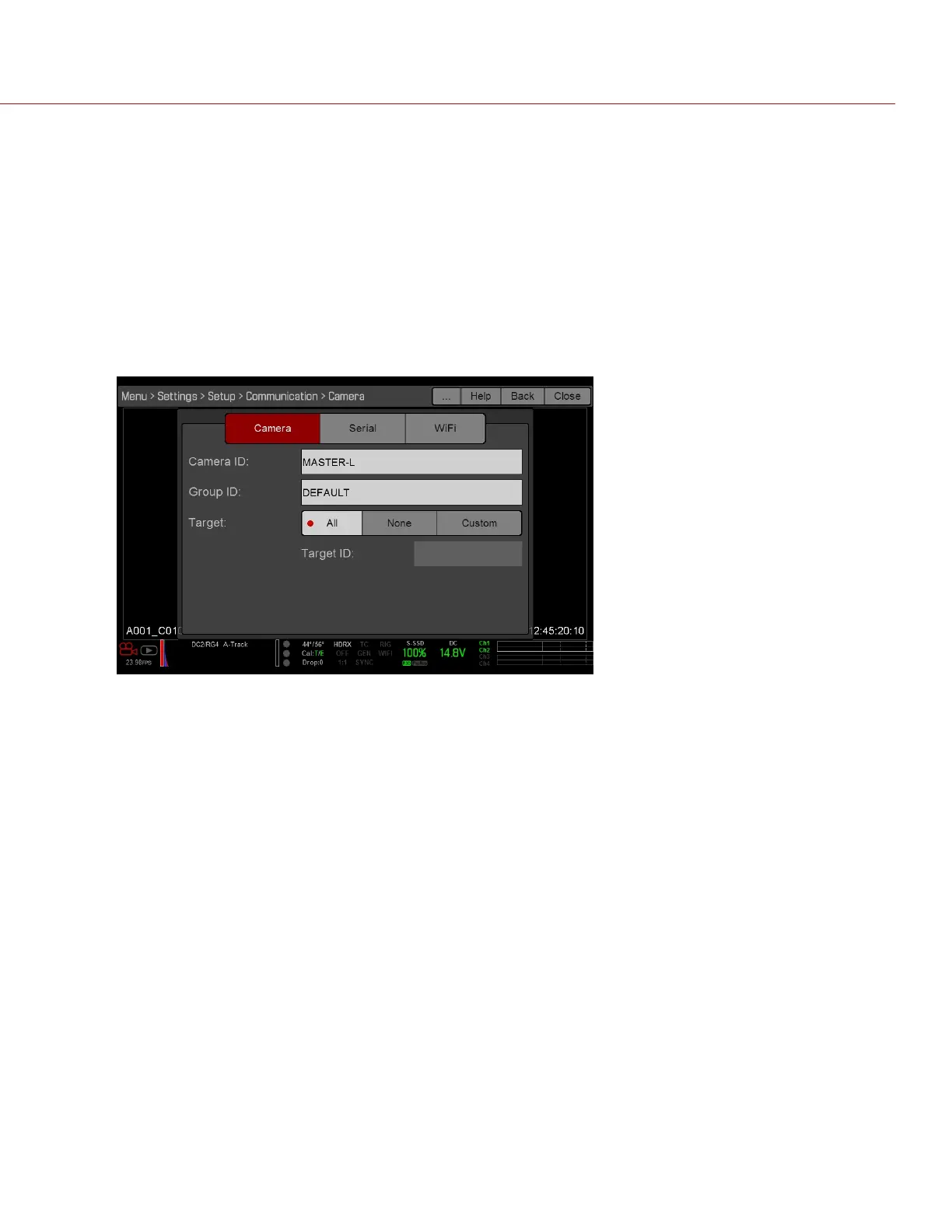
Type a name for the camera (Example: CAM A, LEFT, MASTER, etc) in the Camera ID field.
C.
Set Target to All.
Figure: Master Settings
D.
Go to Menu > Settings > Setup > Communication and select the Ethernet tab.
E.
Select the Camera to Camera the check box.
C OPYRI GHT © 2017 R ED.C O M , I NC 955- 01 38 _V6.3, REV-D | 172
WEAPON/EPIC-W OPERATION GUIDE



 To Next Page