VU METER
Input: Displays levels of audio inputs (pre-mixer). (Default)
Output: Displays levels of audio outputs (post-mixer).
HISTOGRAM
RGB: Displays red, green, and blue channels on histogram. (Default)
Luma: Displays luma channel on histogram.
MEDIA
Percentage: Displays media space remaining as a percentage. (Default)
Time Remaining: Displays media space remaining as time in hours and minutes (HHH:MM).
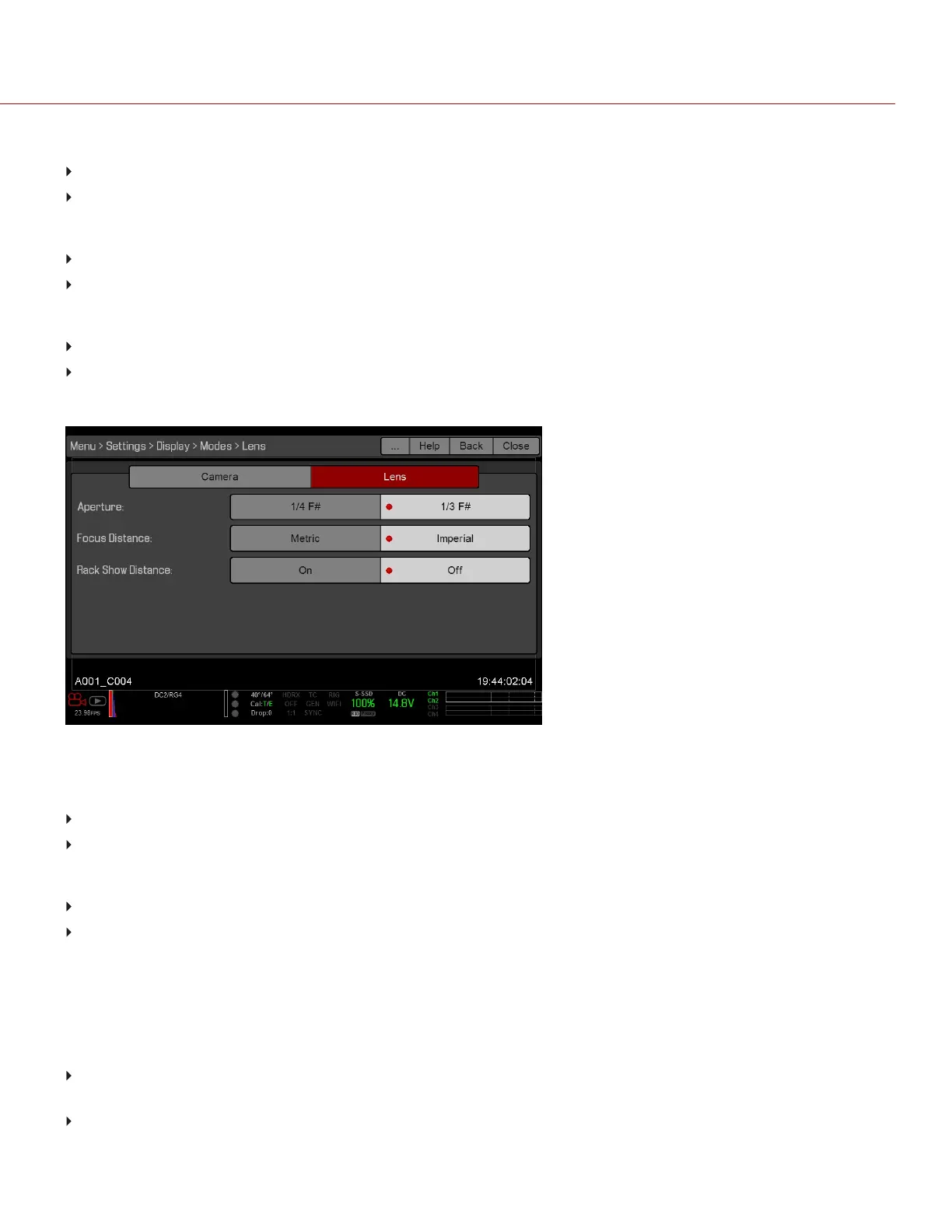
LENS TAB
Figure: Display Mode: Lens
APERTURE
1/4 F#: Aperture increments in 1/4 stops.
1/3 F#: Aperture increments in 1/3 stops. (Default)
FOCUS DISTANCE
Metric: Displays lens focus distances in meters.
Imperial: Displays lens focus distances in feet and inches. (Default)
MOTION MOUNT ND AND MOTION MOUNT ISO PULL
Only applicable when using a DSMC RED MOTION MOUNT
®
. For more information, see the RED MOTION MOUNT
Operation Guide, available at www.red.com/downloads.
RACK SHOW DISTANCE
On: Displays the focus distance of each rack point on the Live Action Area when rack focus is enabled. For more
information, go to "Set Up Rack Focus" on page149.
Off: Does not display the focus distance of rack points when rack focus is enabled. (Default)
C OPYRI GHT © 2017 R ED.C O M , I NC 955- 01 38 _V6.3, REV-D | 86
WEAPON/EPIC-W OPERATION GUIDE



 To Next Page