3.
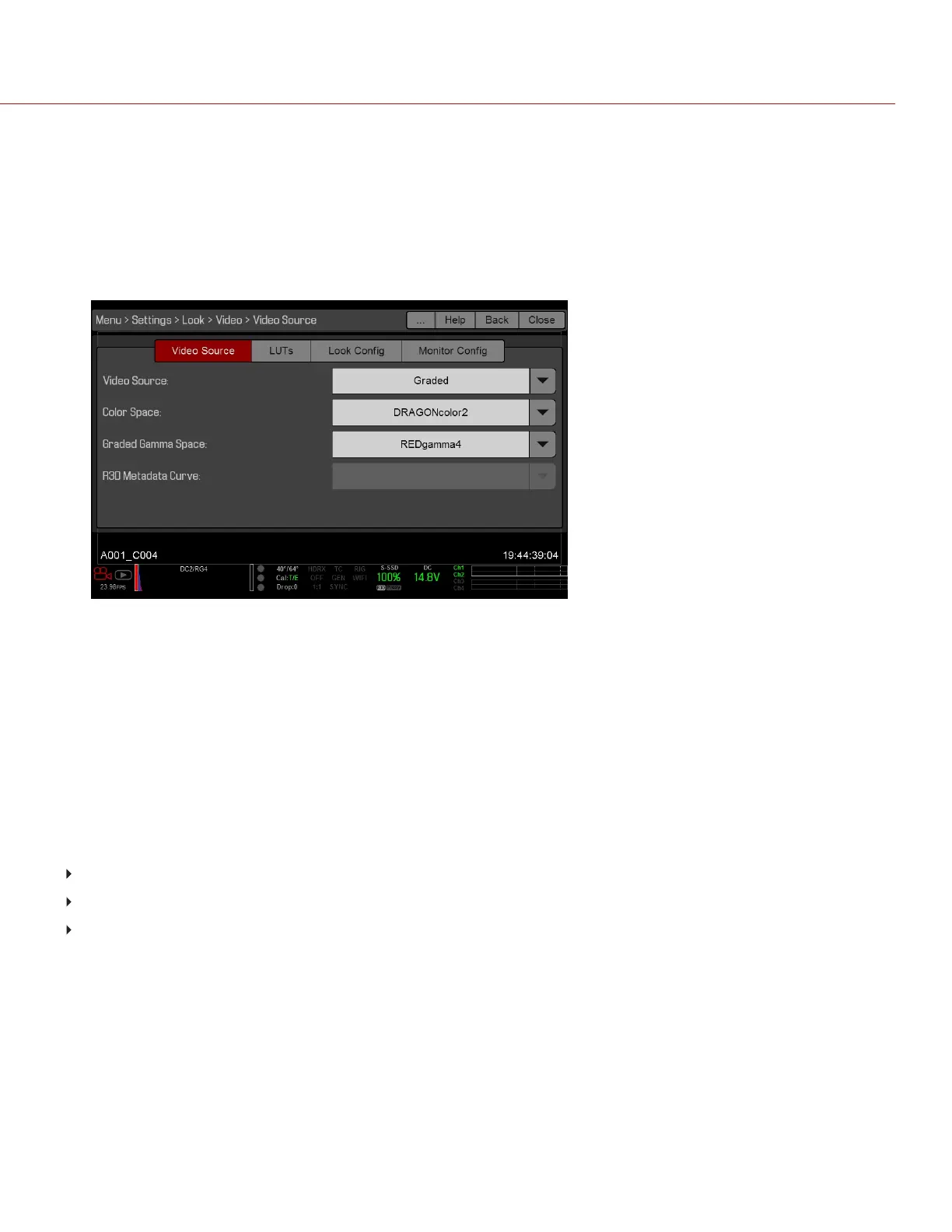
Graded, RLF, LOG3G12, ACES, ACEScc : Select a graded gamma space from the Graded Gamma Space
drop-down menu.
4. If you need to apply a 3D LUT, load the 3D LUT into the camera. For more information, go to "Look Config (Look
Configuration)" on the next page.
5. If you need to rotate the image or apply a 3D LUT, go to "Look Config (Look Configuration)" on the next page.
6. Set up the Monitor Configuration. For more information, go to "Monitor Config (Monitor Configuration)" on
page92.
Figure: Select Video Source
LUTS
NOTE: Since the 3D LUT modifes the data displayed for the exposure tools, you cannot use the exposure tools with a
3D LUT.
You can output a 3D lookup table (LUT) via each monitor output. Any 3D LUT applied to an output is saved to the
SSD.
To apply a 3D LUT, go to "Look Config (Look Configuration)" on the next page.
COMPATIBLE 3D LUT FORMATS
The camera is compatible with the following 3D LUTs:
DaVinci Resolve
®
3D Cube LUT (.cube)
IRIDAS/Adobe
®
3D Cube LUT (.cube)
Nucoda CMS 3D LUT (.cms)
NOTE: Each camera supports a different set of 3D LUT formats. For information about which formats your camera
supports, go to "Technical Specifications" on page199.
C OPYRI GHT © 2017 R ED.C O M , I NC 955- 01 38 _V6.3, REV-D | 90
WEAPON/EPIC-W OPERATION GUIDE



 To Next Page