50
Regency
®
Model 4720 Control/Communicator Installation Manual (P/N 150476, Rev. A) Revised 10/98
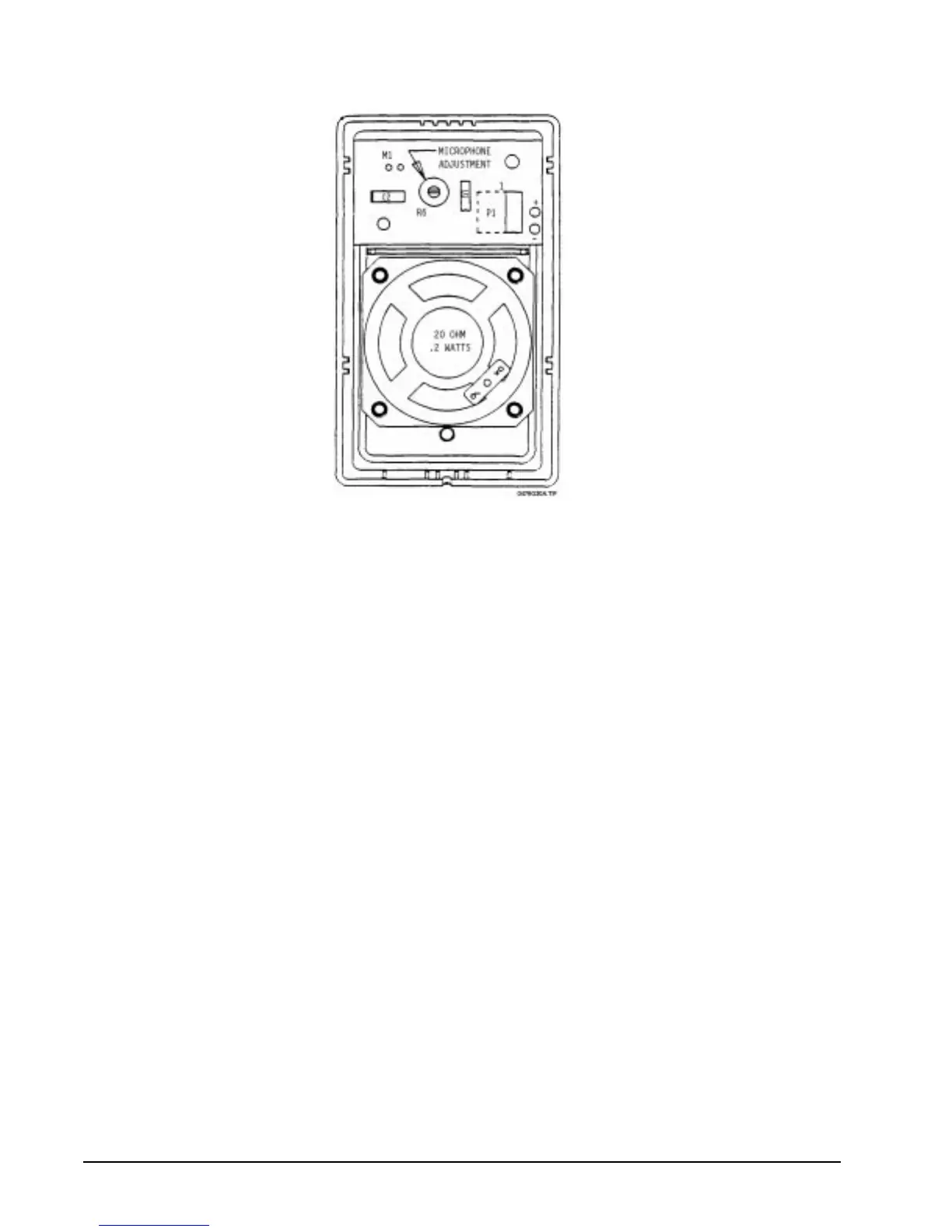
Figure 14.1.1a: Model 4640 Audio Module
14.1.2 Mounting the Model 4640 as a Stand-Alone Intercom
If the Model 4640 will never need to be attached to a touchpad, the plastic prongs on the left side of
the module can be removed. Move the prongs back and forth a few times. They should break off
easily.
Secure the back plate of the Model 4640 to a wall using pan head screws only. Pull wires through the
indentation in the back plate of the Model 4640. Snap the front plate firmly, being careful not to
pinch the wires between the front and back plates. A 4640 module can be mounted up to 1,000 feet
from its controlling unit.
14.1.3 Connecting the Model 4140 to the Model 4640 Intercom Station
To connect the Model 4140 to the Model 4640 you must use a 3-conductor shielded cable. Table
14.1.3a shows how to connect the Model 4640. The 4640 is shipped with an 8-inch detachable cable
(P/N 130375). You can connect the Model 4640 as any station number from 1 to 8. The digits
following the letters S and M indicate which station number you are wiring on the Model 4140.
Use 18-gauge wire with a maximum length of 1000 feet. Connect Pins 1 and 5 to the shield of the
field wiring. Note that the letter “X” after the terminals S and M refers to inputs 1-8.
On 4140 boards prior to Revision D, Pin 2 of the Model 4640 must be wired to Terminal 5 on the
Model 4720. On boards prior to Revision E.2, the microphone gain adjustment on the Model 4640
may have to be adjusted to minimum gain. This will prevent system oscillations, but will also reduce
the volume of the microphone. (To identify which revision you are using, refer to the white sticker
on the board. It's usually located in the top left corner.)



 To Next Page