Regency
®
Model 4720 Control/Communicator Installation Manual (P/N 150476, Rev. A) Revised 10/98
51
The Model 4640 has a microphone gain adjustment located on the back of the unit. It can be used to
reduce the microphone gain if background noise at the remote causes the system to switch talk paths
incorrectly.
When adjusting the gain, be sure to do your final volume check after the Model 4640 is mounted on
the wall. This is because the intercom may function differently when mounted on the wall than it
does when being held.
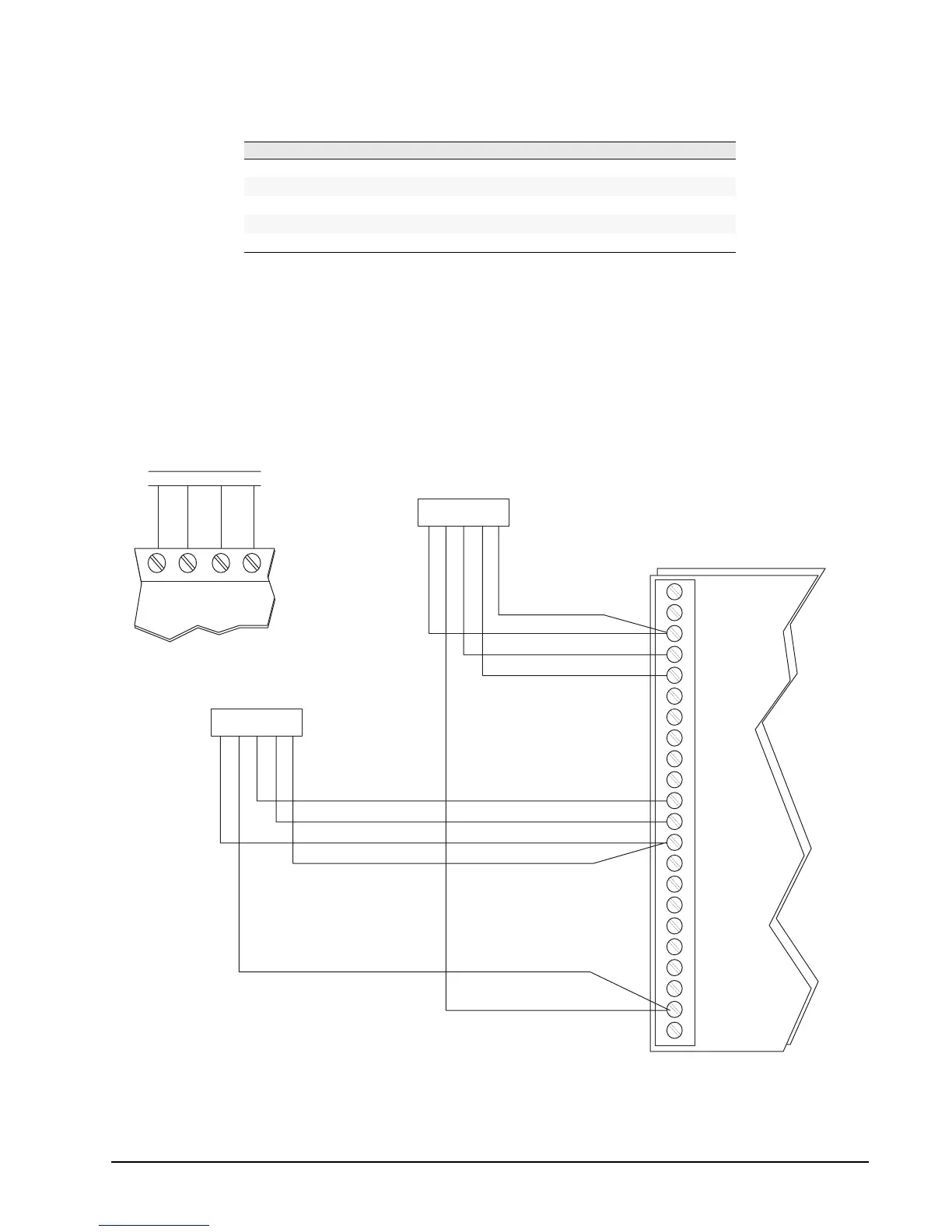
Figure 14.1.3b: Sample Model 4640 Connection
(Showing two 4640s: one connected at touchpad and one as stand-alone intercom)
Table 14.1.3a: Connecting the Model 4640
4640 Pin # 4140 Terminal # Description Wire Color
1
GND Ground Black
2
+12 VDC Auxiliary power Brown
3
+SX Speaker signal (+) Green
4
MX Microphone signal White
5
GND Speaker signal (–) Red
S1
M1
GND
S2
M2
S3
M3
GND
S4
M4
S5
GND
S6
M6
S7
M7
GND
S8
M8
+12
M5
4
MODEL 4660
SERIES TOUCHPAD
3
21
22
21
20 19
4
3
215
4
3
215
MODEL 4640
(STAND-ALONE)
MODEL 4640
MODEL 4720
RED
BRN
BRN POWER
RED
BLK
WHT
GRN
MICROPHONE
BLK
WHT
SPEAKERGRN
SHIELD
SHIELD
MICROPHONE
SPEAKER
MODEL 4140, REV. D
0476G31A.DSF



 To Next Page