Setting Up the ReliOn™ Premier BLU System
Meter settings, such as time and date, should be checked
and updated before using the meter or after changing the
meter batteries.
Press and hold the
button for 3 seconds to enter ‘SET’ mode.
After all settings are finished, press and hold the
button for
3 seconds to turn off the meter.
Press the < or > button to change values. Press and hold the
< or > button to scroll faster.
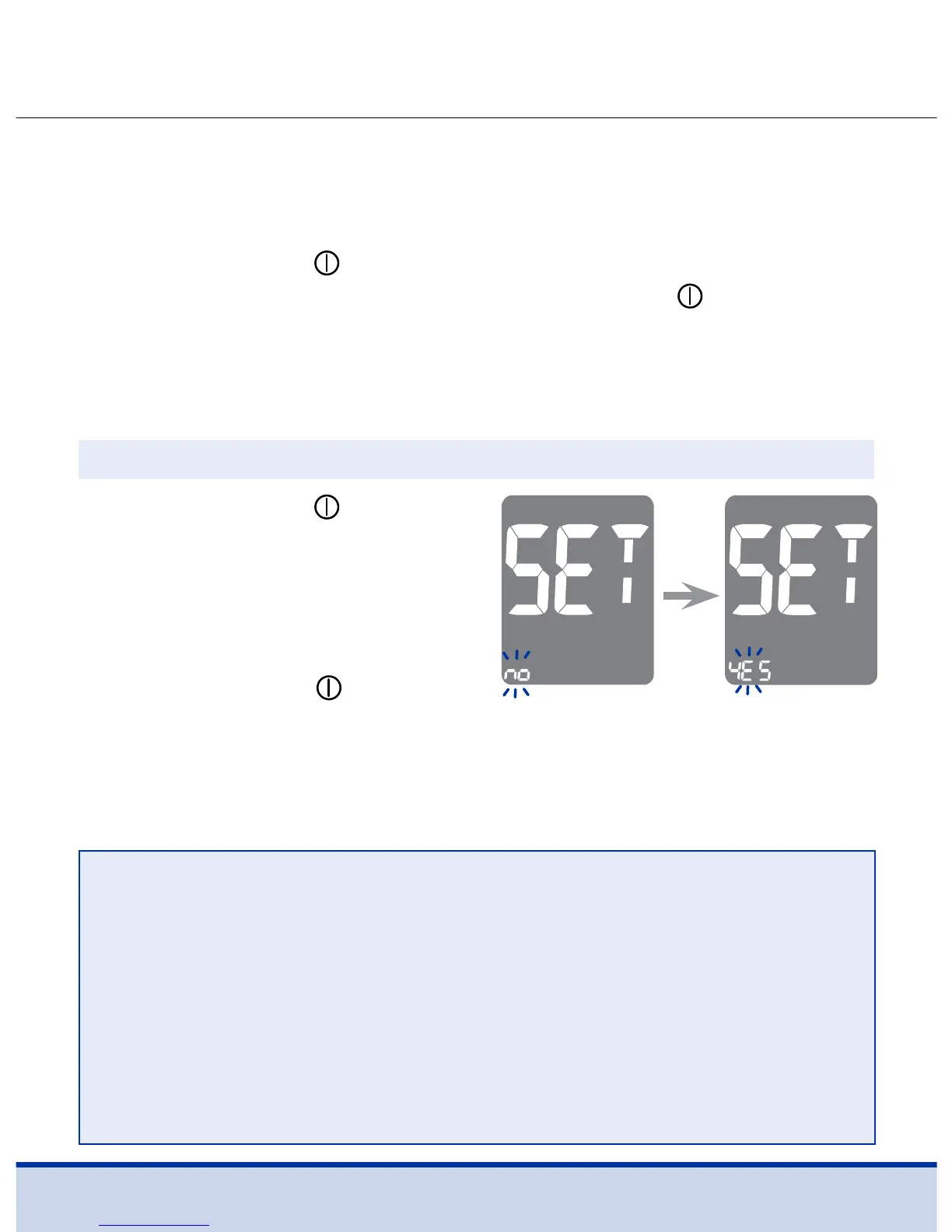
Press and hold the
button for
3 seconds. After all the segments
flash across the screen, ‘SET’ is
displayed on the screen.
Press the < or > button to select
‘YES’ and press the
button to
go to the next step.
Step 1 Entering the SET Mode
NOTE
• Follow steps 2–3 to pair your meter and smartphone.
• Pairing allows the meter to communicate wirelessly with
your smartphone.
• Ensure that devices are within the maximum Bluetooth®
range of 32 feet (10 meters).
• Before pairing your meter and smartphone, download and
install the ReliOn™ Life mobile app to your smartphone.



 To Next Page