23
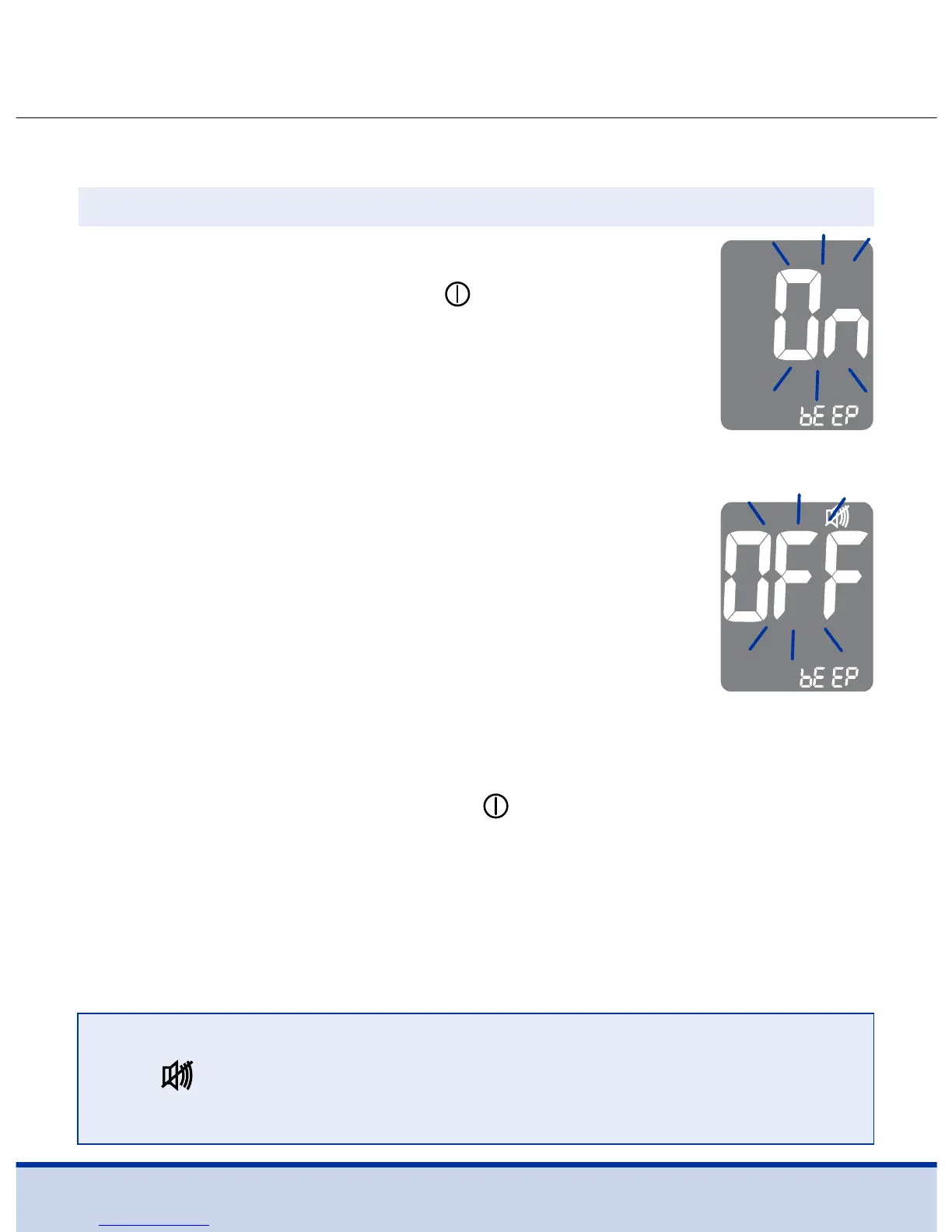
On pressing the < or > button, the screen will
display ‘On’ or ‘OFF’. Press the
button to
confirm the selection.
The meter will beep in the following instances if
set to ‘On’.
• When a button is pressed to turn on the meter
• When the test strip is inserted in the meter
• When the blood sample is absorbed by the test
strip and the test starts
• When the test result is displayed
• When the < button is pressed to set the
post-meal (PP2) alarm
• When it is time for a preset blood glucose test
Turning the Sound On/OFF
If the sound is set to ‘OFF’, none of the sound functions will work.
After setting the sound, press the
button to go to the next step.
Step 10
NOTE
• The
symbol is displayed only when the sound is set
to ‘OFF’.



 To Next Page