42
Transferring Test Results Using the Data Cable
Test results stored in ReliOn™ Premier BLU Blood
Glucose Meter can be transferred from the meter
to a computer using the desktop version of
ARK Care™ Advance Diabetes Management System
via a data cable.
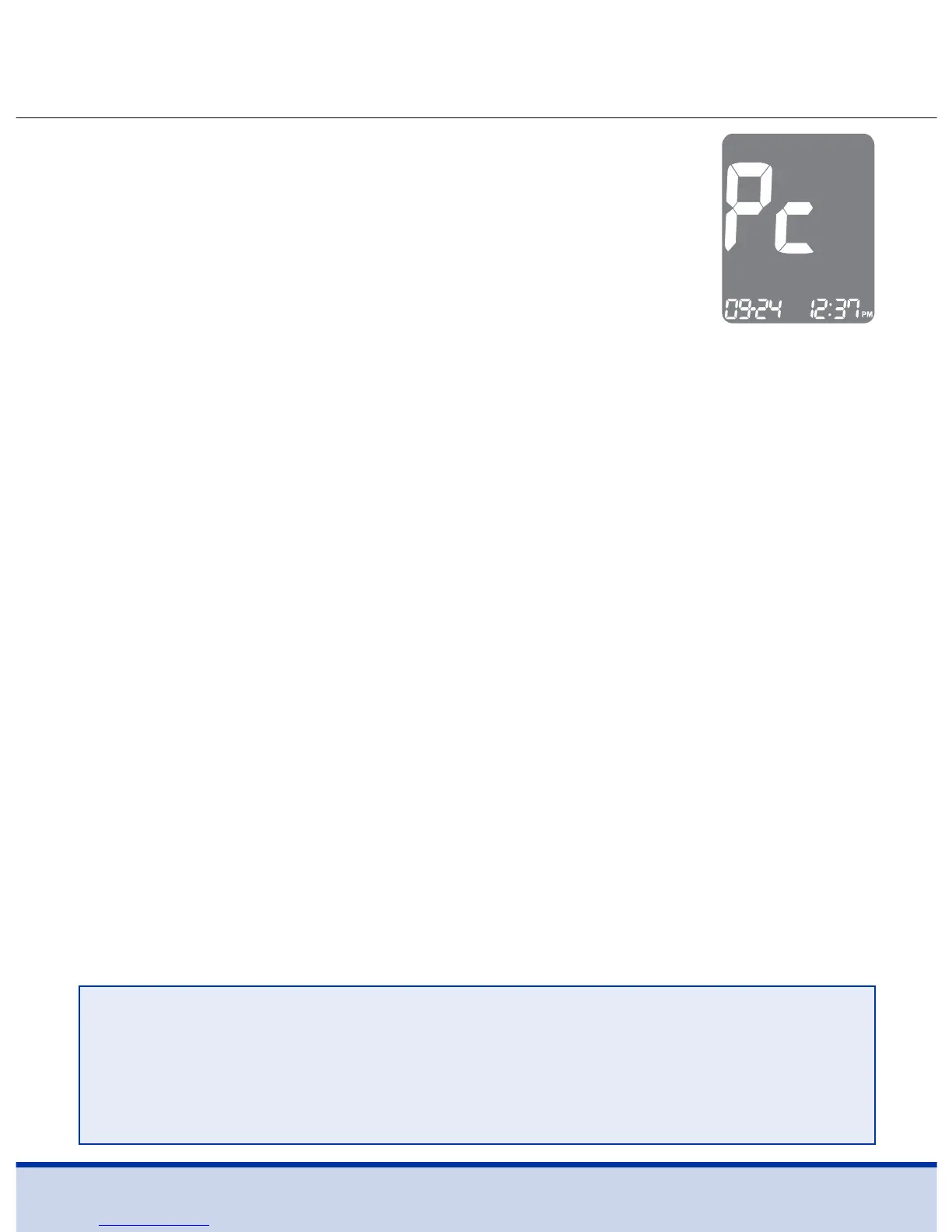
‘Pc’ is displayed when the data cable connects the
meter with a computer.
For more information, contact Customer Service:
1-855-776-0662, 7 a.m. to 7 p.m. Central time, 7 days a week.
NOTE
• Test results can also be transferred to the ReliOn™ Life mobile
app wirelessly using Bluetooth®.
• To pair your meter and smartphone, see page 17.



 To Next Page