26
Setting the Test Strip Expiration Date Indicator
Press and hold the < and > buttons at the same time for three (3)
seconds to enter the expiration date settings. After all segments
flash across the screen, ‘EP’ will appear on the display.
Step 1 Entering the Expiration Date Setting
NOTE
• The test strip expiration date is printed on the test strip vial.
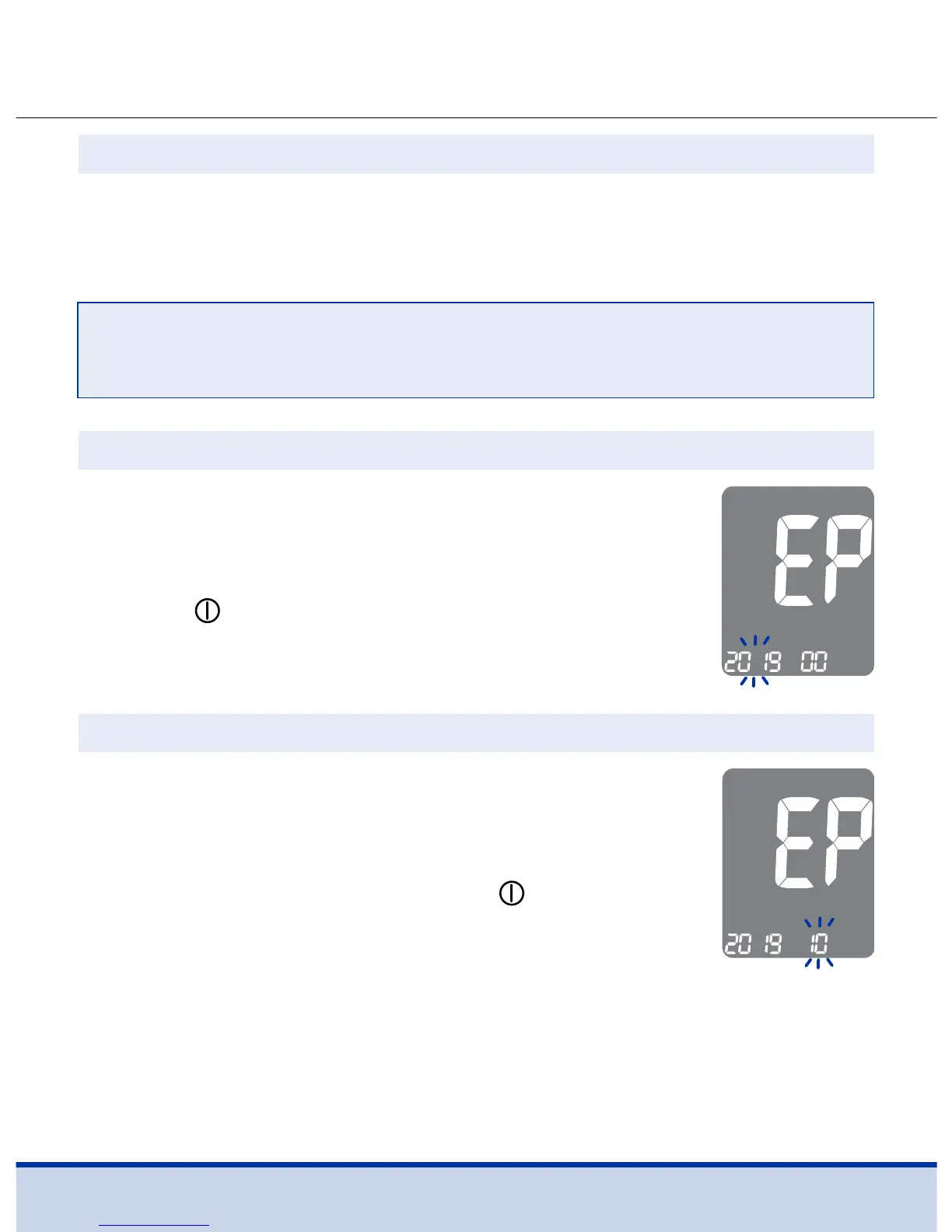
A number indicating the year will blink in the left
corner of the screen. Press the < or > button until
the correct year appears.
Press the
button to confirm the year and go to
the next step.
Step 2 Setting the Expiration Year
A number indicating the month will blink at the
bottom of the screen. Press the < or > button
until the correct month appears.
After setting the month, press the
button
for 3 seconds to save your setting and turn off
the meter.
Step 3 Setting the Expiration Month



 To Next Page