22
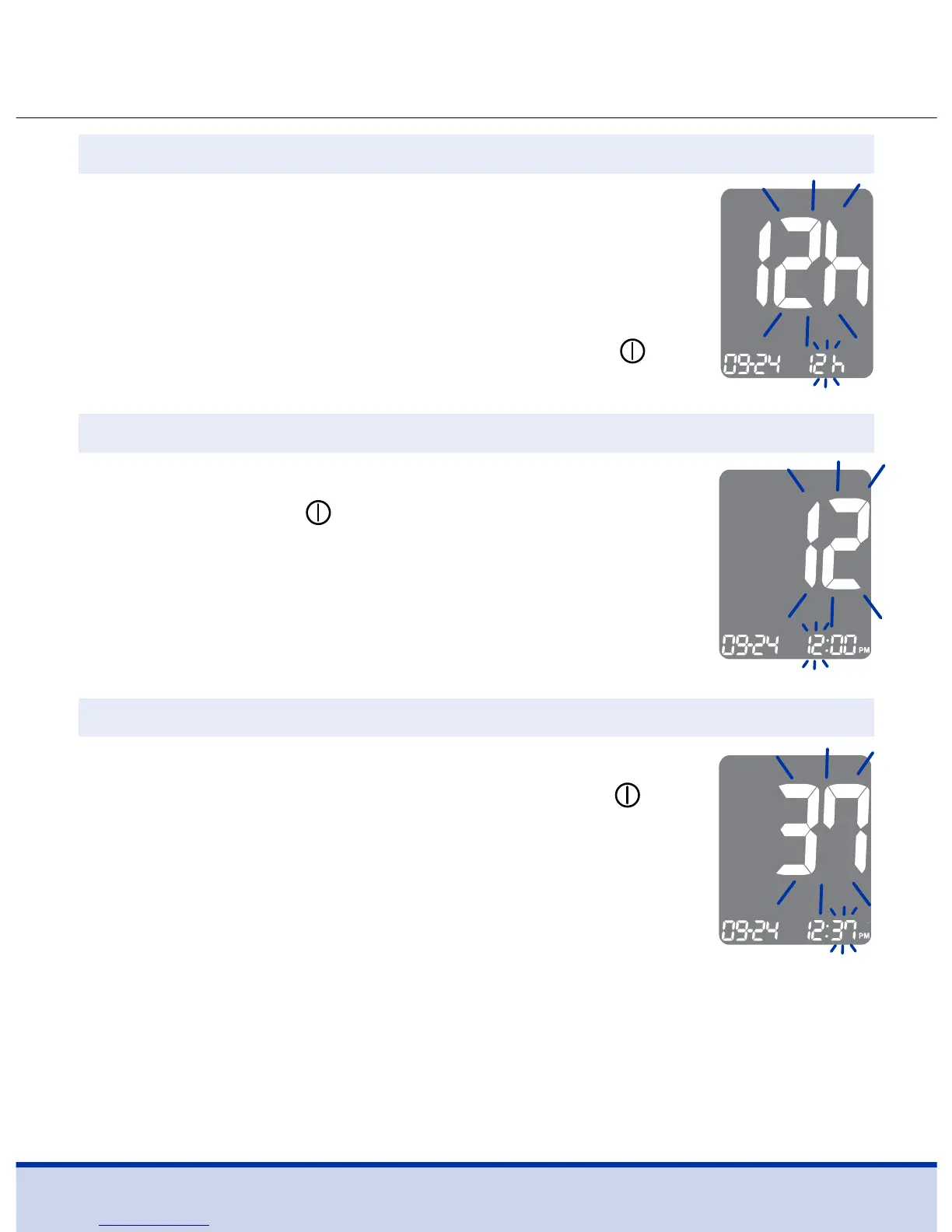
Press the < or > button until the correct minute
appears. After setting the minute, press the
button to go to the next step.
Press the < or > button until the correct hour
appears. Press the
button to confirm the
hour and go to the next step.
The meter can be set in the 12-hour (AM/PM) or
the 24-hour clock format.
Press the < or > button to select a format. The
AM•PM symbol is not displayed in the 24-hour
format. After selecting the format, press the
button to go to the next step.
Step 7 Setting the Time Format
Step 8 Setting the Hour
Step 9 Setting the Minute



 To Next Page