46
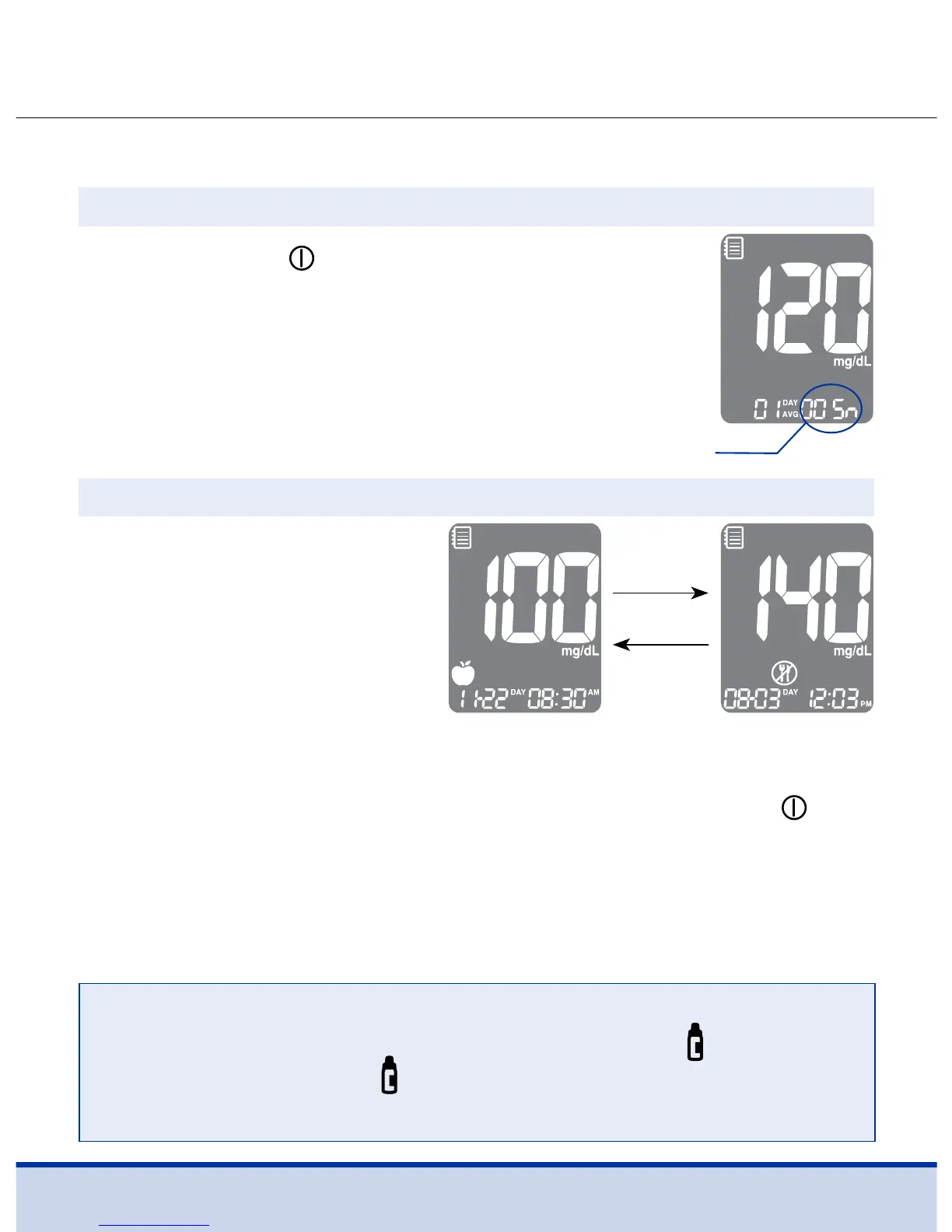
Press the <, > or button to turn the meter on.
The current date and time will be displayed on
the bottom of the screen followed by the 1 day
average value and the number of the test results
saved within the current day.
Viewing Test Results
Use the > button to scroll
through the test results,
starting from the most
recent and ending with
the oldest.
Press the < button to return
to the result seen previously.
The number of tests
within the current day
<
button
>
button
Step 1
Step 2
After checking the stored test results, press and hold the
button to turn off the meter.
NOTE
• The control solution test results saved with the
symbol
will be displayed with symbol when you review the stored
test results.



 To Next Page