48
disappears
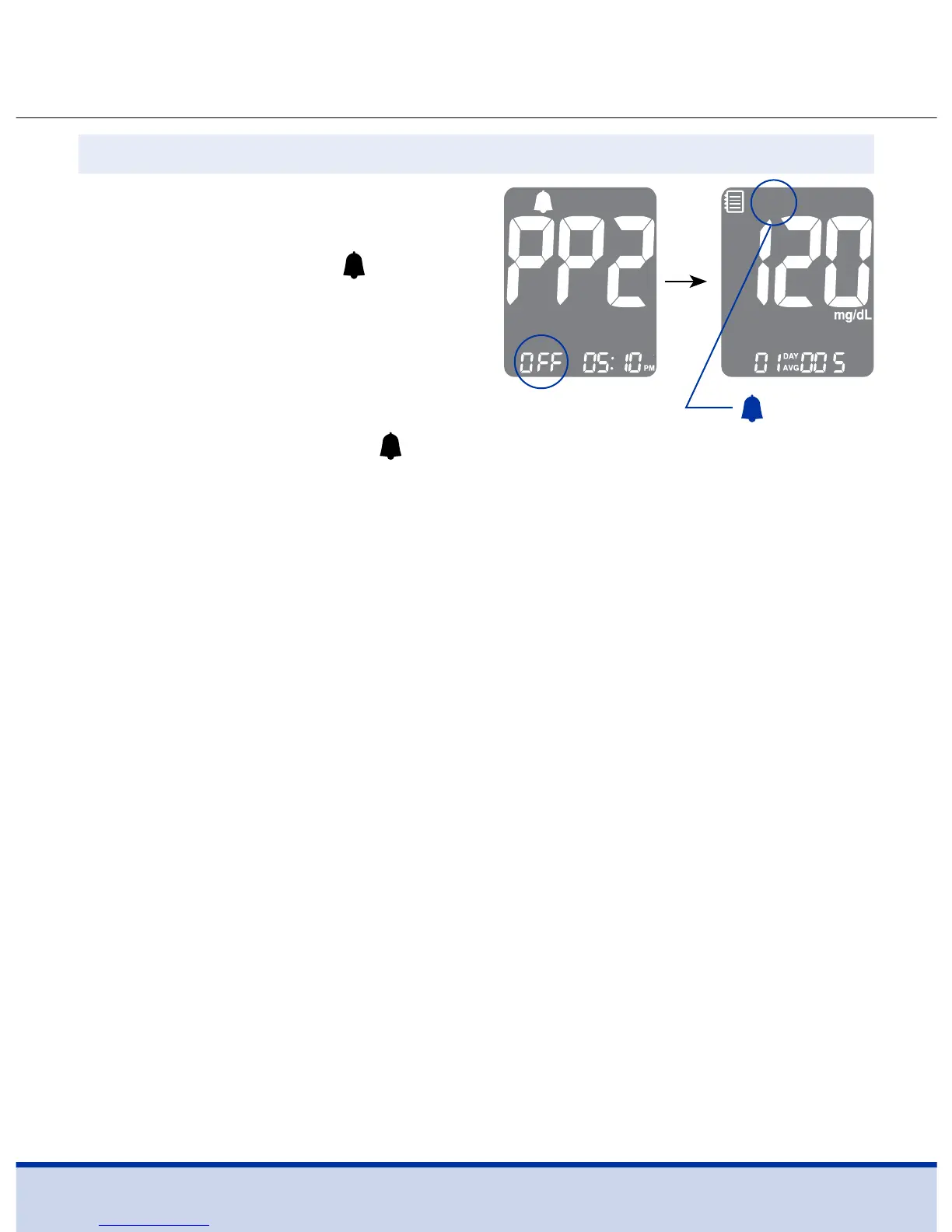
To turn off the PP2 alarm, press
and hold the < button for three
(3) seconds. ‘PP2’, the
symbol
and ‘OFF’ will appear on the
screen.
Then the screen will change
automatically to the memory
recall mode without the
symbol displayed.
Step 2 Turning the PP2 Alarm OFF



 To Next Page