21
Adjusting the Date and Time
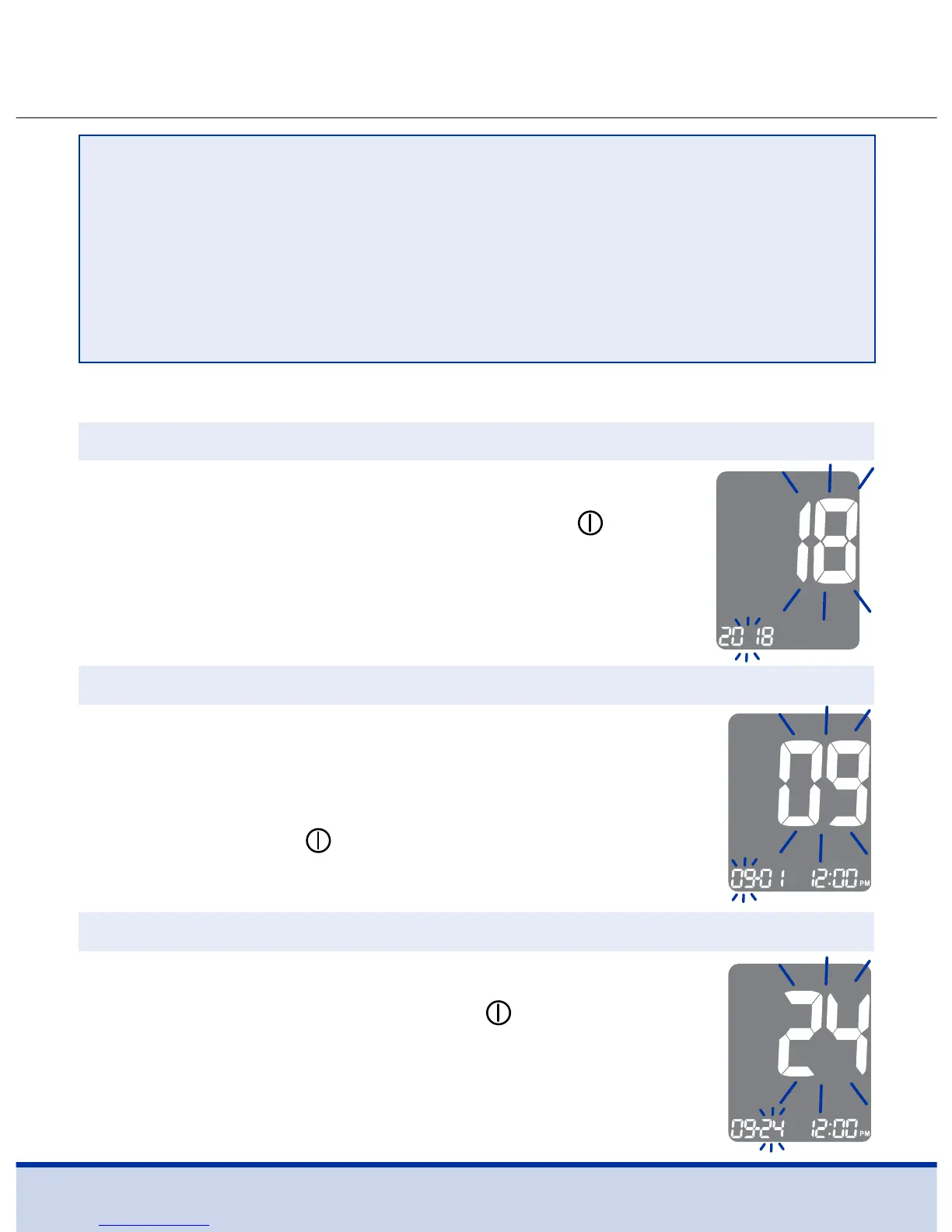
Press the < or > button until the correct year
appears. After setting the year, press the
button to confirm your selection and to go to
the next step.
A number indicating the month will blink on
the screen.
Press the < or > button until the correct month
appears. Press the
button to confirm your
selection and to go to the next step.
Press the < or > button until the blinking number
shows the correct date. Press the
button to
confirm the date and to go to the next step.
Step 4 Setting the Year
Step 5 Setting the Month
Step 6 Setting the Date
NOTE
• Some smartphones, especially those that are not tested or
approved by the manufacturer may NOT be compatible with
your meter.
• A list of compatible smartphones is available on the Apple
App Store and Android Google Play.



 To Next Page