25
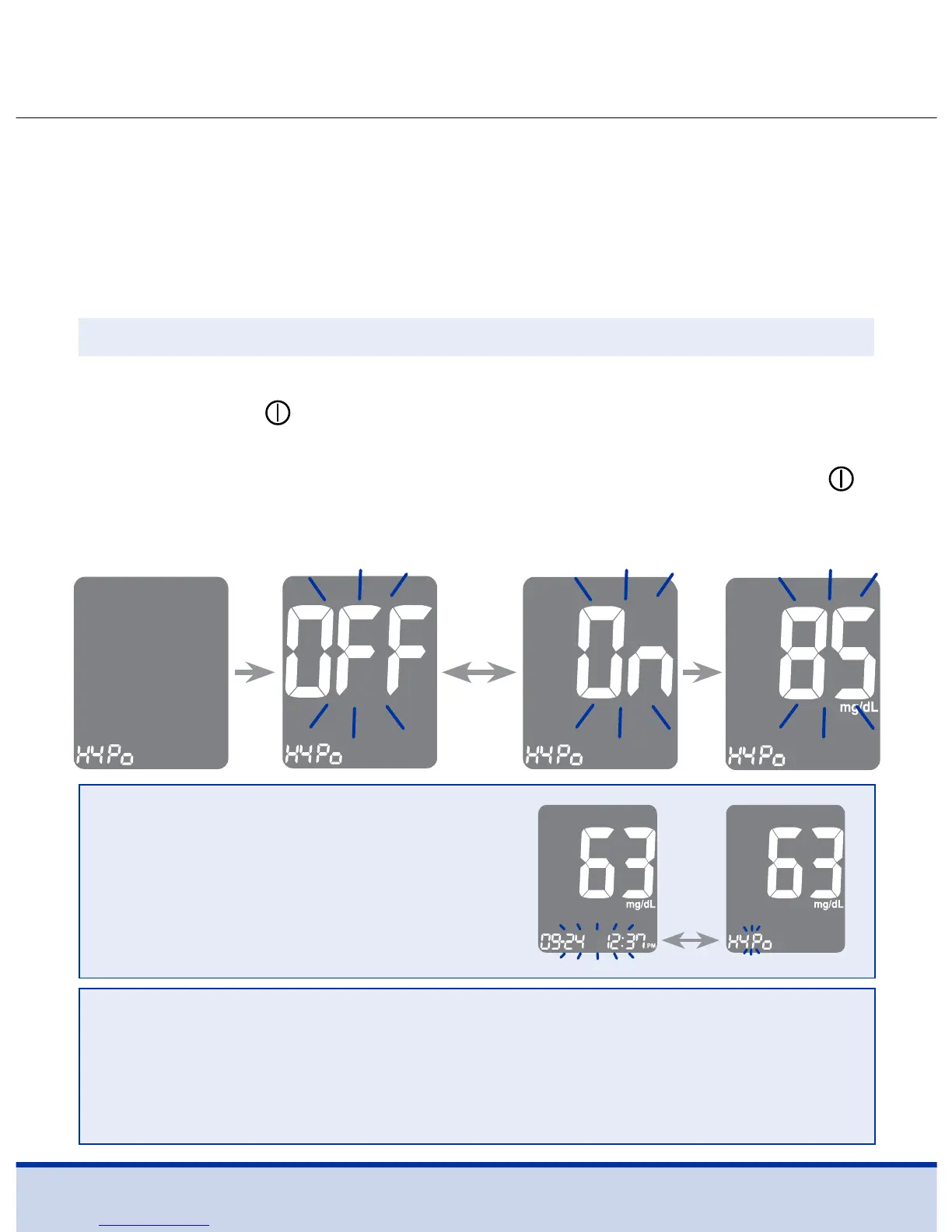
On pressing the < or > button, the screen will display ‘On’ or
‘OFF’. Press the
button when ‘On’ appears to enter the setting.
Press the < or > button until the desired hypoglycemia level
between 20 and 90 mg/dL appears. Then, press and hold the
button for three (3) seconds to confirm the level, save all setting
and turn off the meter.
Step 12
HYPo
warning
will blink
on the left
bottom
corner.
NOTE
• If the test result is lower than the
pre-set hypoglycemia level, the
meter will display the following.
CAUTION
• Ask your healthcare professional to help you decide
what your hypoglycemia level is before setting your
hypoglycemia level.
This setting allows you to turn the hypoglycemia indicator
(possible low blood sugar) ‘On’ or ‘OFF’ and select the desired
level for the indicator. You will be alerted any time your test
result is lower than the selected level.
Turning on the Hypoglycemia Indicator



 To Next Page