50
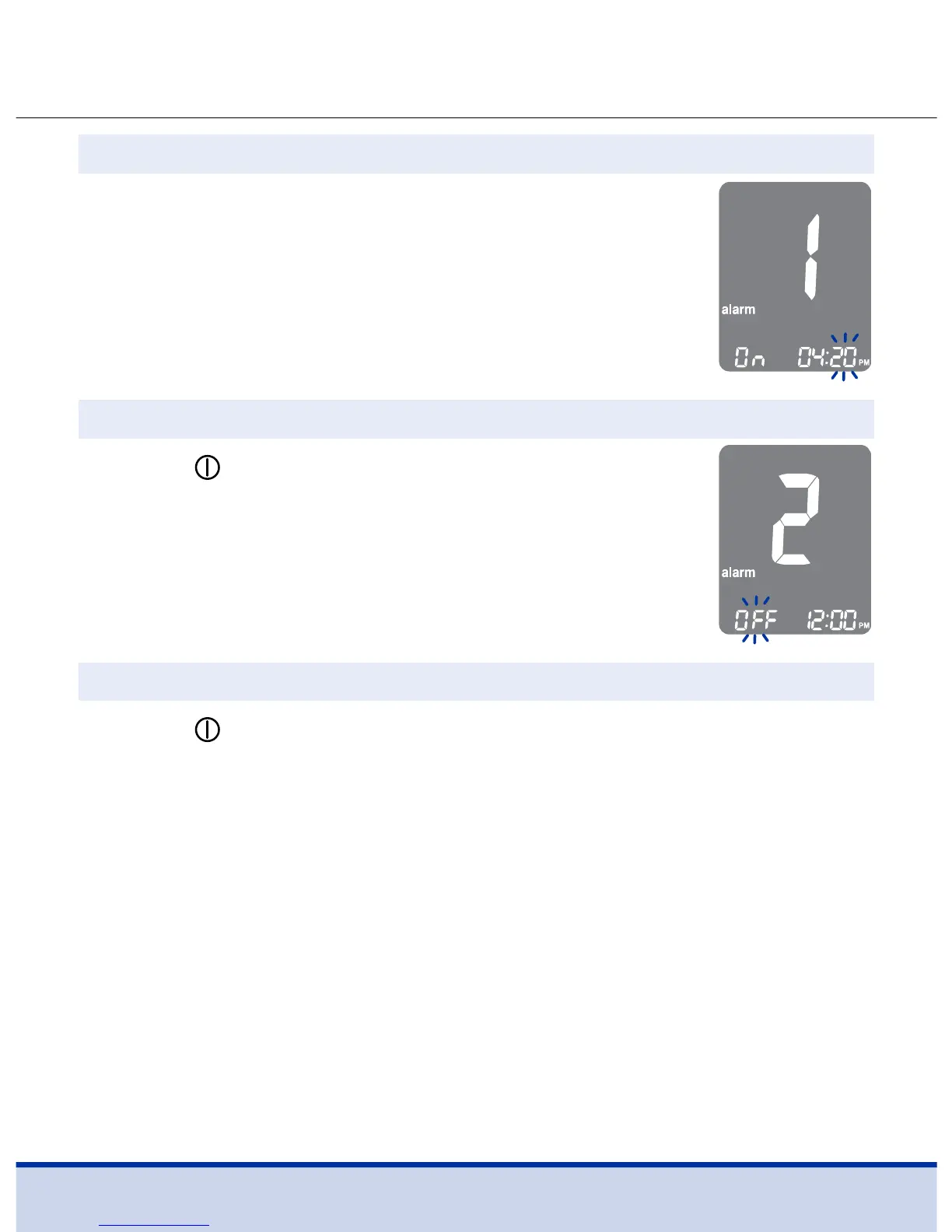
On pressing the < button, the number
indicating the minute will start blinking.
Press the > button to set the minute.
Step 4
Press the
button to finish and to go to
‘alarm2’ setting.
Repeat steps 2 to 4 to set the remaining time
alarms (alarm2–3).
Step 5
Press the
button for three (3) seconds to finish and turn the
meter off.
Step 6



 To Next Page