VR-3800D Series Digital Video Recorder
50
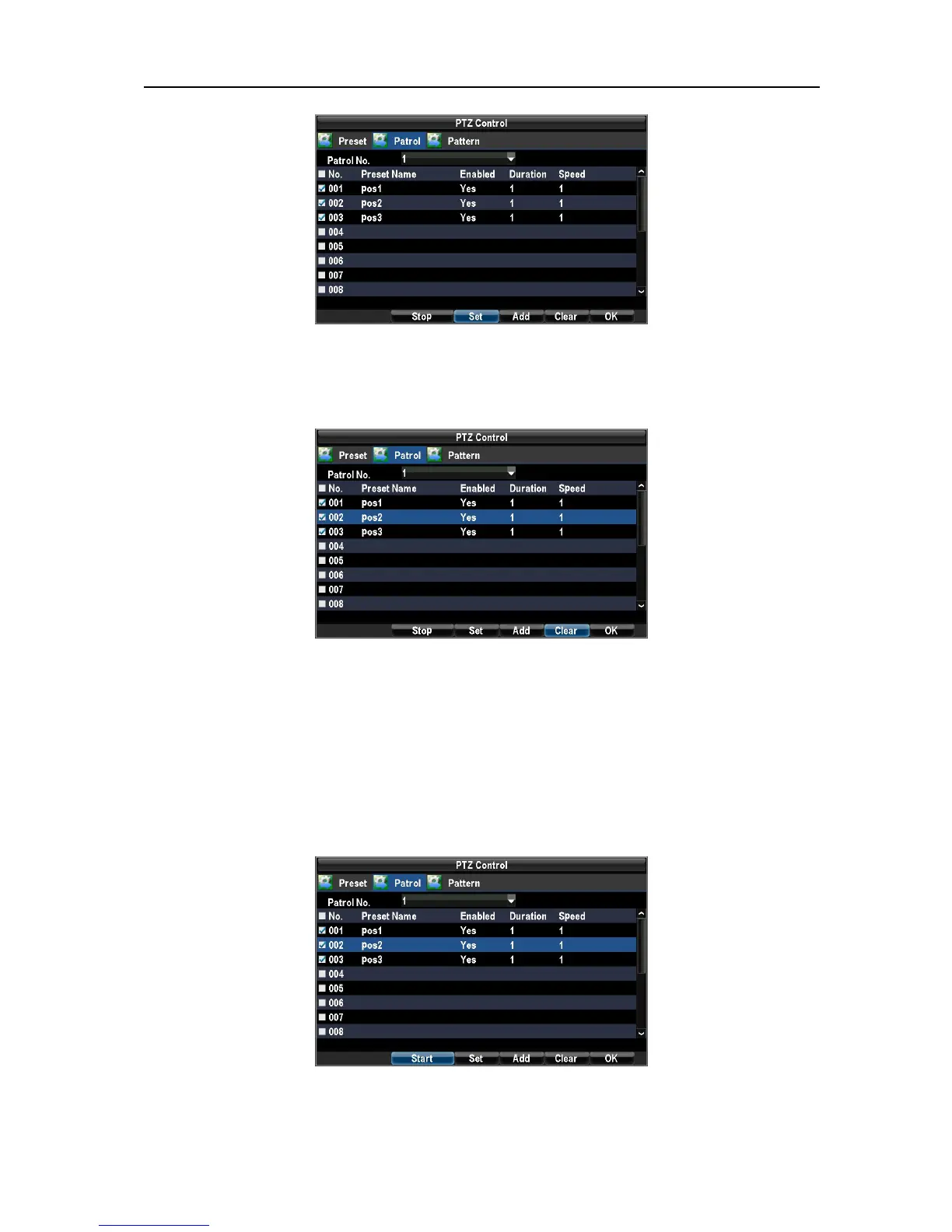
Set the Preset Name, Duration, and Speed.
Select preset number you want to set as key points and click Add to finish the patrol
configuration. Click the Clear button to delete patrol.
The Key Point No. determines the order at which the PTZ will follow while cycling through the patrol. The
Duration refers to the time span to stay at the corresponding key point. The settings of Patrol is determined
by PTZ Protocols.
3. Call patrol.
Select a valid Patrol Number.
Click the Start button to call the patrol, select the stop button to stop the patrol.
Setting up and Calling Patterns.
1. Select the Pattern button to enter the Pattern Management menu.
UnRegistered



 To Next Page