GB.16
ON/OFF SWITCH
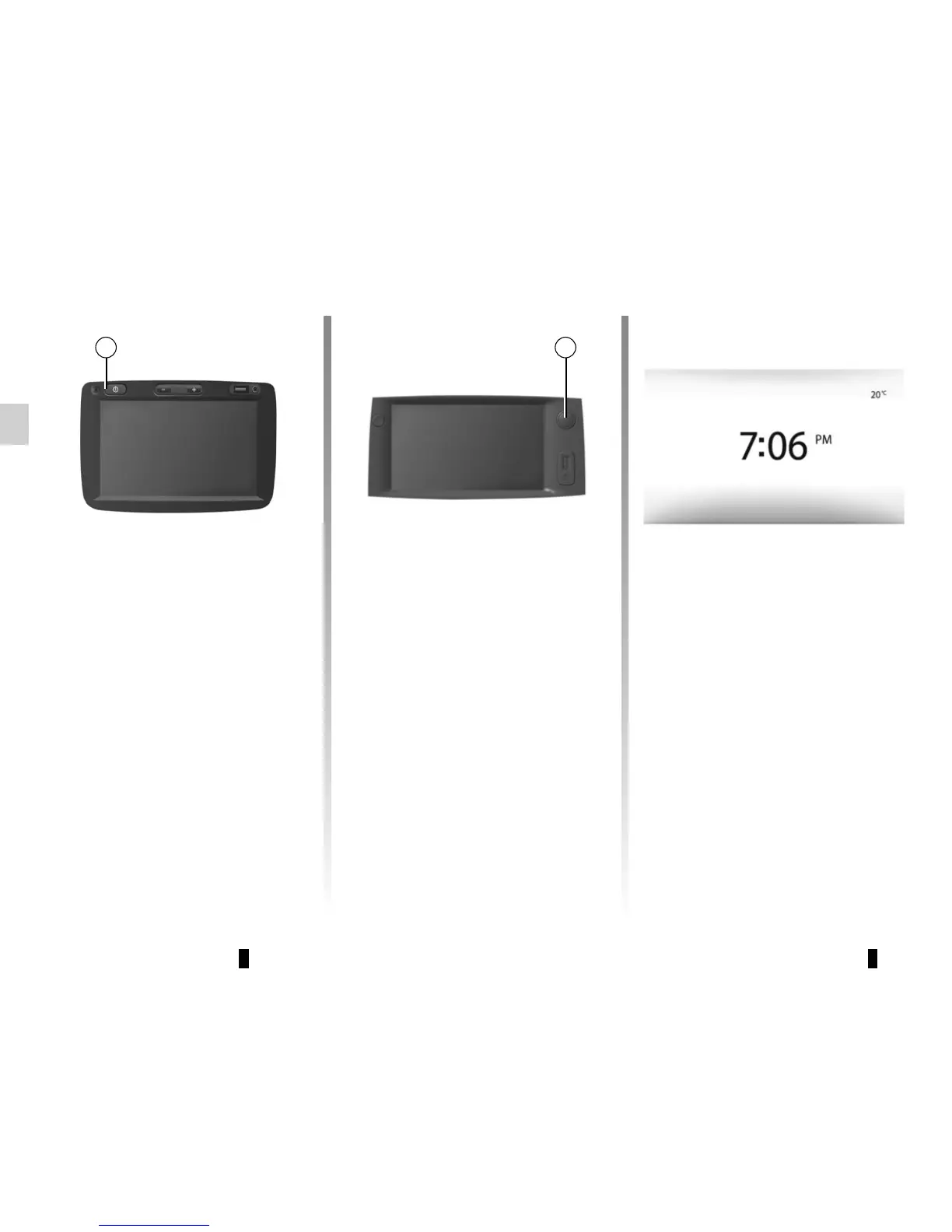
Switching on
The multimedia system switches on au-
tomatically when the ignition is switched
on.
In other cases, press button A to switch
on the multimedia system.
With the ignition off, you can use the
system for twenty minutes.
Press A to make the multimedia system
operate for around a further twenty min-
utes.
Standby screen
The standby clock mode allows the dis-
play screen to be switched off.
When in standby clock mode, the radio
or guidance system does not operate.
The standby screen displays the time
and exterior temperature.
Briefly press A to activate/deactivate
the standby screen.
AA
Switching off
The system switches off automatically
when the vehicle’s ignition is switched
off.



 To Next Page