GB.71
MAKING, RECEIVING A CALL (2/3)
8
Dial
7
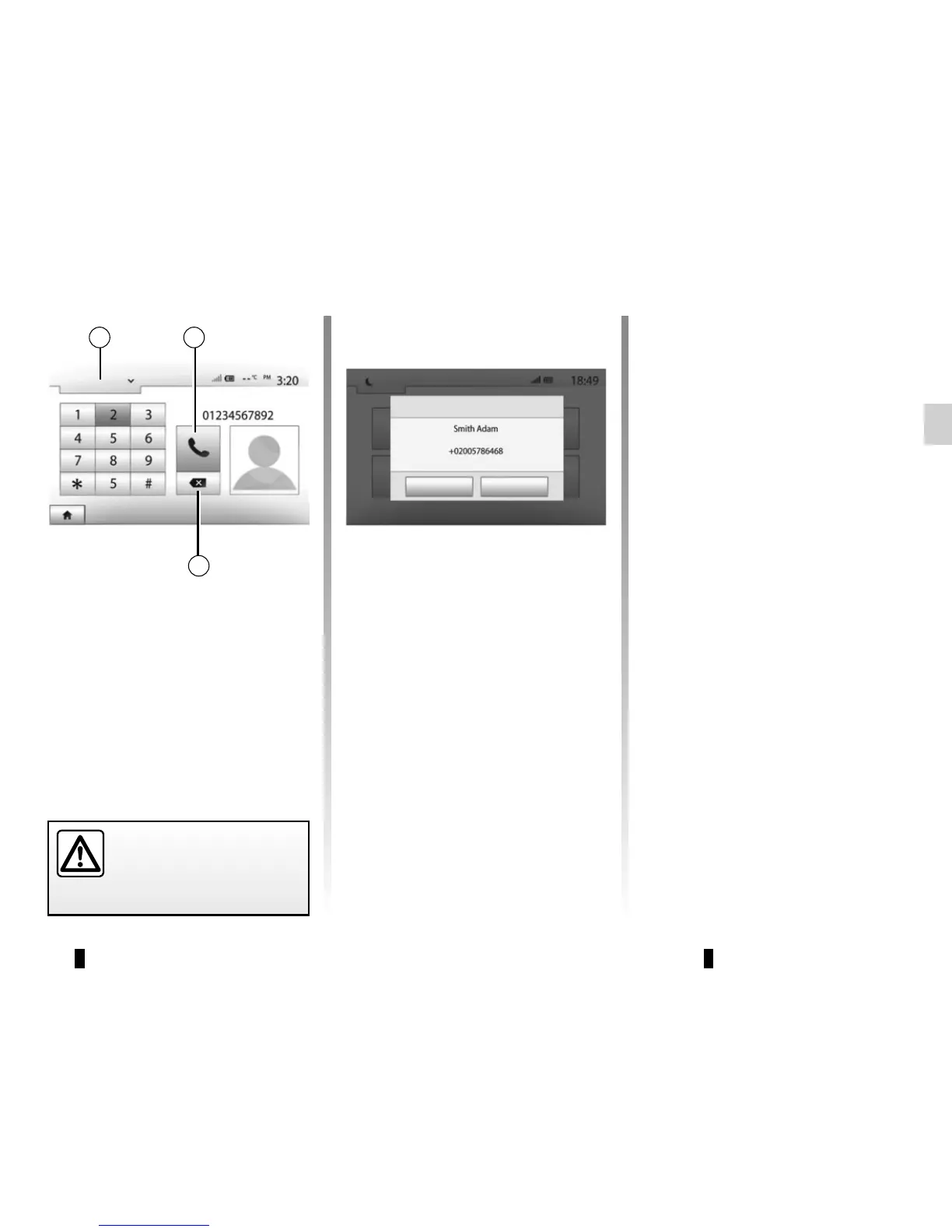
Entering a number
Press 1 to scroll through the list, then
“Dial” for the call number.
Press the numbered buttons to dial the
number, then press 7 to place the call.
To delete a number, press 8. Press and
hold 8 to delete all the numbers at once.
It is recommended that you
stop your vehicle before en-
tering a number or search-
ing for a contact.
1
Incoming call
Agree
Reject
Receiving a call
When receiving a call, a message is
displayed on the multimedia system
screen with the following information on
the caller:
– the name of the contact (if the
number is present in the phonebook
list);
– caller’s number;
– “Unknown Number” (if the number
cannot be viewed).
Note: when the incoming call message
appears on the screen during naviga-
tion, accept or reject the call to return to
the navigation screen.
Note: you can answer or reject an in-
coming call by pressing the button on
your vehicle’s steering column.



 To Next Page