GB.80
SYSTEM SETTINGS (1/3)
To access the multimedia system set-
tings from the welcome screen, press
“Setting”, then select a section at the
bottom of the screen.
Audio settings
Please refer to the section on “Audio
settings”.
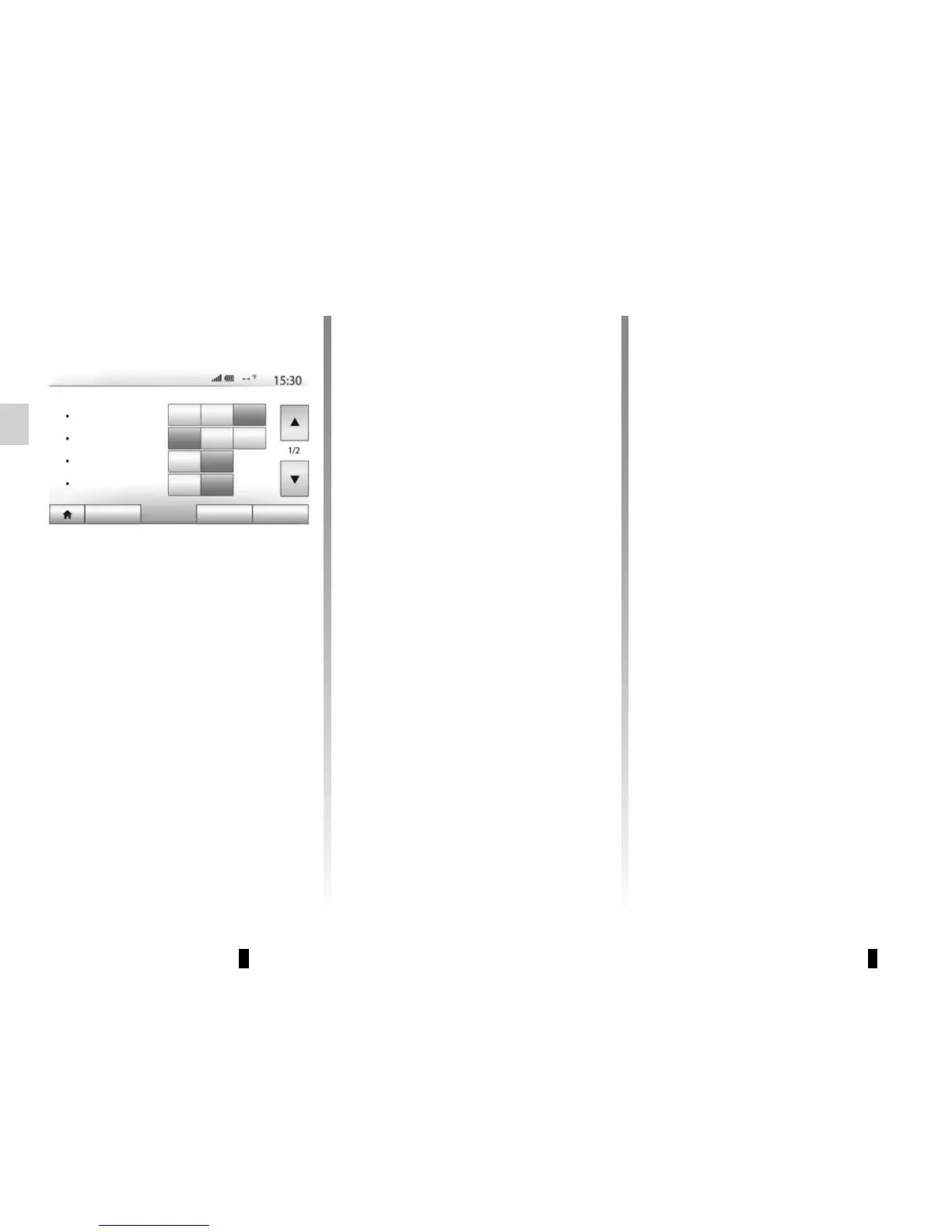
Display settings
“Brightness”
You can set the brightness of the screen
to your liking. You have the option of
three modes:
– “Low”;
– “Mid.” (Medium);
– “High”.
“Map Mode”
To improve the visibility of the naviga-
tion screen between day and night, you
can change the combination of the col-
ours of the map.
– “Auto”: the map screen is displayed
by GPS. The switch to daytime or
night-time running lights is auto-
matic, depending on whether the
headlights are on.
– “Day”: The map screen is always dis-
played with bright colours.
– “Night”: the map screen is always
displayed using darker colours.
«AC Info»
This function activates/deactivates the
display of air conditioning information
when adjusting settings.
«Background»
This function enables you to choose
between a dark or light display mode.
“Parking assistance”
This function allows you to activate/dis-
able the reversing camera, as well as
the front and/or rear sensors.
Bluetooth® settings
Refer to the section entitled “Pairing/
unpairing Bluetooth® devices”.
Display Settings
Brightness
Map Mode
Audio Display Connectivity System
Low
Mid.
High
Auto
Day Night
AC Info
Off
On
Background
Dark Light



 To Next Page