GB.81
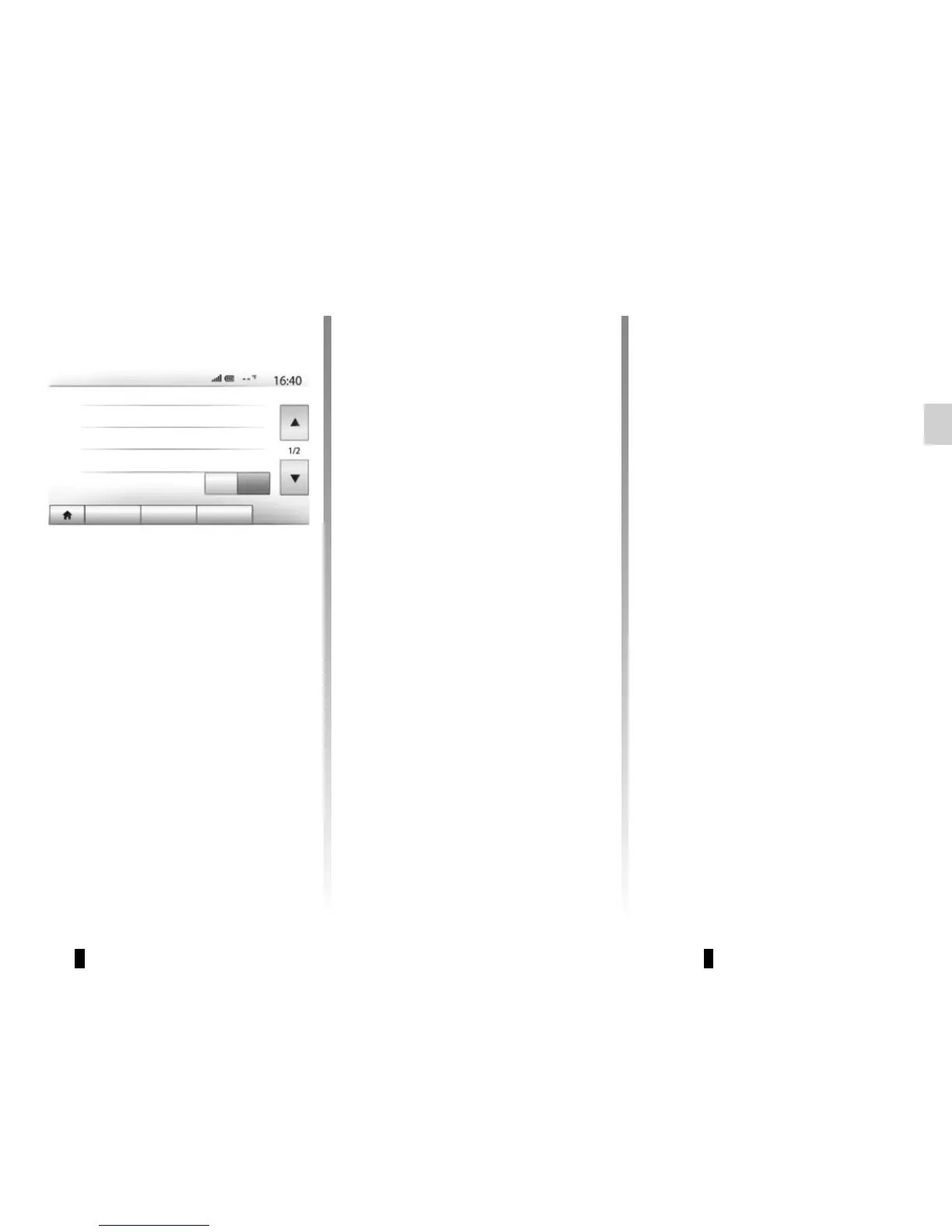
SYSTEM SETTINGS (2/3)
“Clock”
This function allows you to set the time
format between the “12h” and “24h”
clocks.
Note: The time is set automatically by
GPS. You will need the maps for the
country in which you are currently lo-
cated to get the local time.
To change the time manually,
press“Clock/Units”, then select “Time
Setting”.
“Units”
This function allows you to set the unit
of distance displayed on your multime-
dia system. You can change the unit
between the “km” and “mls”.
Note: the settings for your multimedia
system do not affect your vehicle’s instru-
ment panel display. For further information
on the instrument panel display settings,
please see the vehicle user manual.
System setting
“Language”
This function allows you to change the lan-
guage used in the system and voice guid-
ance language.
To change the language, select the de-
sired language and confirm your choice
by pressing “OK”.
“Factory Settings”
This function allows you to reset vari-
ous settings to the default settings.
– All: resets all “Factory Settings” to
default settings.
– Phone: Initializes all the settings re-
lated with phone.
– Navigation: Initializes all the settings
related with navigation.
– Audio/Media/Radio/System:
Initialises all the settings related with
Audio, Media and Radio.
“Navigation”
This function enables you to activate or
deactivate the system navigation.
“System Version”
This function allows you to check the version
of system.
Audio
Display Connectivity
System
System Settings
Language
Clock/Units
Factory Settings
Navigation
Off
On



 To Next Page