GB.76
Operation
Shifting into reverse gear (and up to
approximately five seconds after shift-
ing to another gear), a view of the sur-
roundings to the rear of the vehicle is
displayed on the multimedia system
screen accompanied by the guide, a
silhouette of the vehicle and beeps.
Ultrasonic sensors installed in your ve-
hicle “measure” the distance between
the vehicle and an obstacle.
When the red zone is reached, use the
bumper image to stop accurately.
Note: for more information on using
parking assistance, please see your
owner’s handbook.
Note: Make sure that the reversing
camera is not obscured (by dirt, mud,
snow, etc.).
REVERSING CAMERA (1/2)
Activation/deactivation
Reversing camera
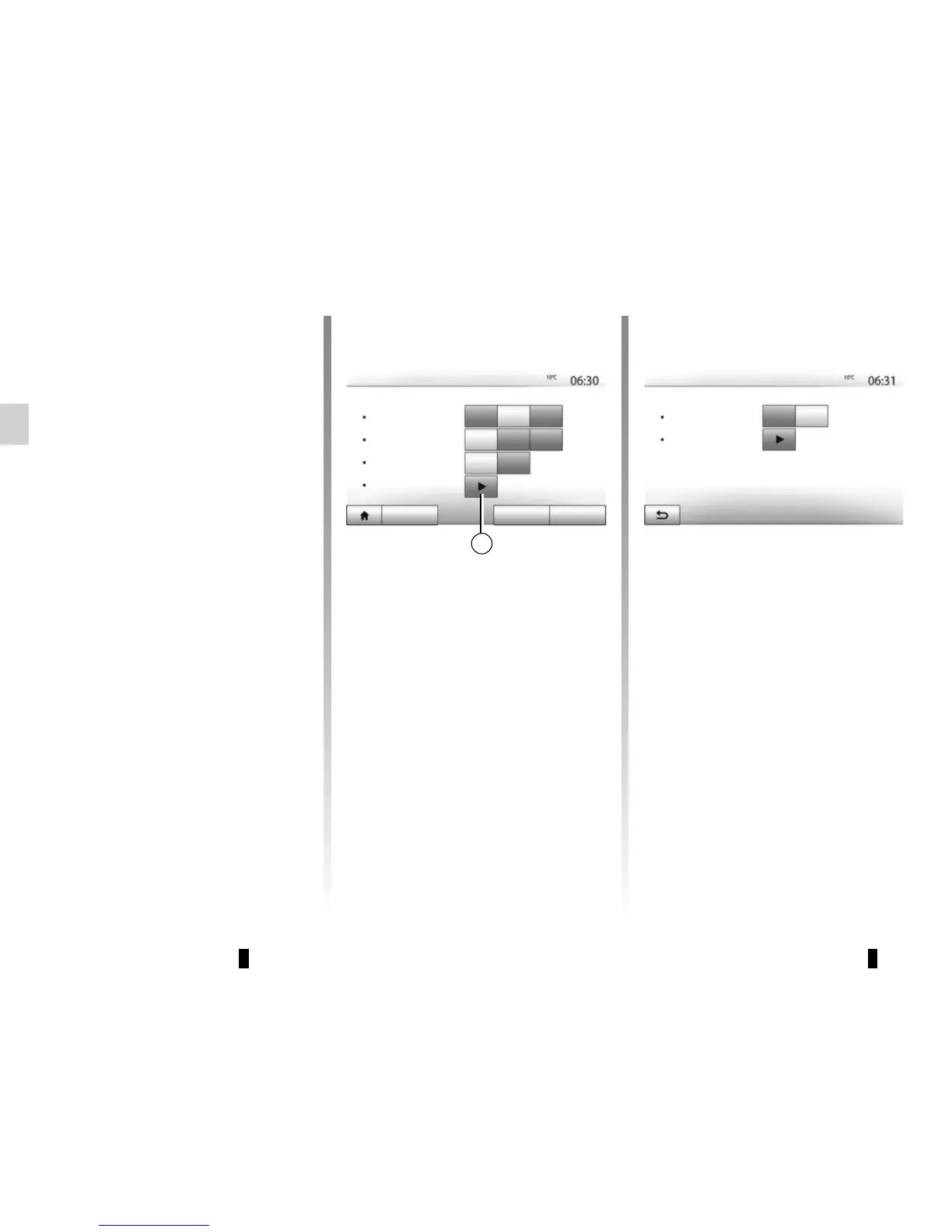
You can activate/deactivate the revers-
ing camera. To do this, from the main
menu, select “Setting” > “Display“, then
press button 1. Select “On” to activate
the function or “Off” to deactivate it.
Obstacle detection sensors
You can independently activate or de-
activate the front and/or rear the sen-
sors of your vehicle. To do this, from the
main menu select “Setting” > “Display”
> “Parking assistance” > “Obstacle de-
tection”. Select “On” to activate the de-
sired sensor(s) or “Off” to deactivate it/
them.
Display Settings
Brightness
Low Mid. High
Auto
Map Mode
Day Night
Dark
Light
Background
Parking assistance
Audio Display
Connectivity System
Parking assistance
Rear view camera
Of
f On
Obstacle detection
1



 To Next Page