GB.62
USING VOICE RECOGNITION (1/3)
Introduction
Your multimedia system enables you
to use certain functions on the multi-
media system and on your phone via
voice recognition. This enables you to
use your telephone while keeping your
hands on the steering wheel.
Note: the position of the voice recog-
nition button may vary (steering wheel
control, steering column control or mul-
timedia system screen).
Note: When using voice recognition,
the language set on your telephone will
be the language used by your system.
Note: a message is displayed on the
multimedia system using if your smart-
phone does not have voice recognition.
Activating the phone's
voice recognition with the
multimedia system
To activate your phone’s voice recogni-
tion system you should:
– get a 3G, 4G or Wifi connection with
your smartphone;
– activate the Bluetooth® on your
smartphone and make it visible to
other devices (please refer to your
telephone manual for instructions);
– pair and connect your smartphone to
the multimedia system (please refer
to the section on “Pairing, unpairing
Bluetooth® devices”).
Press and hold the voice recognition
button
in order to activate.
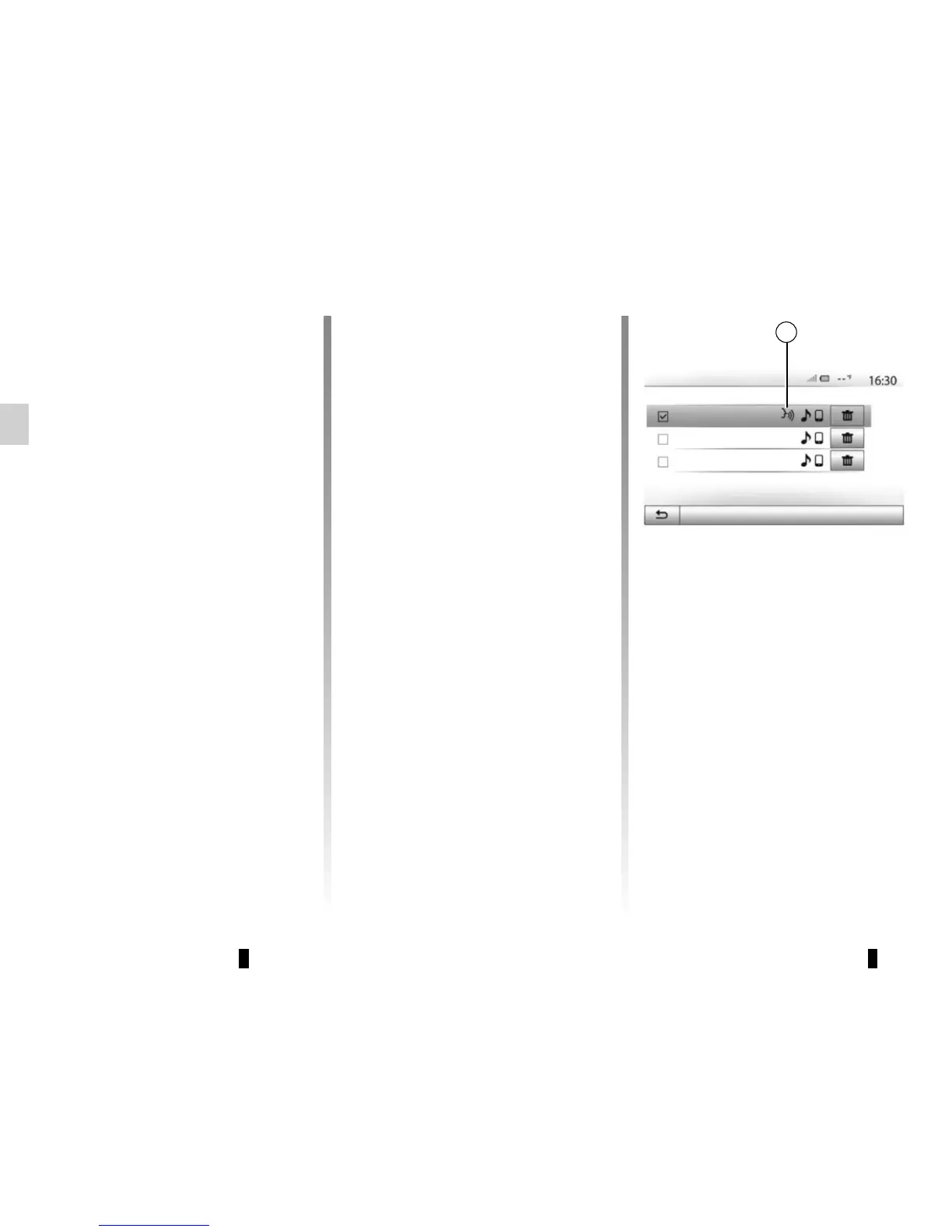
Note: the mark 1 on the “Settings” >
“Connectivity” then “View Bluetooth
device list” menu indicates that your
smartphone voice recognition is com-
patible with the multimedia system.
1
Options
Bluetooth Devices
Info 2_3Gr



 To Next Page