GB.61
CONNECTING, DISCONNECTING BLUETOOTH® DEVICES (2/2)
Disconnecting a connected
telephone
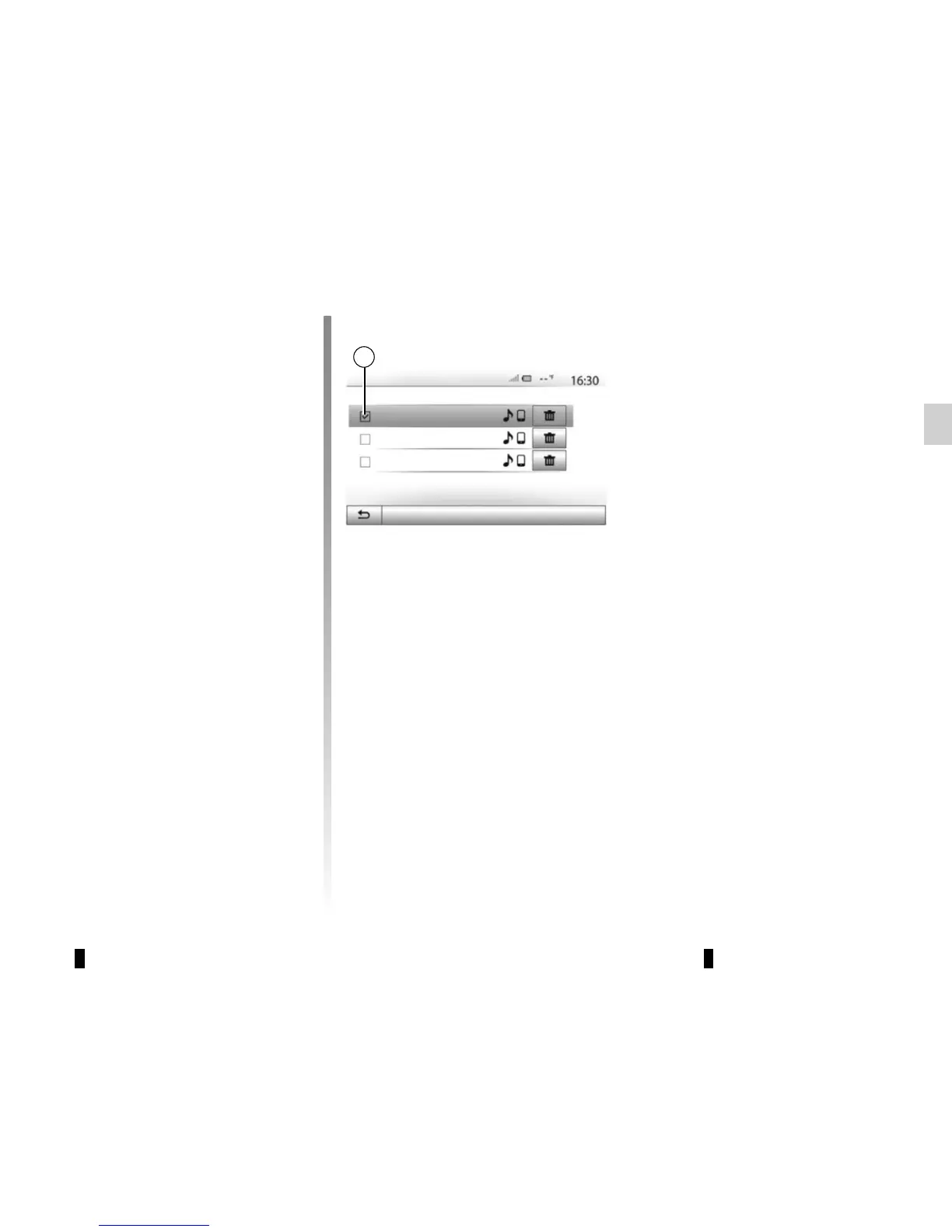
To disconnect a telephone from Media
Nav Evolution, press the name of your
device. The small marker 1 will disap-
pear.
If a call is in progress when the phone is
disconnected, the call will automatically
switch to your phone.
Info 2_3Gr
Seungyeon_VU2
Seungyeon_3
Changing a connected
telephone
You can connect or disconnect a
Bluetooth® device at any time.
From the main menu, press “Media
device”, then “Settings” and “List of de-
vices”.
Select the device to be connected and
confirm by pressing “OK”.
A small marker 1 will appear opposite
your telephone name to indicate that
the connection has been made.
Options
Bluetooth Devices
1



 To Next Page