GB.28
AUDIO SETTINGS (1/2)
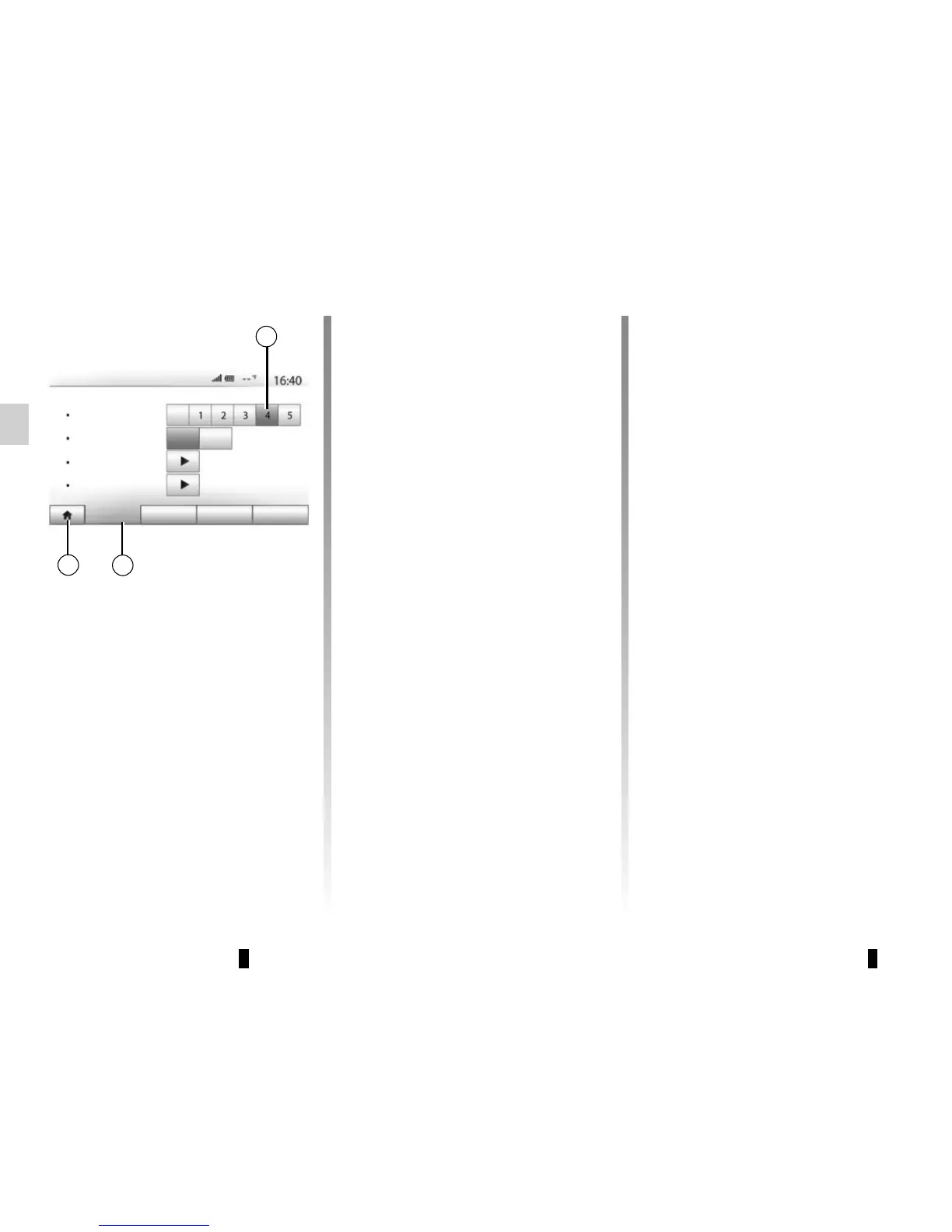
Display the settings menu by pressing
“Home” > “Setting”. Press 2 to access
the audio settings.
You can leave the settings menu and
return to the welcome page by press-
ing 3.
Volume adjustment according
to speed (“Vol/Speed”)
When the speed of your vehicle is more
than (40 km/h) 25 mph, the volume
level outputs higher than original
volume level.
Adjust the volume/speed ratio by press-
ing one of the buttons in zone 1.
You can deactivate this function by
pressing “Off”.
1
3
2
Audio Display SystemConnectivity
Loudness
Sound
Off
Off
On
Audio Settings
Vol/Speed
BAL/FAD
“Loudness”
Press “On” or “Off” to activate/deacti-
vate the loudness function, which ac-
centuates the bass and treble.



 To Next Page