GB.23
LISTENING TO THE RADIO (3/4)
“RDS”
Some “FM” and “DAB” radio stations
broadcast text information relating to
the programme being listened to (the
name of a track, for example).
Note: This information is only available
for certain radio stations.
19
“TA” (traffic information)
When this feature is activated, your
multimedia system looks for and plays
traffic bulletins automatically as new re-
ports are issued by some radio stations
“FM” and “DAB”.
Note: The automatic broadcasting of
traffic information is deactivated when
the audio system is set to the “AM”
band.
Traffic information is broadcast au-
tomatically and has priority over the
source being listened to at the time.
Select “On” to activate this function or
“Off” to deactivate it.
Main List Presets Options
RDS
TA
Region
News
Off
Off
Off
Off
On
On
On
On
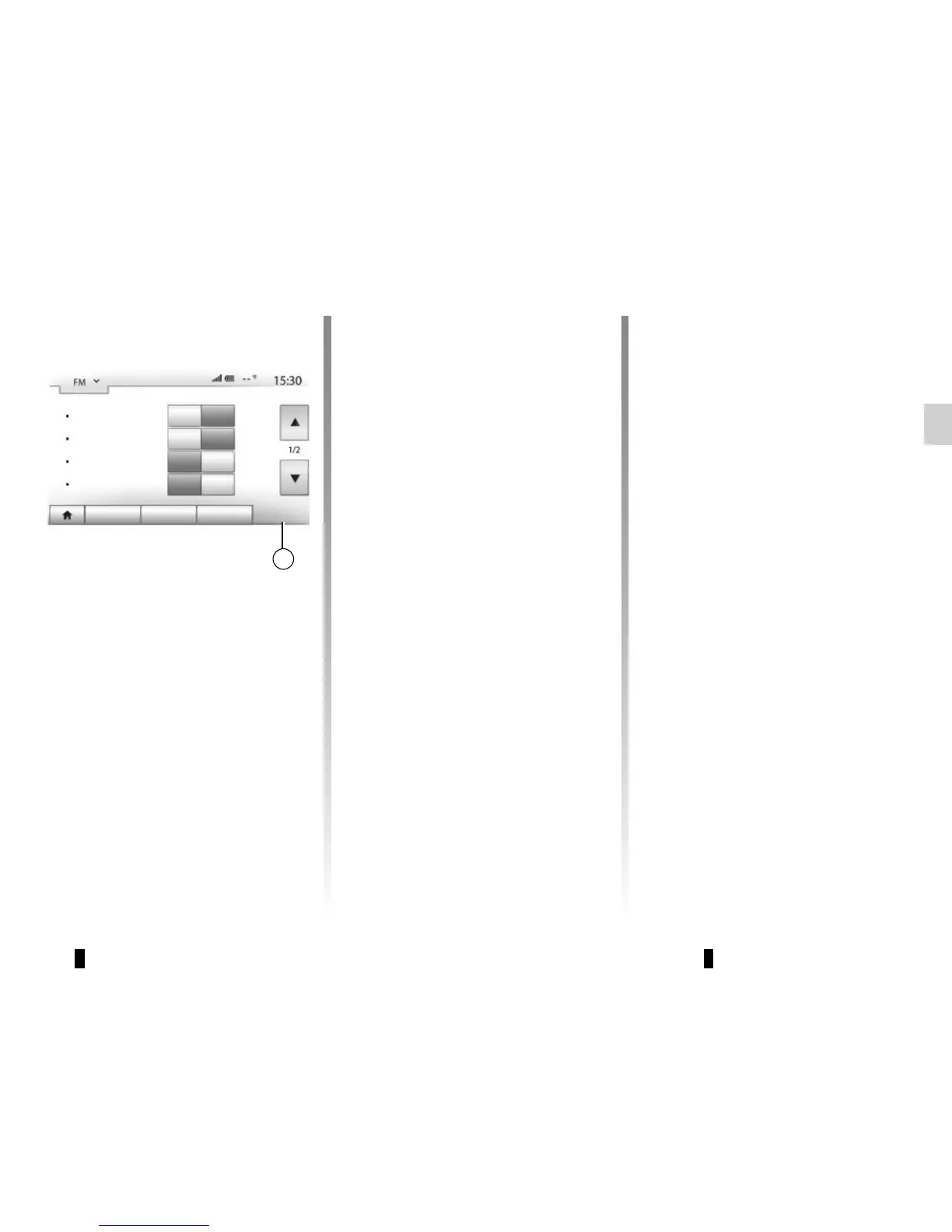
Radio settings
Display the settings menu by press-
ing 19. You can activate or deactivate
functions by pressing “On” or “Off” (the
setting menu varies depending on the
waveband).
The available functions are as follows:
– “RDS”;
– “TA” (traffic information);
– “Region”;
– “News”;
– “AM”;
– “DLS”;
– “Announcement”;
– “Update List”.



 To Next Page