GB.72
13 12 11 10
Dial
9
14
MAKING, RECEIVING A CALL (3/3)
During a call
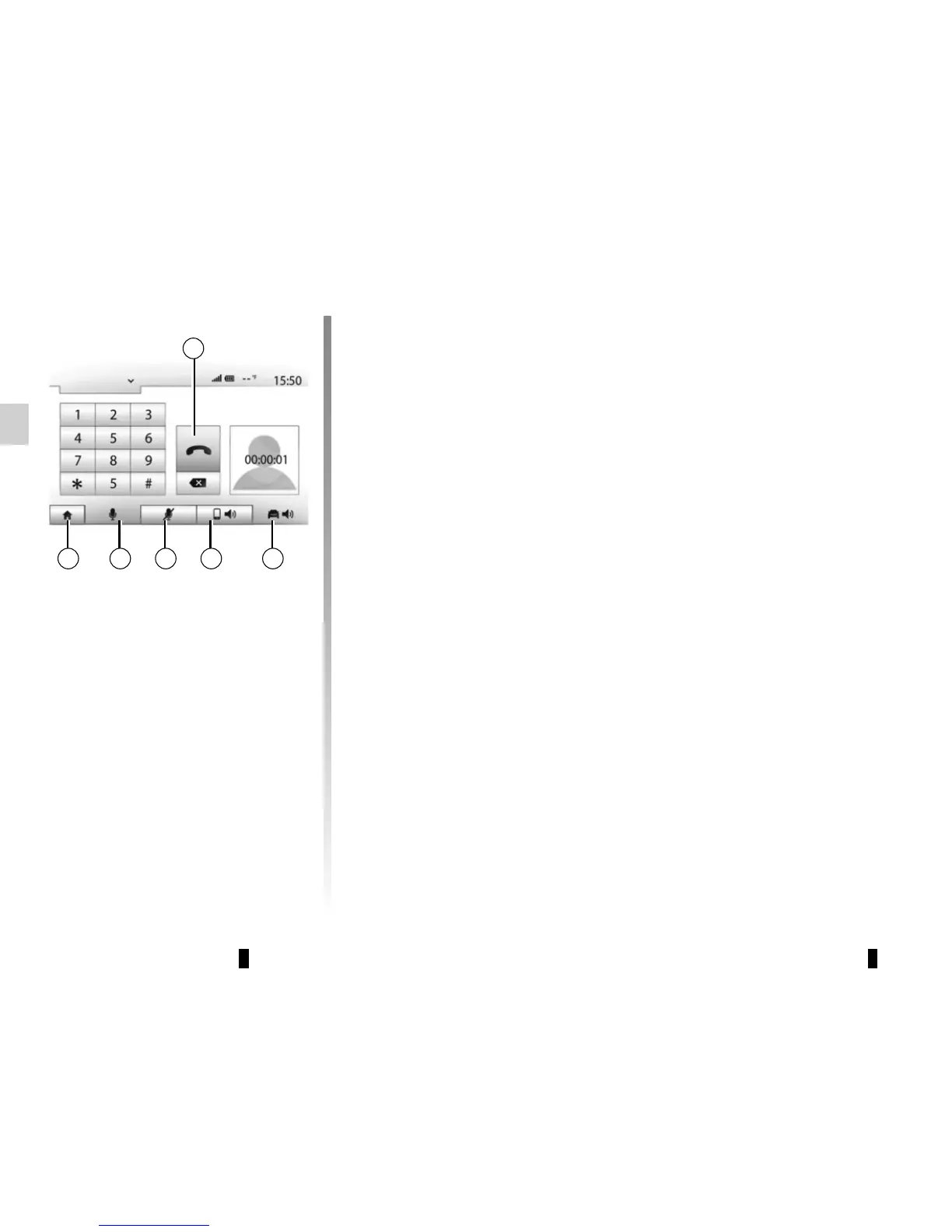
During a call you can:
– switch the microphone off by press-
ing 12;
– switch the microphone on by press-
ing 13;
– hang up by pressing 9;
– hear sound through the phone spea-
ker by pressing 11;
– hear sound through the vehicle spea-
ker by pressing 10;
– press 14 to return to the previous
screen (the navigation screen, for
example) or the welcome screen.



 To Next Page