GB.83
UPDATING THE SYSTEM (1/5)
When navigation is started, the mul-
timedia system offers to update your
map. This reminder appears twice a
year for seven years. You can:
– select “Later” and the reminder will
appear the next time Navigation is
activated;
– select “Close” and the reminder will
no longer appear;
– select “More” and the system dis-
plays the “Map Update” menu.
Update your multimedia
system and map.
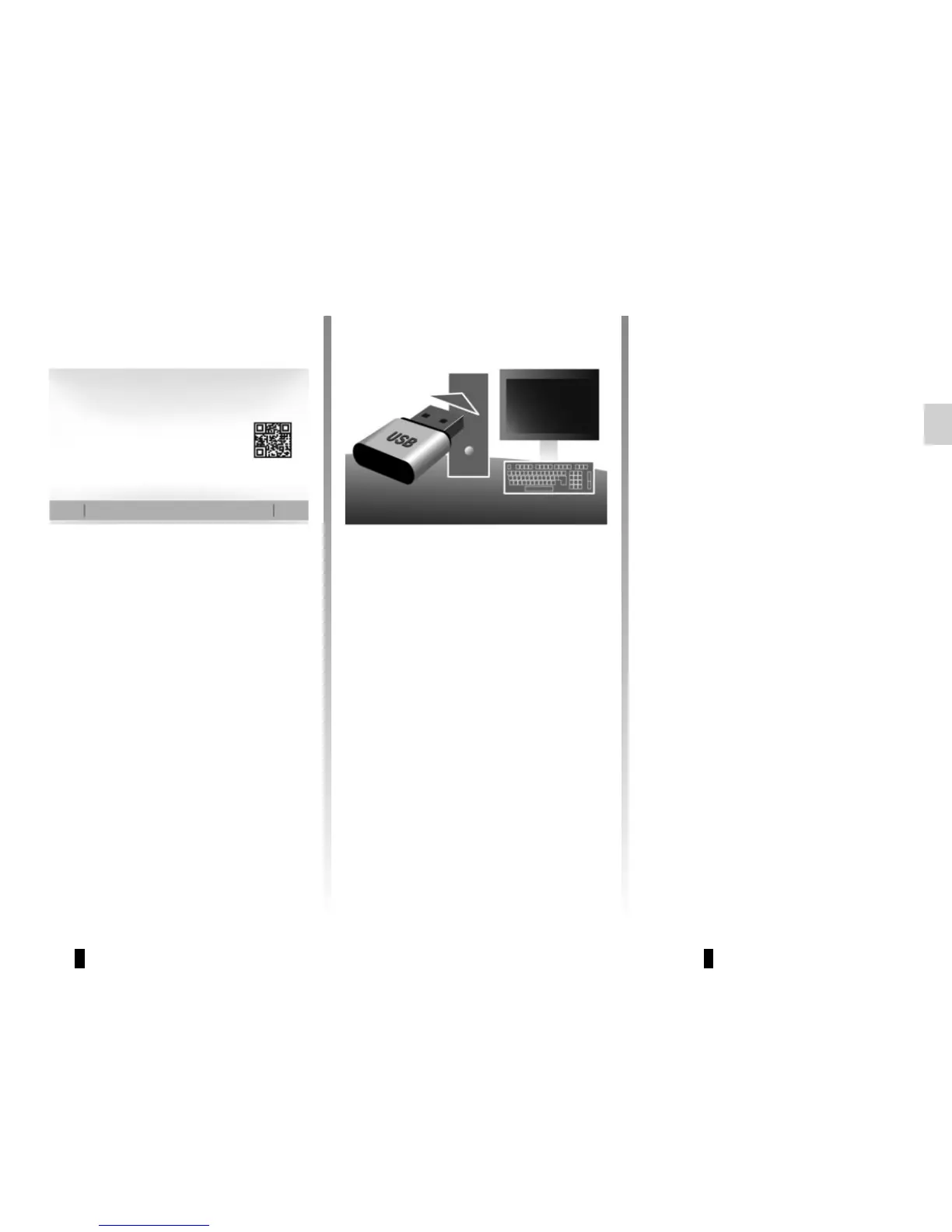
To update your multimedia system
and its map, you will need a USB key,
a computer connected to the Internet.
Proceed as follows.
Installing the software
Install Naviextras Toolbox in a few
clicks on your computer. The Toolbox
can be downloaded from the manufac-
turer's website.
After downloading the installation file
from the website Naviextras.com,
simply double-click the file to start the
installation.
Follow the instructions shown on the
screen.
For a specific planning of your route, please use
the most recent maps.
To find out more, access the “Update maps”
menu or click “More”.
Search for map updates on naviextras.
com
Later Close More



 To Next Page