GB.17
OPERATE AND USE (1/3)
– fast-forward or rewind (Media play-
ing screen).
From the “Media” > “Player” menu,
pressing and holding the “Fast forward/
rewind” button fast forwards/rewinds
the track playing.
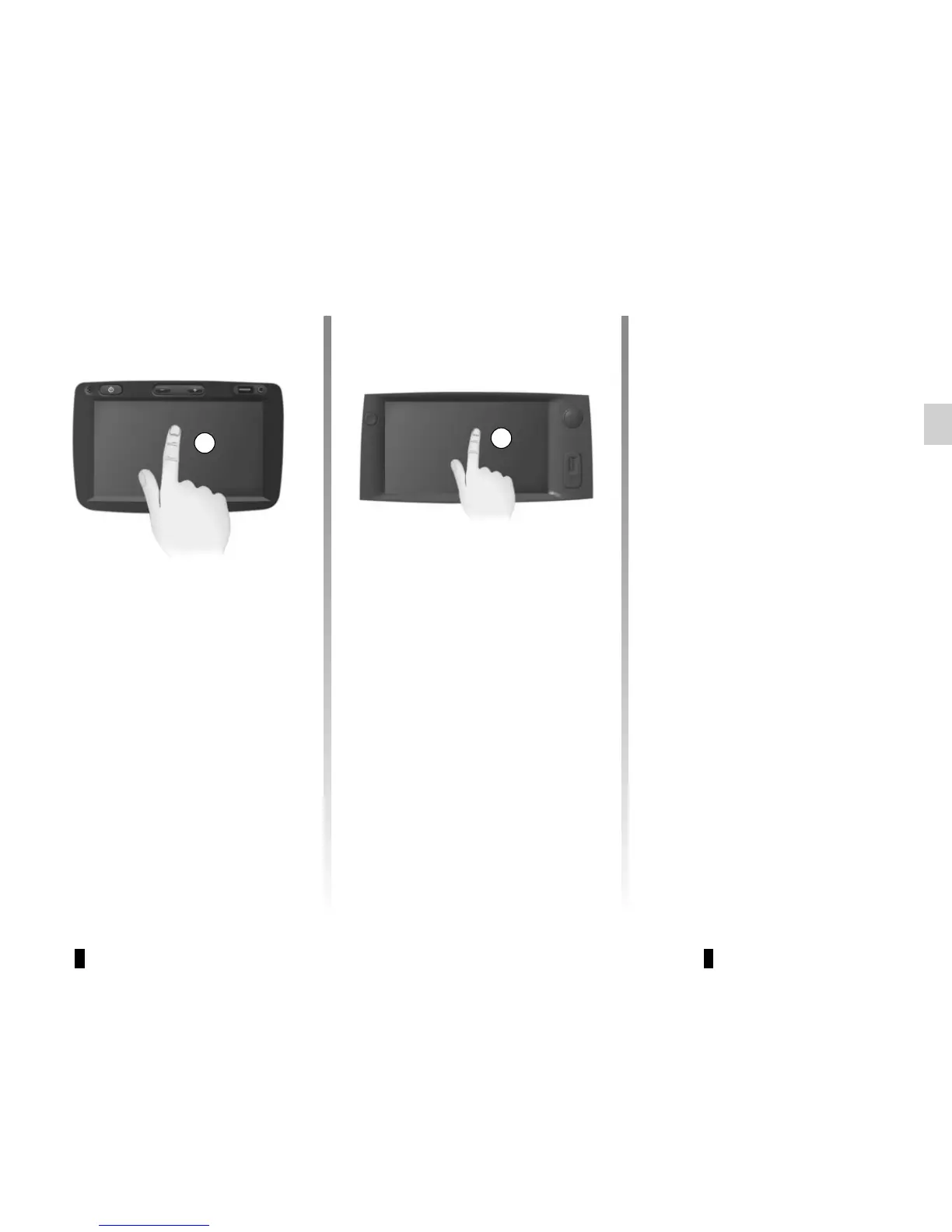
Multimedia screen 1
Tap (short press):
– Item selection;
– Item execution (Media playing
screen).
From the “Media” > “Player” menu,
pressing the next button switches to the
next title.
1
1
Press and Hold (long press):
– saving an item (radio station for ex-
ample).
From the “Radio” > “Main” menu, press-
ing and holding the preset number
stores the radio station currently play-
ing.
– Fast scroll.
When touching with long presses the
list down buttons, scroll (per page) with
acceleration.



 To Next Page