GB.18
OPERATE AND USE (2/3)
56
A
4
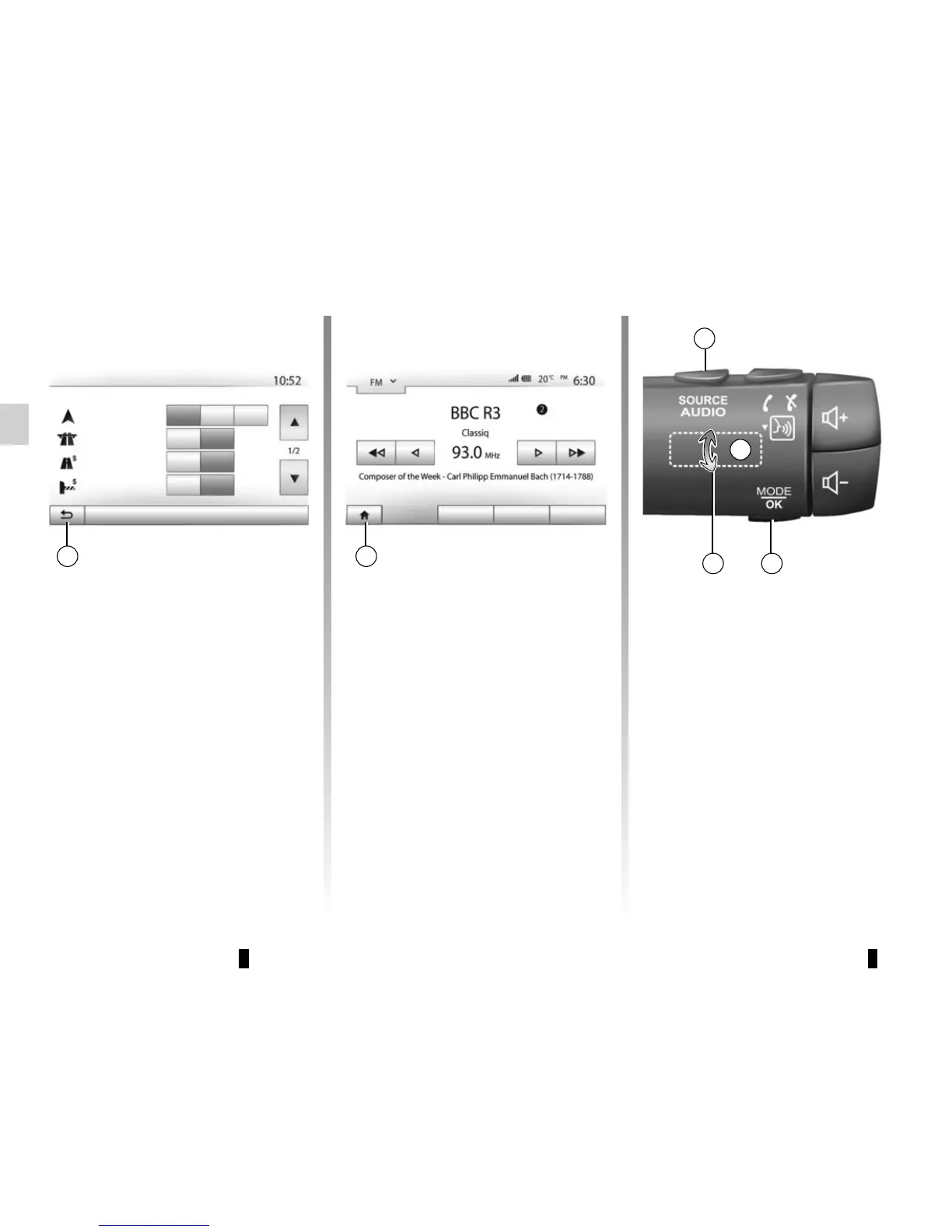
Audio: using the steering
column controls
Press button 5 to change the radio sta-
tion search mode.
Rotate wheel 6 to change the station
(movement A).
Press 4 to change the source
(USB, AUX, AM, FM, DAB, iPod® and
Bluetooth®).
2
Options
Off
Off
Off
On
On
On
Fast
Short Eco
Route planning method
Motorways
Per-use Toll
Period Charge
Route settings
Return to the “Home” menu.
The system goes directly to the “Home”
menu if you press and hold 2 or briefly
press 3 wherever you are in the system.
Player List OptionsPresets
3



 To Next Page