GB.19
Using an alphabetical
keyboard
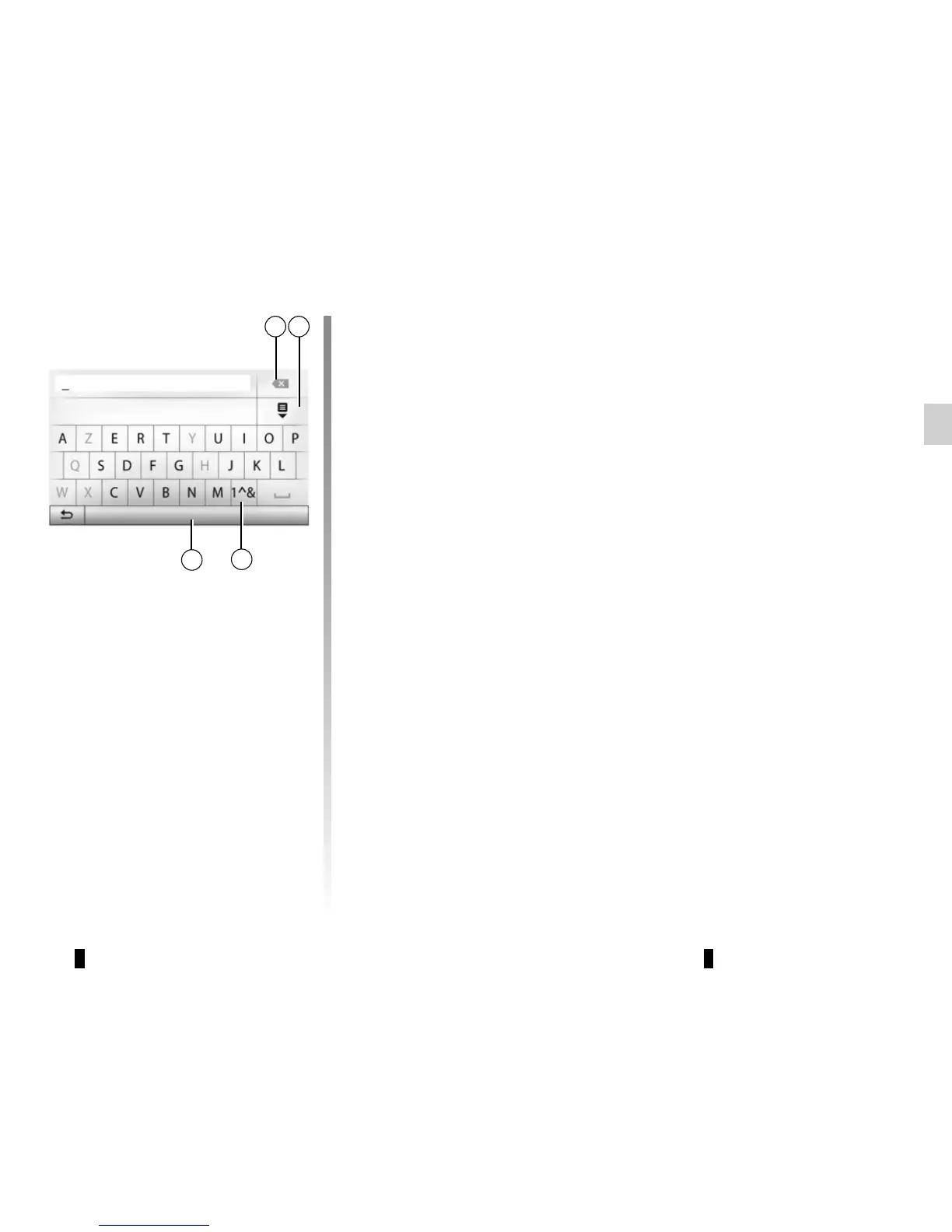
When entering a heading using an al-
phabetical keyboard, choose each
letter using the keypad.
When choosing each letter, the system
will remove the brightness of certain let-
ters to help entering them.
Press 7 to delete the last character en-
tered.
Press 8 to display the list of results.
Press 9 to use numbers or symbols.
Press 10 to change the keyboard con-
figuration.
7
9
10
Options
8
OPERATE AND USE (3/3)



 To Next Page