GB.65
ANDROID AUTO™, CARPLAY™ (1/4)
Android Auto™
Introduction
“Android Auto™" is an application that
can be downloaded from your smart-
phone which enables you to use some
applications on your phone from your
multimedia system screen.
Note: to find out if your smartphone is
compatible with the “Android Auto™”
app, consult the official website for your
phone's operating system.
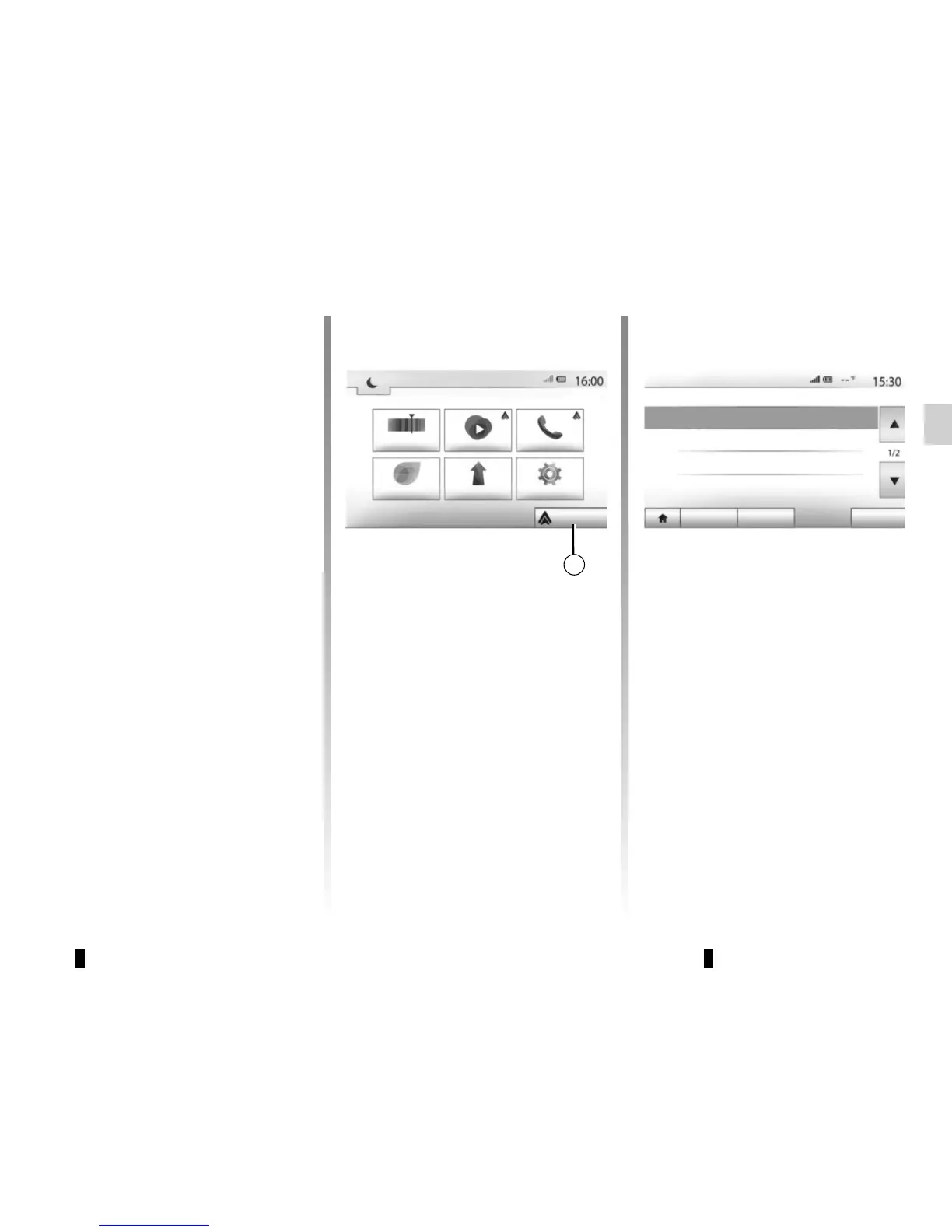
Note: if your vehicle is compatible,
once your phone is connected via
the USB connection, the 1 “Android
Auto™” option will be visible from the
main menu on your multimedia system
screen.
First use
– Download and install the “Android
Auto™" application from the appli-
cation download platform on your
smartphone;
– connect your telephone to your multi-
media system’s USB port;
– accept the requests on your smart-
phone in order to use the “Android
Auto™" application;
– Confirm by pressing “Accept” on
your phone.
The application is launched on the mul-
timedia system.
If the procedure described above fails,
repeat the operation.
Note: the “Android Auto™" application
will only operate if your smartphone is
connected to your vehicle's USB port.
You can manage the devices connected
to your multimedia system at any time
via “Settings” > “Connectivity Settings”.
Note: the first connection with “Android
Auto™” is made when the vehicle is
stopped and only to activate the multi-
media system voice recognition.
1
Android Auto
PhoneMediaRadio
Driving eco 2 Nav Settings
Connectivity Settings
See the list of Smartphone devices
Audio Display Connectivity System
Display Bluetooth devices
Search for Bluetooth devices
Tutorial on Smartphone connectivity



 To Next Page