GB.64
USING VOICE RECOGNITION (3/3)
Deactivation
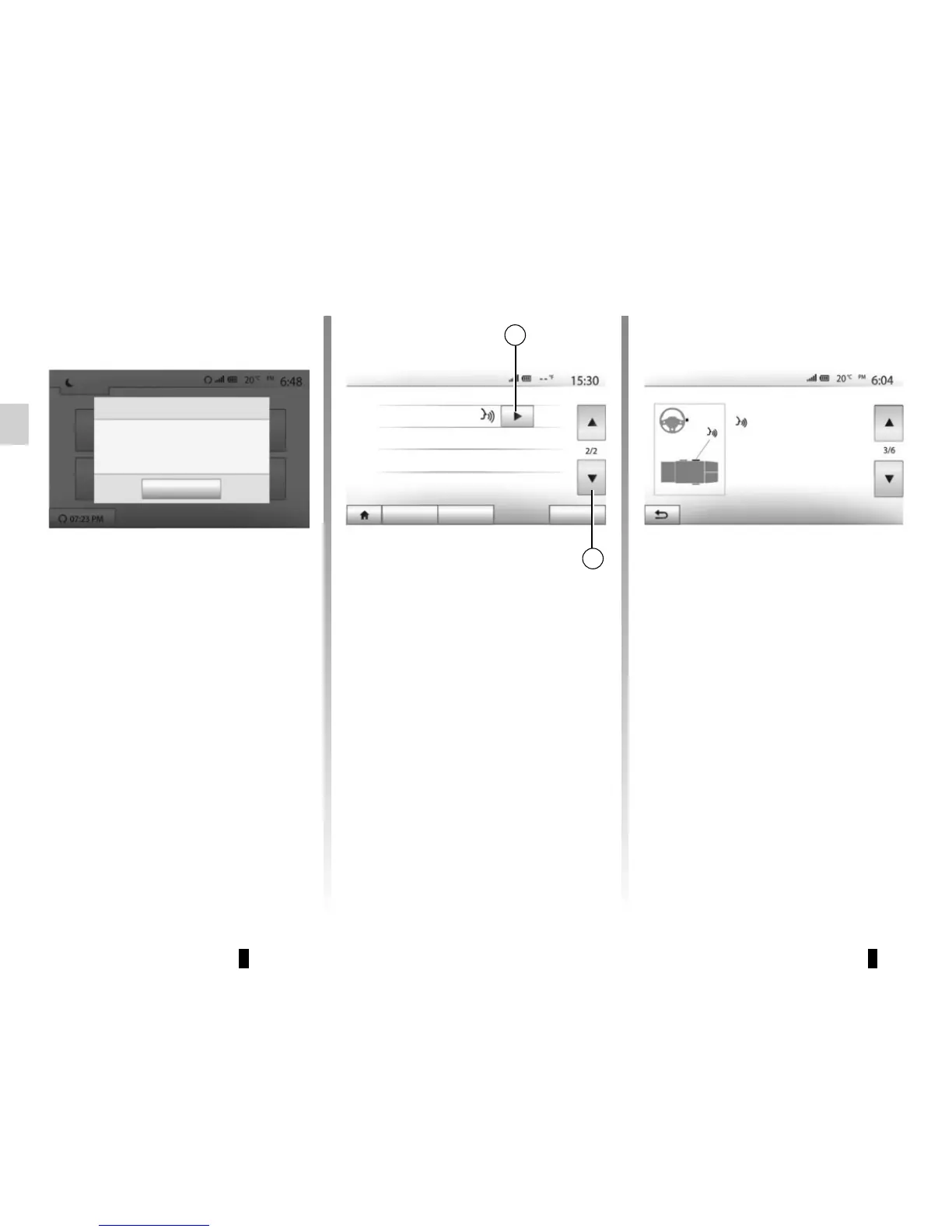
Press button 2 on the B screen or press
and hold the voice recognition button
in your vehicle. An audible signal
indicates that voice recognition is deac-
tivated.
Voice Recognition not supported on this Bluetooth device
Dark
OK
Smartphone
5
Smartphone
Connectivity Settings
Audio Display Connectivity System
6
Help
You can get additional help on the oper-
ation and usage conditions of the voice
recognition system. To do so, press
“Home” > “Settings” > “Connectivity”.
Select the second page by pressing 6,
then press 5.
This function is presented in the form
of screens explaining how to use voice
recognition, alongside the:
– conditions of use;
– compatible telephones;
Smartphone
Open/Close with command
: Make a short or a long press.
Wait for the signal tone to start
speaking.
To speak once more, make a
short press.
To close, make a long press.
– the activation and deactivation of the
function using the voice recognition
button
in your vehicle;
– method for interacting with the
screen;
– available functions;
– extent of the functions.



 To Next Page