GB.88
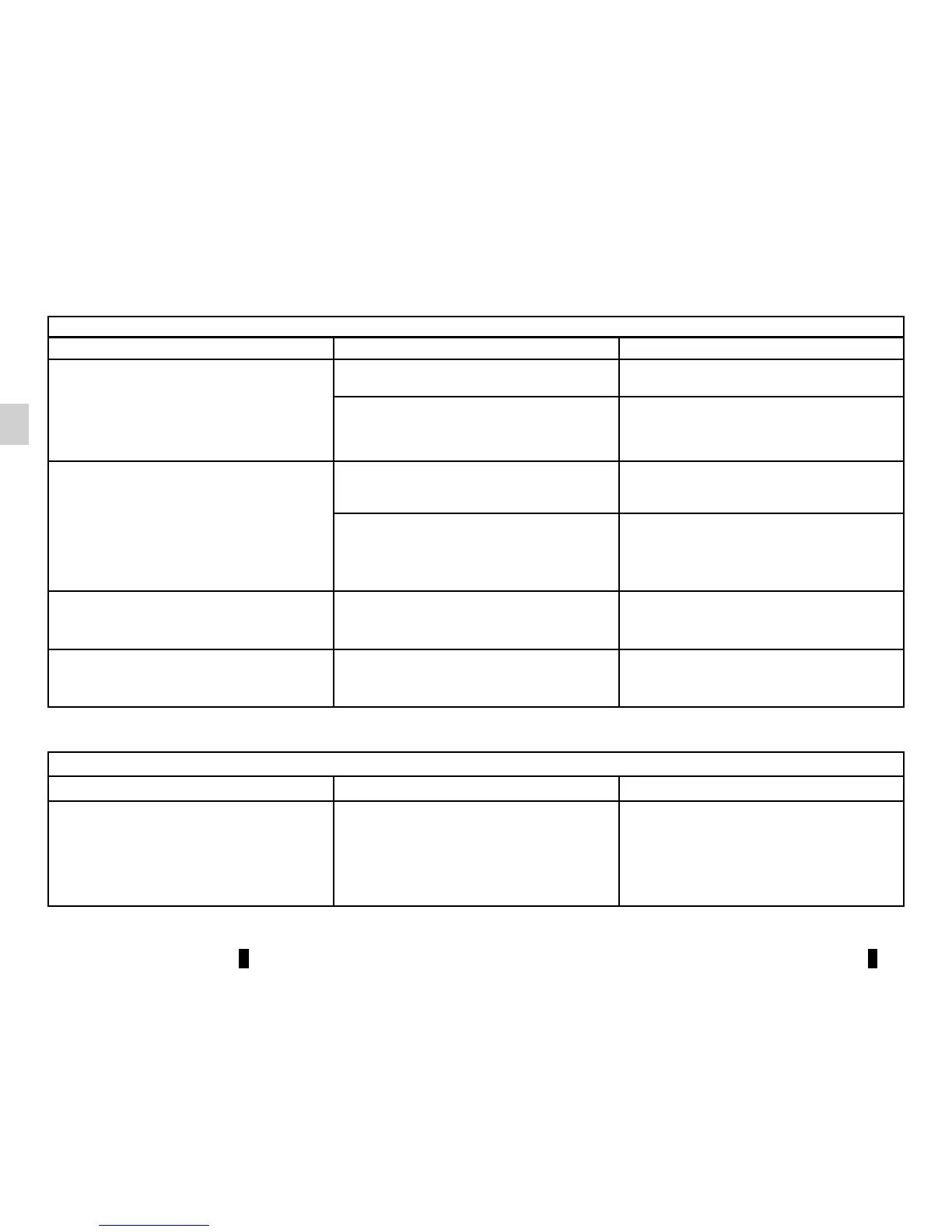
OPERATING FAULTS (1/3)
System
Description Causes Solutions
No image is displayed. The screen is on standby. Ensure that the screen is not on standby.
The system is deactivated. The interior temperature of the vehicle is
too low or too high.
No sound can be heard.
The volume is set to minimum or mute. Increase the volume or deactivate mute.
The selected system source is not cor-
rect.
Check the selected system source and
make sure the output source is the multi-
media system.
No sound comes from the left, right, front
or rear speakers.
The balance or fader settings are incor-
rect.
Adjust the sound balance or fader cor-
rectly.
The displayed time is not correct. The time setting is set to “Auto” and
the system is no longer receiving a GPS
signal.
Move the vehicle until you receive a GPS
signal.
Media
Description Causes Solutions
No sound can be heard. The volume is set to minimum or mute. Increase the volume or deactivate mute.



 To Next Page