GB.27
Connection: Bluetooth®
Refer to the section on “Connecting/
disconnecting Bluetooth® devices”.
Once Bluetooth® is connected, the
“BT” menu is displayed.
Use
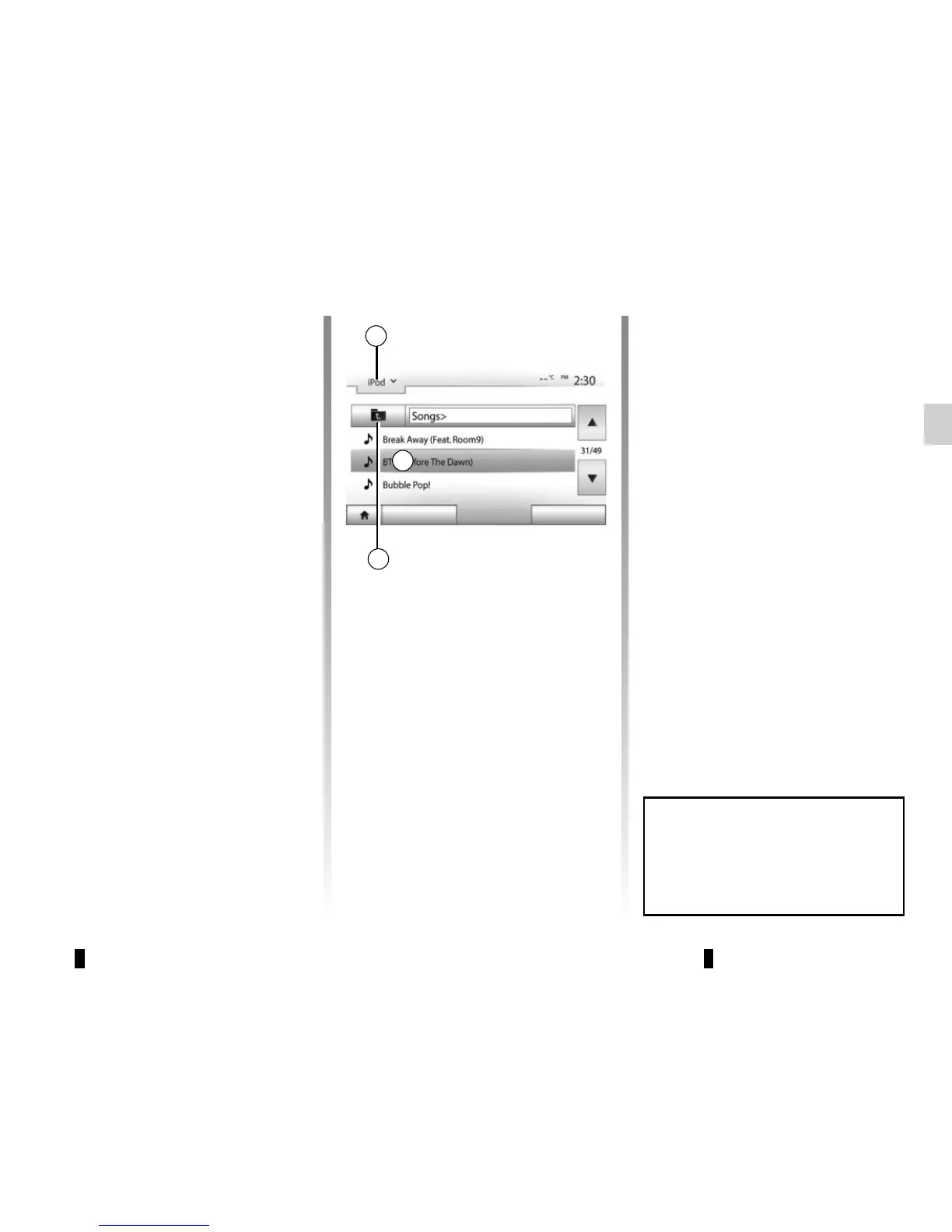
Select “BT” from the drop-down list 1,
then press on the playback list or the
desired audio track on the multimedia
system screen.
All the audio tracks on your Bluetooth®
device can be selected directly from the
multimedia system screen.
Note: Once connected, you can no
longer directly control your portable dig-
ital audio player. You must use the keys
on the system’s front panel.
AUXILIARY AUDIO SOURCES (3/3)
Auxiliary input: jack
Connection
Connect the jack of your portable audio
player to the jack input.
Use
Select “AUX” from the drop-down list 1,
then select the desired track on your
music player. No indication of the name
of the artist or the track is displayed on
the system’s screen.
Select tracks directly on your portable
player when the vehicle is stationary.
Selecting a track
To select an audio track within a folder,
press “List”, then select a track A from
this list.
To go back to the previous level in the
folder hierarchy, press 4.
By default, albums are listed in alpha-
betical order.
Depending on the type of digital port-
able audio player, you can refine your
selection by using folders or files.
Note: it is best to use a USB connec-
tion for easier music searches.
1
Main List Options
The sound quality from the ana-
logue input (AUX) will usually be
lower than the sound quality from
digital inputs (USB, Bluetooth®).
A
4



 To Next Page