GB.79
MULTI-VIEW CAMERA (2/2)
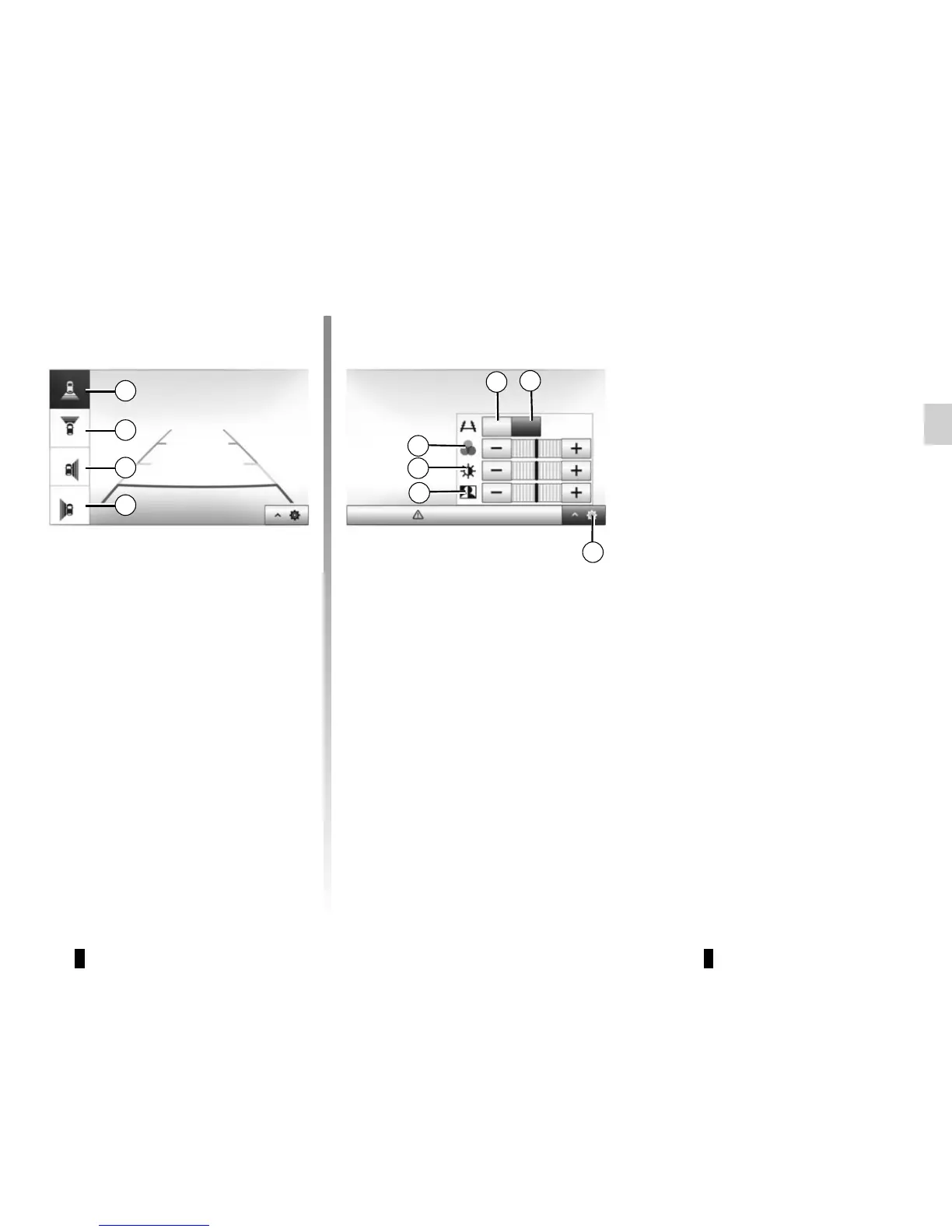
Settings
Press 7 to display a list of settings.
Activate or deactivate the display of
Guides by pressing 5 or 6.
Press “+” or “-” to set the contrast 8,
brightness 9 and colours 10.
5
6
7
8
9
10
Off
Look in all directions
On
Camera choice
To activate the desired camera view,
select this one on the multimedia
screen:
– 1 Rear area view;
– 2 Front area view;
– 3 Right-hand side area view;
– 4 Left-hand side area view.
1
2
3
4



 To Next Page