GB.34
“Where Am I?”
This function allows you to check infor-
mation about the current position and
to search for POI nearby. It operates
when GPS is activated.
Press “Options” on the map screen
then “Where Am I?”.
This screen includes the following infor-
mation:
– Latitude;
– Longitude;
– Altitude;
– house number;
– Current address.
READ A MAP (2/3)
Country information
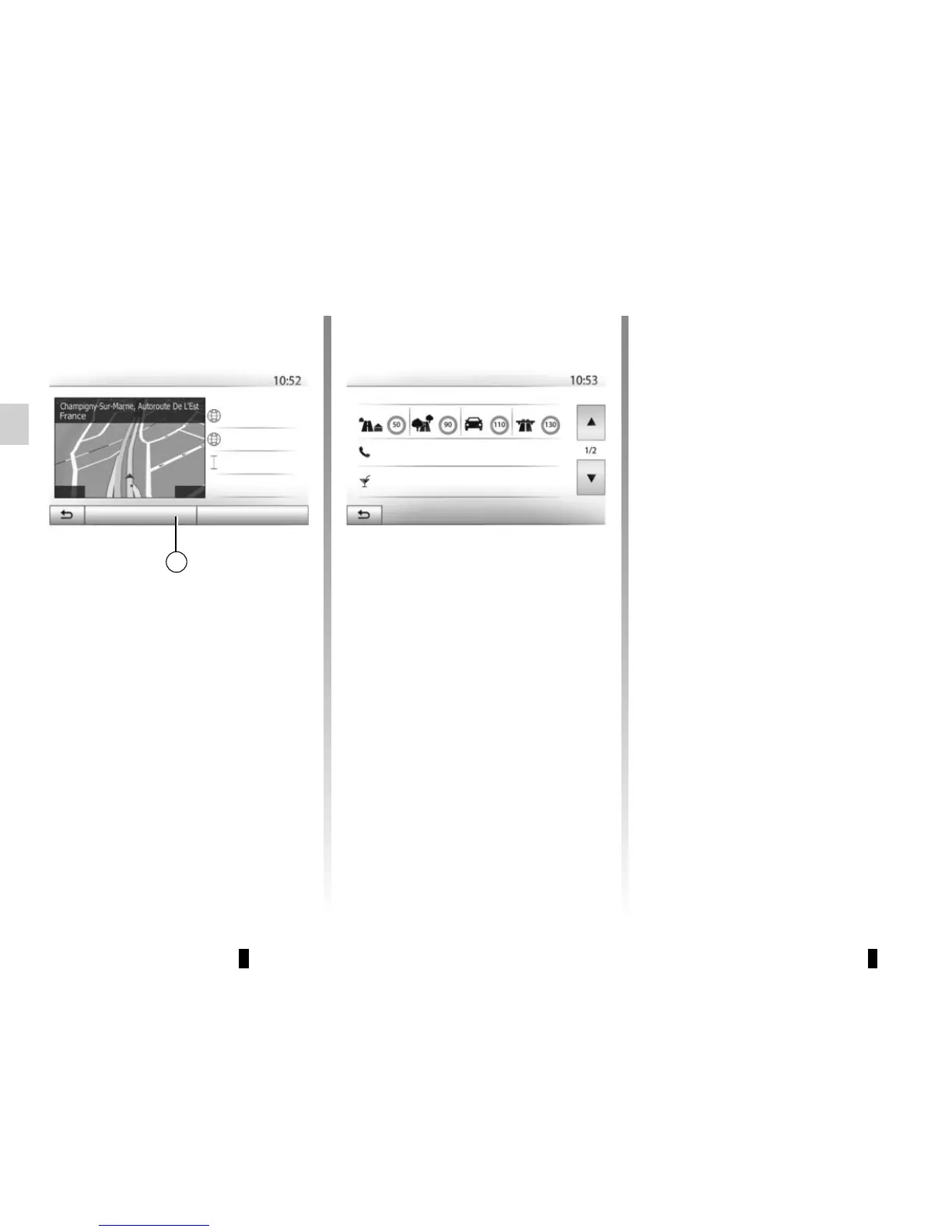
Press 15 then “Country Info”.
This function allows you to view country
information depending on your current
position.
This screen includes the following infor-
mation:
– speed limit.
Speed limits are displayed for major
roads. Displayed unit depends on
active regional settings. If no data is
available, then “--” is shown instead of
table and number.
15
– Phone country code;
– emergency number;
– legal Restrictions effective in the
country:
– maximum permitted blood alcohol
level;
– high-visibility vest required;
– fire extinguisher required;
– headlights must be on at all times;
– spare bulbs required;
– first aid kit required;
– warning triangle required;
– helmets required for motorcy-
clists;
– snow chains required in winter;
– snow chains recommended in
winter;
– winter tyres required in winter;
– winter tyres recommended in
winter.
Options
Help Nearby
Where Am I?
Latitude
Longitude
Altitude
Country information : France
Maximum blood alcohol content: 0.5 ‰
Within
Towns
Countryside
Fast road
Motorways
Phone country code : +33
Emergency number : 112
Current GPS position
0 m
E2.49608°
N48.82995°



 To Next Page