GB.54
NAVIGATION SETTINGS (4/4)
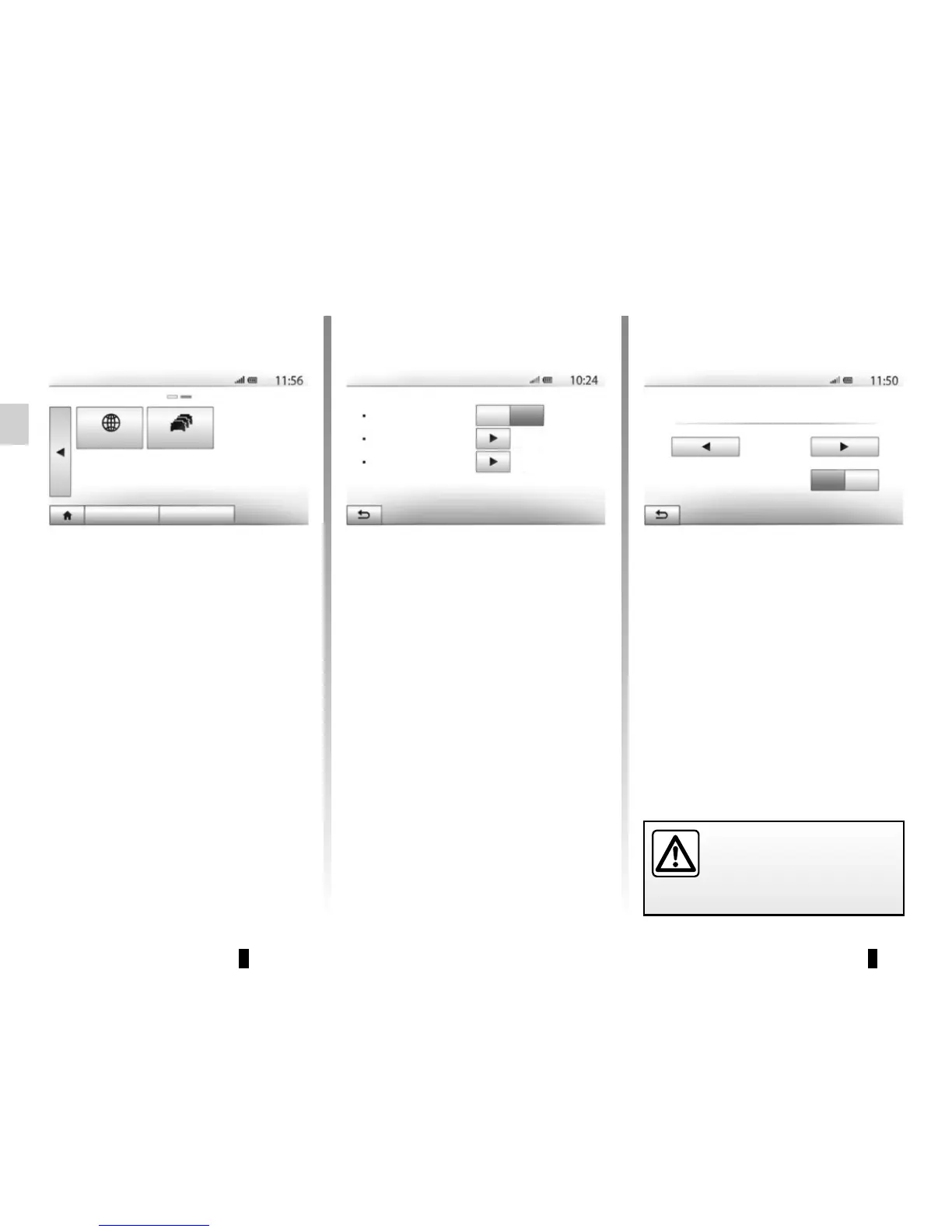
“Map Update”
This function enables you to check the
dates of your last updates.
“Traffic”
This function enables you to activate or
deactivate “Traffic info”, the flagging of
different events and to manage alterna-
tive routes in the event of accidents or
traffic jams.
“Traffic info”
You an activate or deactivate warnings
for different incidents occurring along
your route.
“Detour”
This function allows you to save time
when an incident occurs on your trip, by
offering you an alternative route.
The multimedia system will offer you to
choose a time after which a new route
is suggested to you with a detour to
save time.
Traffic settings
Traffic info
Detour
Event types
Off
On
“Event types”
This function enables you to choose the
types of events to be displayed during
navigation:
– “All events”;
– “Flow events”;
– “Closure and block”;
– “Accident”;
– ...
Navigation
Map Update
Traffic
Destination Route Options
Traffic detour settings
5 minutes
Offer detour if the calculated route saves more than:
Confirm offered route?
Off On
For safety reasons, carry
out these operations when
the vehicle is stationary.



 To Next Page