GB.59
Unpairing a Bluetooth®
phone from the Media Nav
Evolution system
Unpairing erases a phone from the
hands-free system memory.
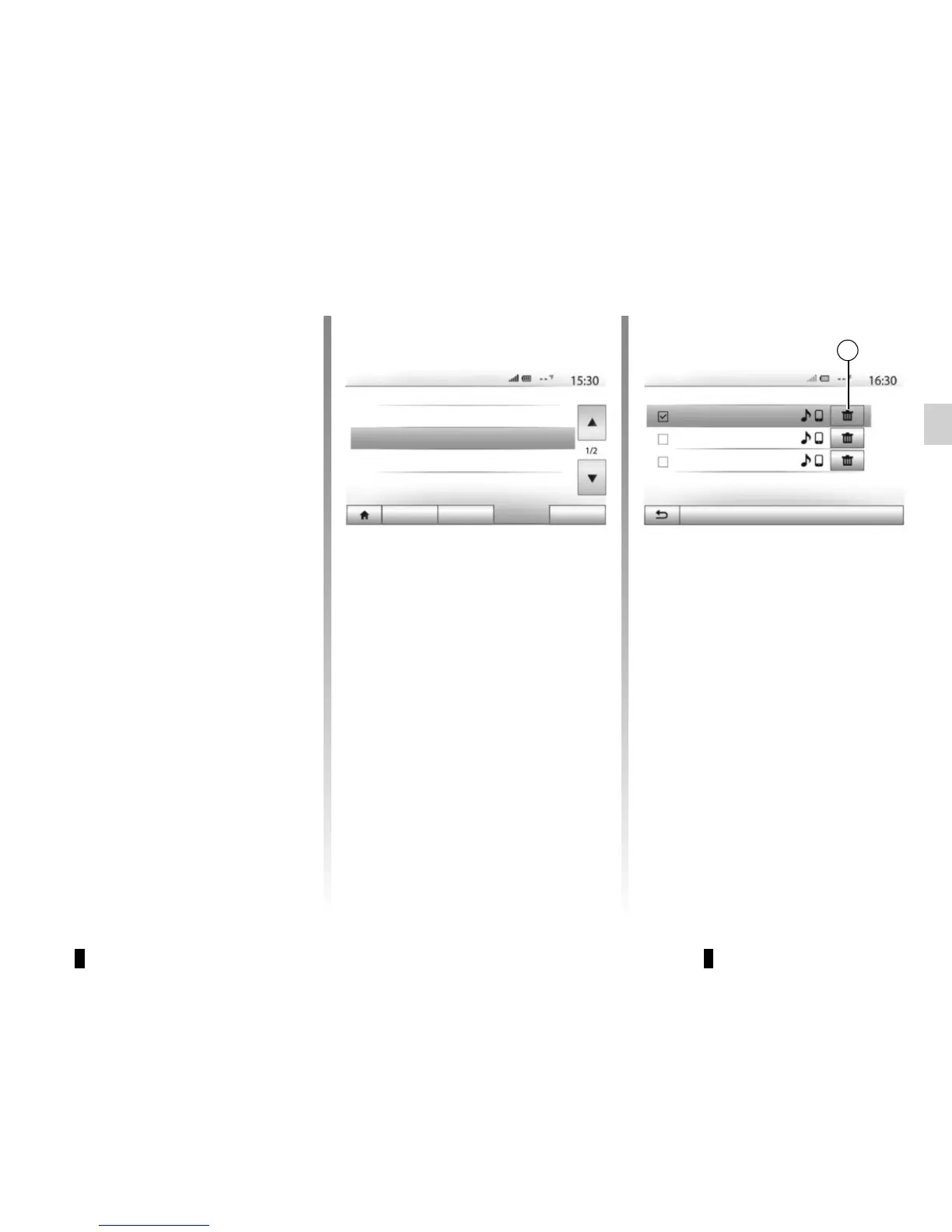
From the main menu, press “Setting”
> “Connectivity”, then “View Bluetooth
device list”. Press the “recycle bin”
icon 1 opposite the name of the smart-
phone you wish to delete from the list.
Confirm your choice by pressing “OK”.
Unpairing all Bluetooth®
phones from the Media Nav
Evolution system
You can also delete all phones pre-
viously paired from the hands-free
system memory. From the main menu,
press “Setting” > “Connectivity” > “View
Bluetooth device list” then “Options”
and “Delete all”. Confirm the deletion of
all paired phones by pressing “OK”.
Audio Display
Connectivity System
View Bluetooth device list
Search for Bluetooth device
External device authorization
Change passkey
Bluetooth Devices
Info 2_3Gr
Seungyeon_VU2
Seungyeon_3
1
“Change passkey”
You can customise the four-digit pass-
word for the system authorising the
pairing of Bluetooth® phones.
From the main menu, press “Setting” >
“Bluetooth” > “Change passkey”.
Options
“Smartphone”
This function available on the second
page of the “Connectivity” menu en-
ables you to access assistance with
activating and operating voice controls
(please refer to the section on “Using
voice controls”).
PAIRING, UNPAIRING BLUETOOTH® DEVICES (3/3)
Connectivity Settings



 To Next Page