GB.74
11:05 AM
REMOTE ENGINE START-UP (2/3)
– turn off the ignition.
When locking your vehicle, two flashes,
then the hazard warning lights and in-
dicator lights switching on for approxi-
mately three seconds indicate that the
programming has been taken into ac-
count.
The remote engine start-up operates if:
– the lever is in neutral for vehicles
with a manual or sequential gearbox;
– the lever is in position P for vehicles
with an automatic gearbox;
– the ignition is switched off;
– all the opening elements (bonnet,
doors, boot) are closed and locked
when you leave the vehicle.
Note: you must switch off your multi-
media system when you leave your ve-
hicle for remote engine start-up to work.
“Wake up every 2 hours”
This function enables your vehicle to
start automatically every two hours de-
pending on the engine temperature.
Remote Engine Start
Warning: Never park your vehicle in an enclosed room
Automatic Start
Car Ready for
Wake up every 2 hours
Car will be ready in 0 hours & 0 minutes
Off On
Off On
Change
OK
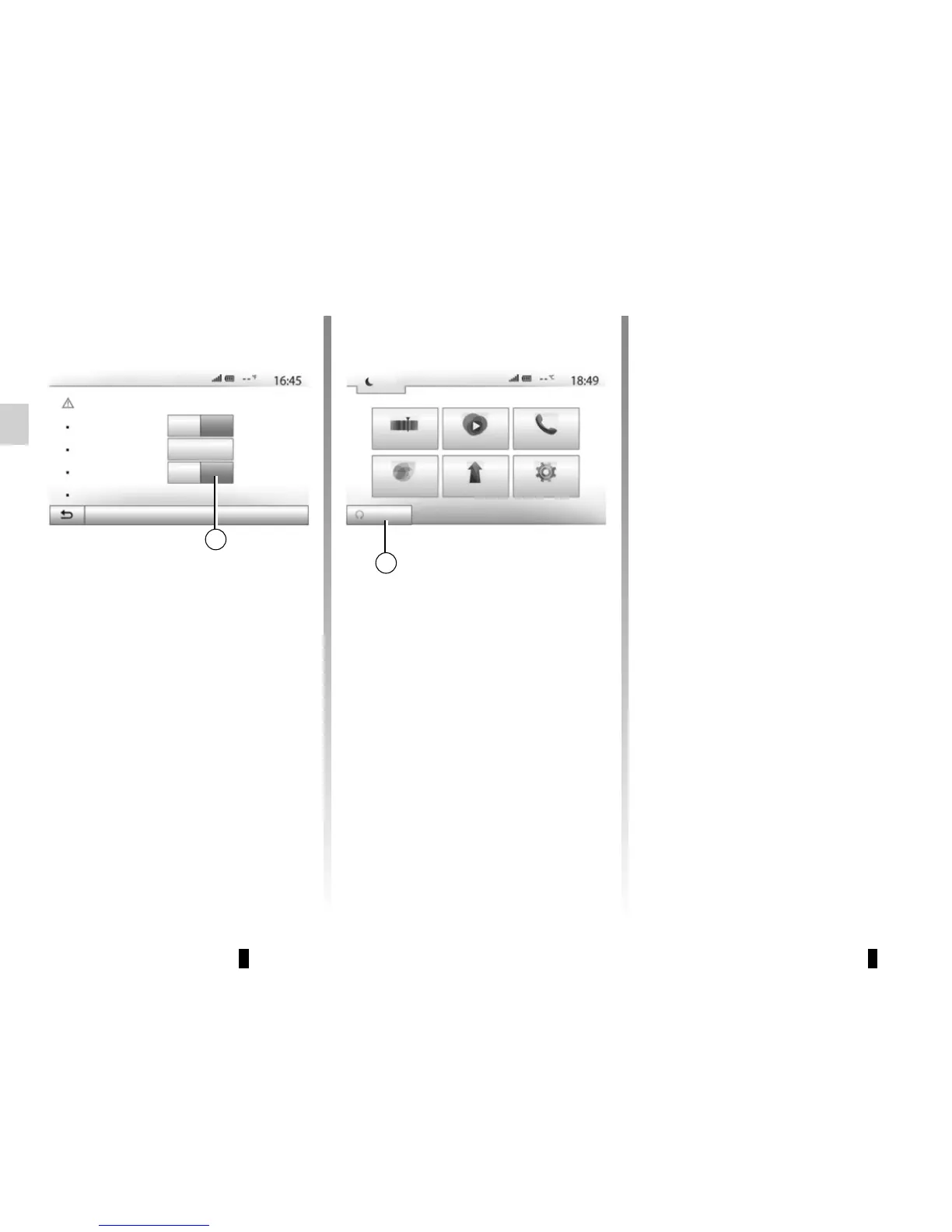
To activate this function, press the “On”
button 5.
Note: the ventilation system must be
off for the “Wake up every 2 hours”
function to activate.
When this function is activated, the ven-
tilation system will not activate during
the first four start-ups, if they happen.
In very cold conditions, the vehicle
will start automatically and will stay on
for approximately ten minutes before
switching off.
If the engine temperature does not re-
quire a restart, the vehicle will not start
automatically during the first four reac-
tivation times and will return to standby
for two hours. The engine will be re-
started if the engine temperature is too
low.
In all cases, the last start-up will
happen.
Approximately fifteen minutes before
the programmed time, the engine starts
and remains on for about ten minutes.
Note: the marker 6 reminds you of the
vehicle start time that you have already
set.
Dark
Radio Media Phone
SettingNavDriving eco2
6
5



 To Next Page