Reolink PoE NVR
User Manual
Playback: Replay the recording of the camera
Record: Click to manually start/stop recording
Clip: Crop to partially enlarge parts of the live image
PTZ: Control the camera’s pan, tilt and zoom
Audio: Turn on the audio for live viewing
Image Settings: Click to change the camera’s image settings
Live View: Click to turn on/off live view of the camera
Spotlight: Click to turn on/off spotlight of the camera
Siren: Click to manually trigger siren of the camera
Settings: Click to enter the camera’s settings menu
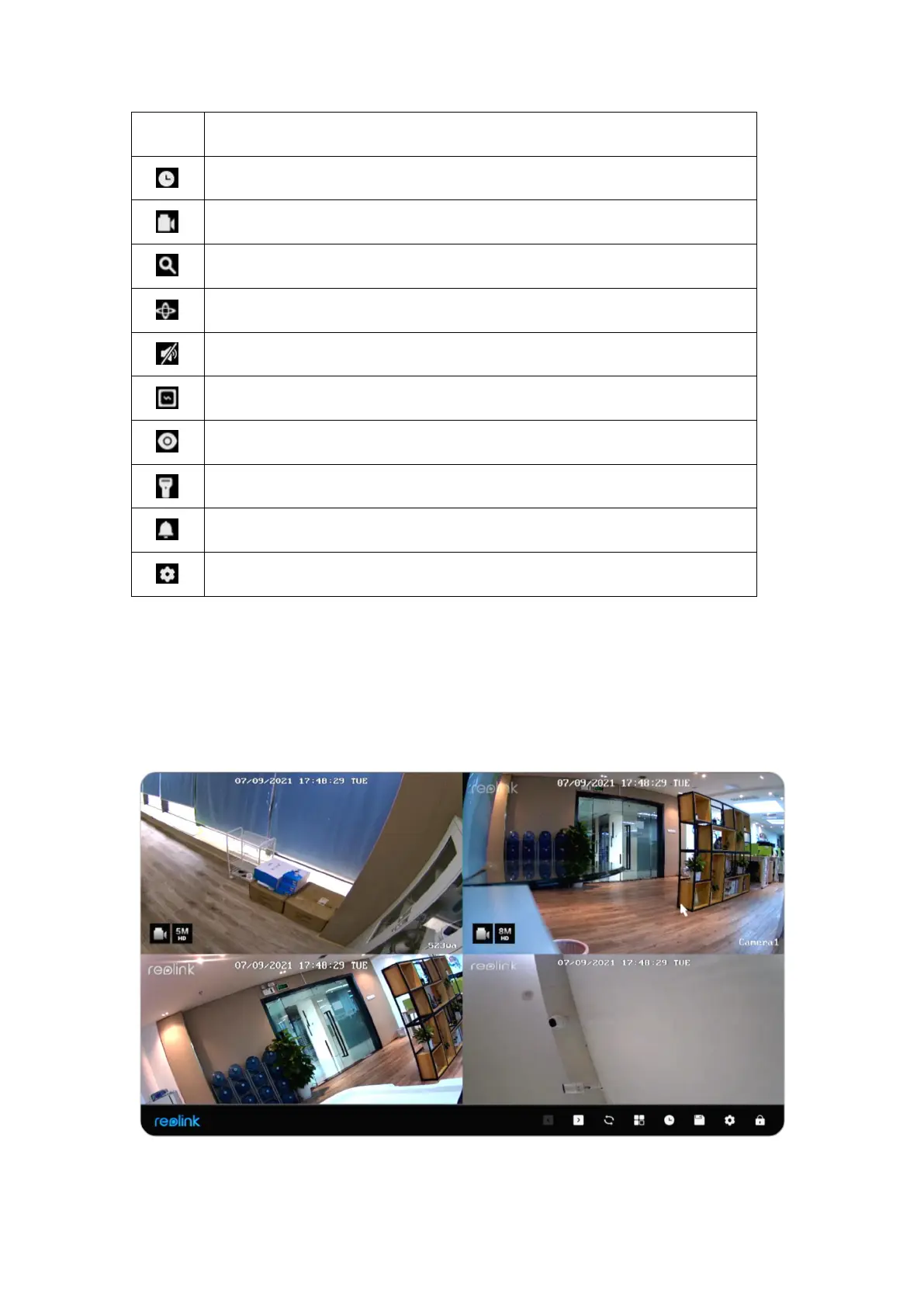
Icons at the Bottom of the Live View Page
Right-click on the live image screen to display a list of icons at the bottom of the
screen.



 To Next Page
 Loading...

