Reolink PoE NVR
User Manual
Set up the NVR on the Monitor
Please power on the NVR and connect it to a monitor by VGA or HDMI cable. After
the NVR is powered on, wait a few seconds it’ll show a setup wizard on the monitor.
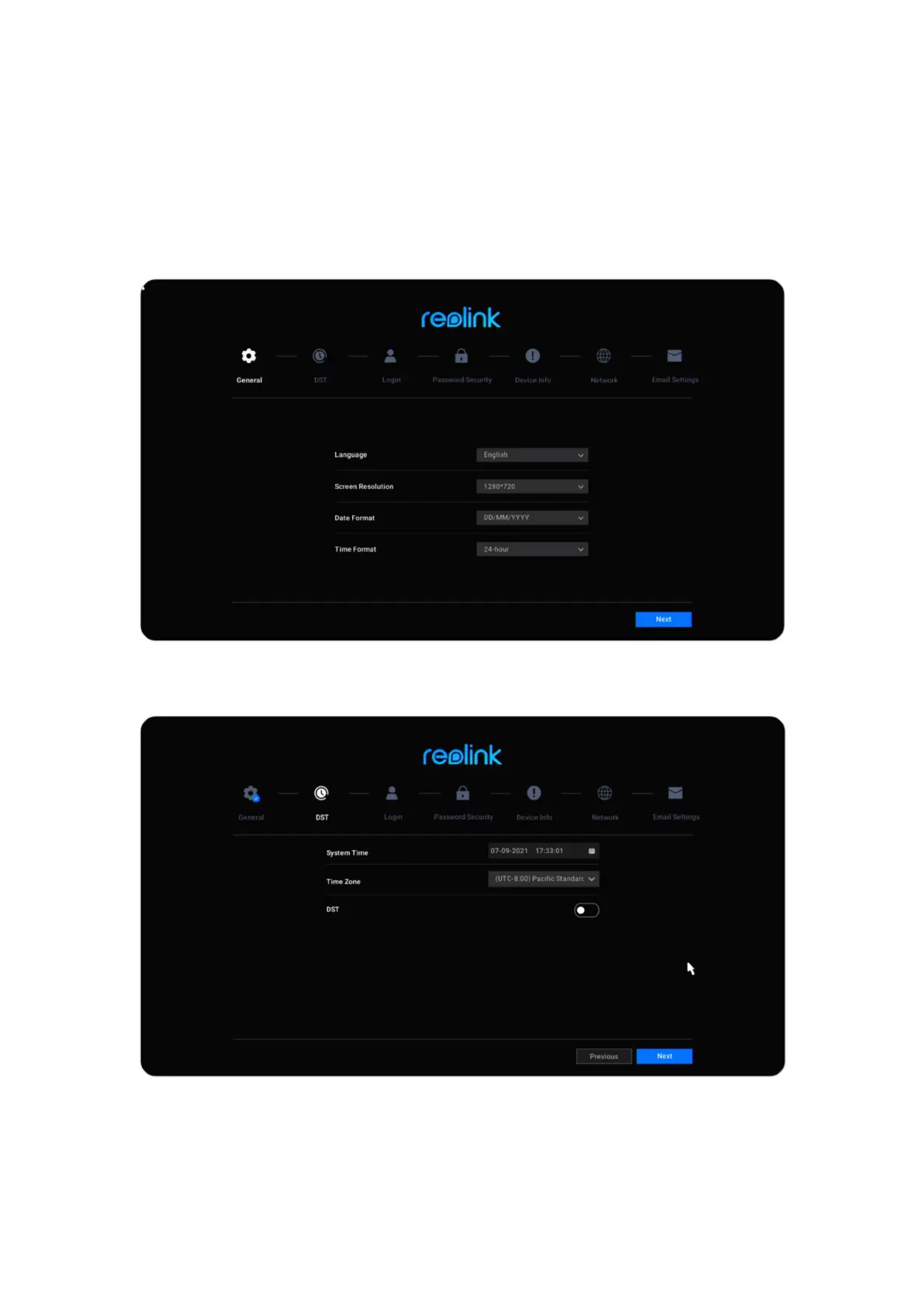
Follow the setup wizard to set up the NVR system.
1. General: Set up the NVR Language, Screen Resolution, Date Format and Time
Format. Click Next.
2. DST: Set up the System Time, Time Zone and choose if to enable DST (Daylight
Saving Time). Click Next.



 To Next Page
 Loading...

