Reolink PoE NVR
User Manual
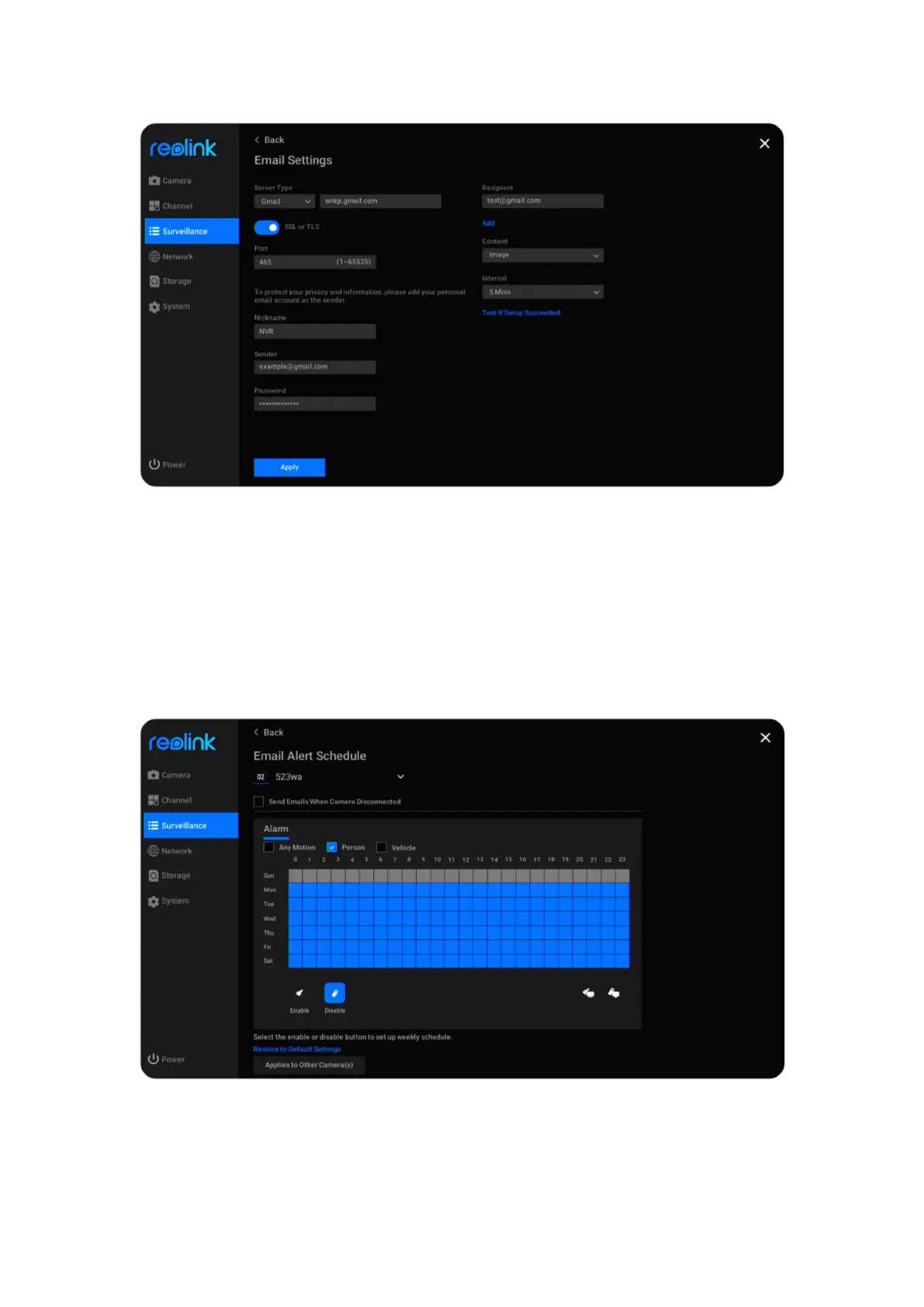
After finishing the settings, please click Apply to save the settings. Then click Test
If Setup Succeeded to see if the email test is successful.
Set up Email Schedule
Click Daily Schedule under Email Alerts. Select a camera, and then set a schedule
when you want the email alerts to work. For cameras with person/vehicle
detection you can also choose the Alarm type from Any Motion, Person or
Vehicle.



 To Next Page
 Loading...

