Reolink PoE NVR
User Manual
8. System Management
General
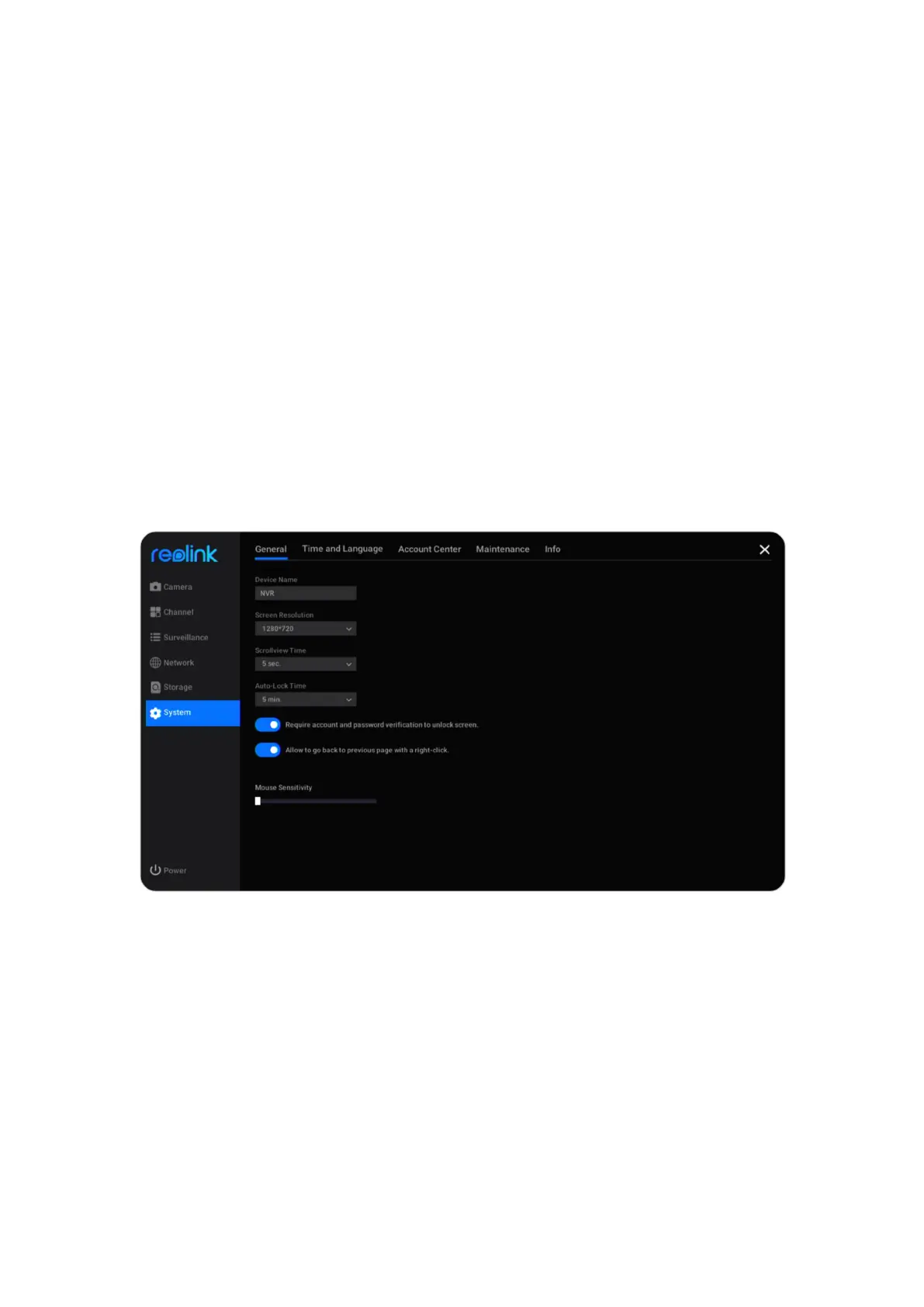
At System > General page, you can set up the settings below.
Device Name: Set a name for the NVR.
Screen Resolution: Set a display resolution on the NVR monitor.
Scrollview Time: Set a time for the scrollview. For example, set it as 5 sec, then it’ll
automatically switch to the next screen of the camera’s live image after every 5
seconds.
Auto Lock Time: Set the time for locking the screen automatically, choose the
option from 1 min, 5 min, 10 min or None. Choose None, the NVR will not
automatically lock the screen. Check the option “Require account and password
verification to unlock screen”, then it’ll ask for the NVR password at the set time
to unlock the screen.



 To Next Page
 Loading...

