Reolink PoE NVR
User Manual
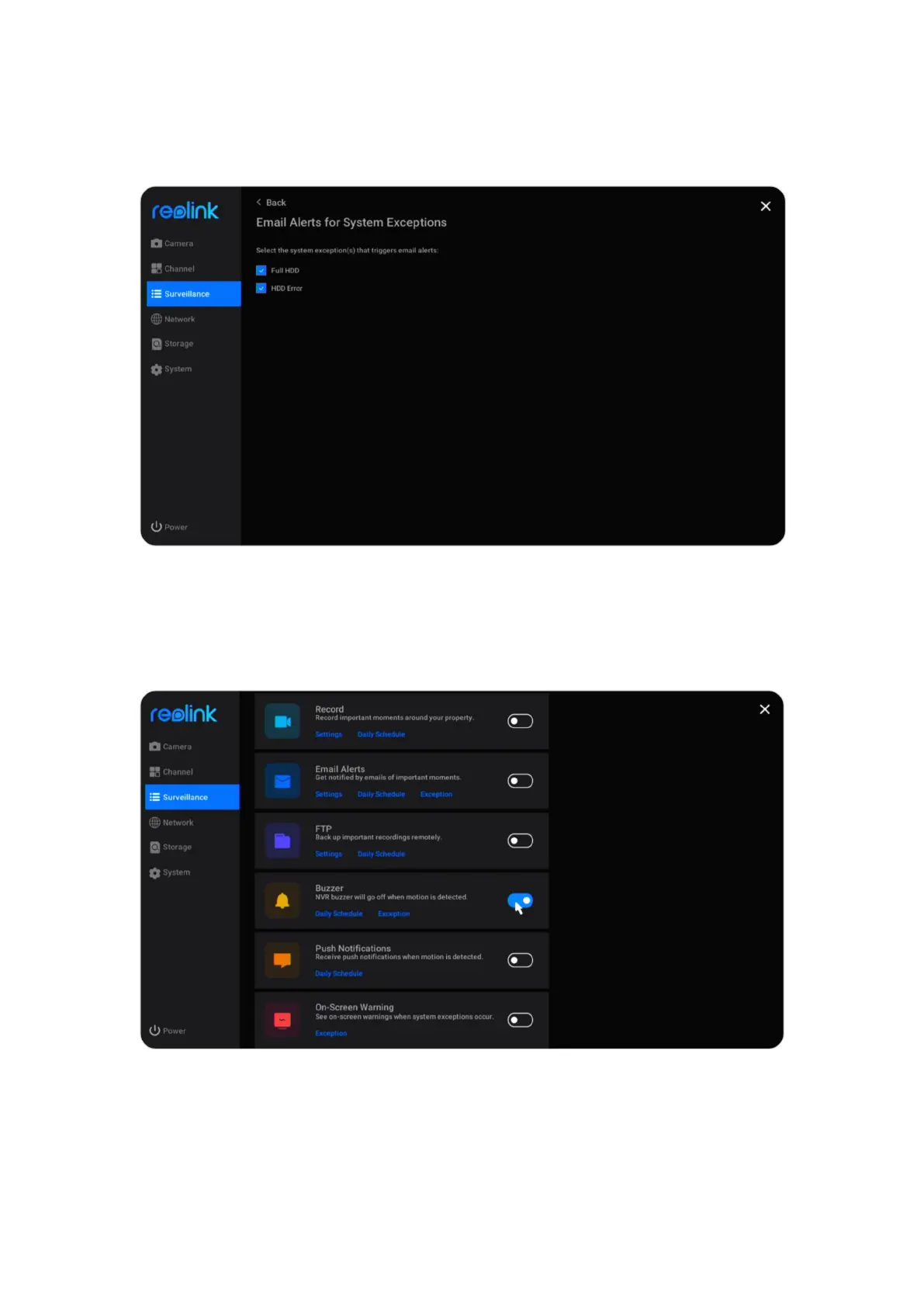
Set up Exception Alert Emails
Click Exception under Email Alerts, you can set to send an alert email when the
HDD is full or there’s an HDD error.
Buzzer
You can set up the NVR to make an alert beep sound when a motion is detected.
Go to Surveillance > Buzzer, click to enable buzzer.



 To Next Page
 Loading...

