Reolink PoE NVR
User Manual
Screen Mirroring: Mirror the camera’s image when enable this option.
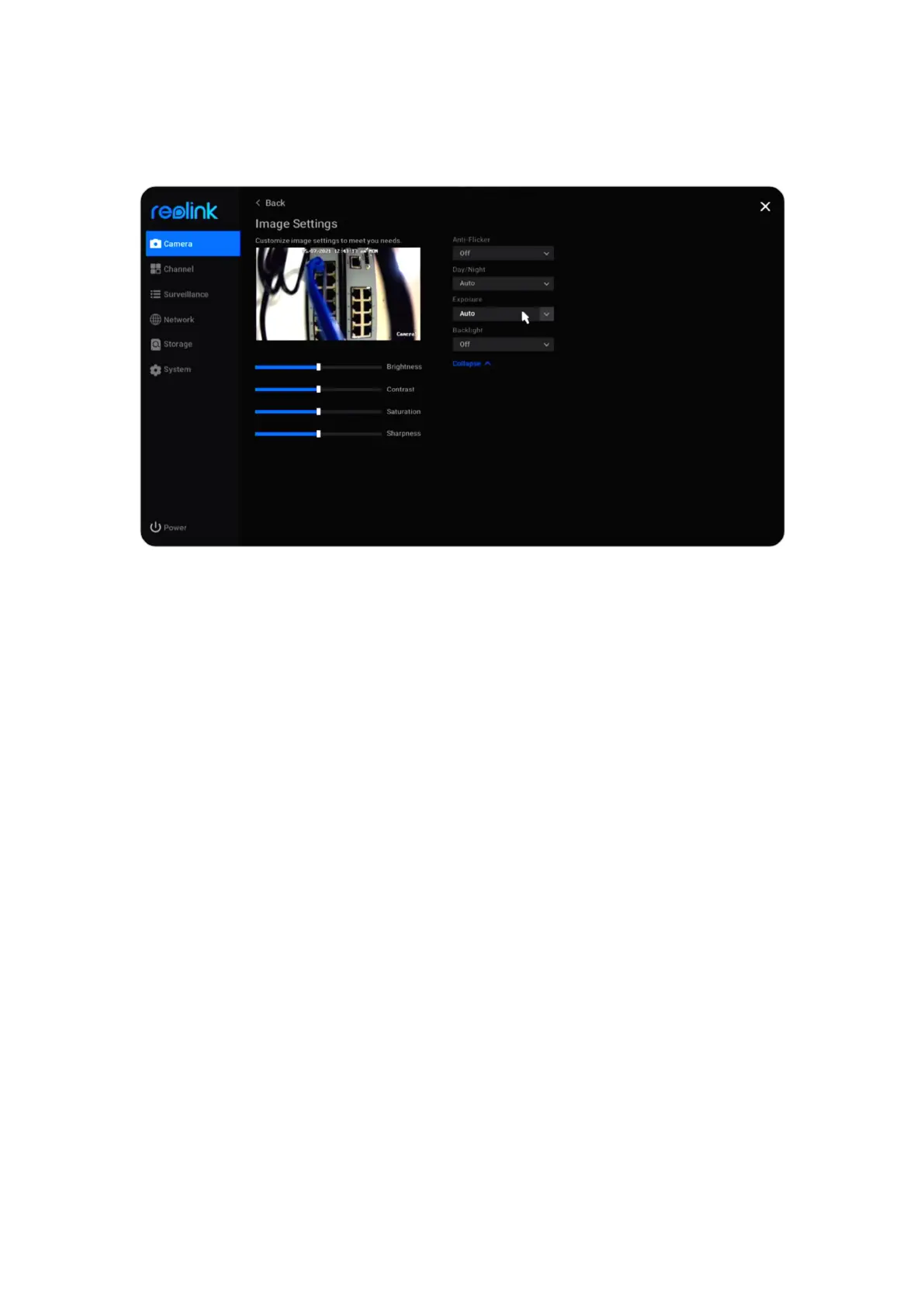
Image Settings: Click Image Settings, here you can adjust the Brightness,
Contrast, Saturation and Sharpness of the camera’s image.
Click Advanced, you can set up image settings below.
Anti-Flicker: Choose from Off, 50Hz, 60Hz, or Other.
Day/Night: Set the Day/Night mode of the camera from Auto, Color, Black &
White, or Off.
Exposure: Set from Auto, Low Noise, Frame Rate or Manual.
Backlight: Set from Off, Backlight Control or Dynamic Range Control.
Usually, it’s suggested to keep these image settings at default.



 To Next Page
 Loading...

