Reolink PoE NVR
User Manual
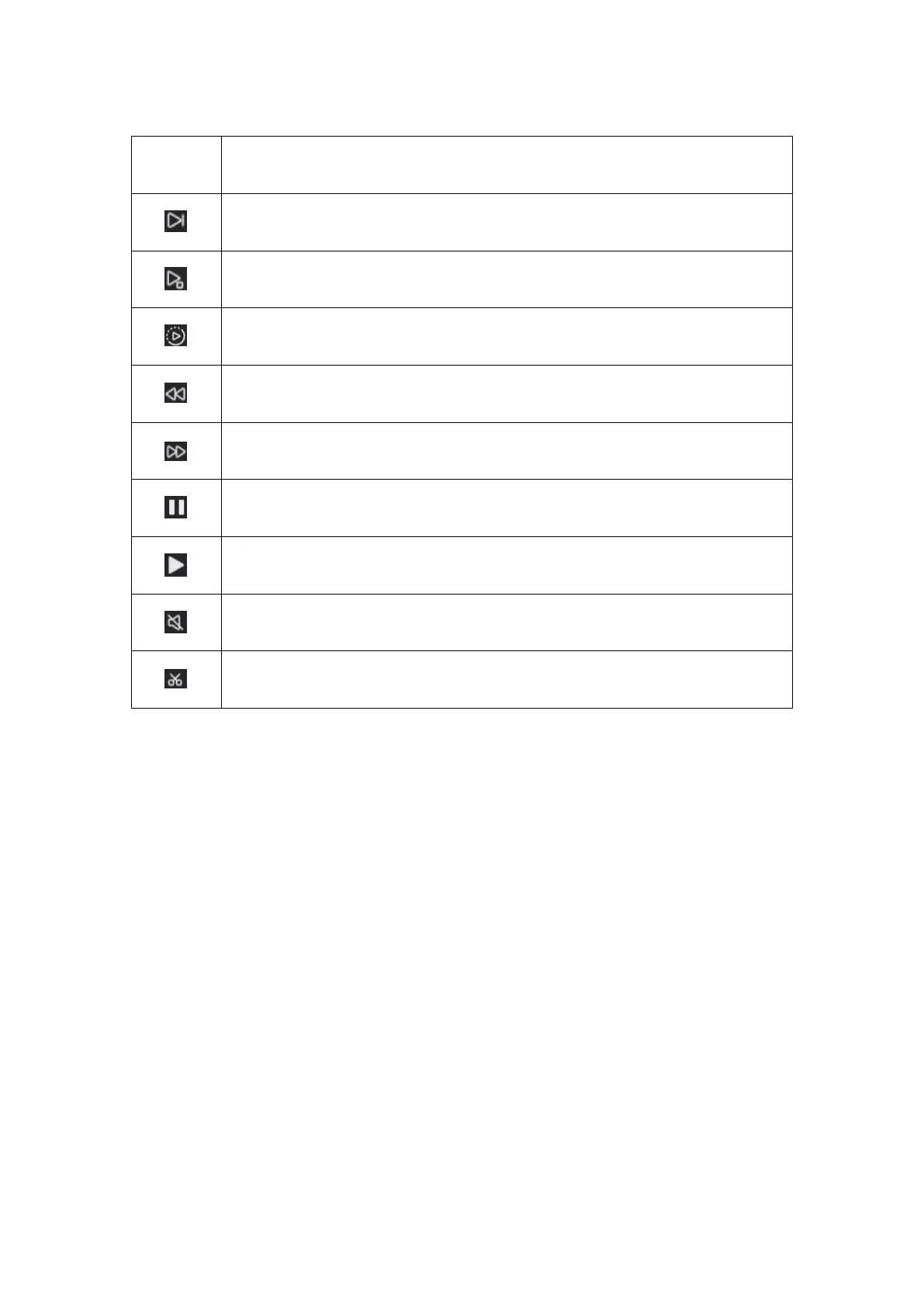
Buttons on the Playback Window
Speed Down: Play the recording at a slow speed to view more details.
Frame-by-Frame: Play the recording frame by frame, not to miss any
details.
Smart Playback: Replay the recording at a normal speed when there’s
motion and replay at 4x speed when there’s no motion.
Backward: Click to rewind at 2x/4x/8x/16x speed.
Forward: Click to fast forward at 2x/4x/8x/16x speed.
Pause: Click to pause playback.
Play: Click to play the recording.
Sound: Click to turn on sound for playback.
Cut: Cut a short clip for downloading.



 To Next Page
 Loading...

