Reolink PoE NVR
User Manual
Account Center
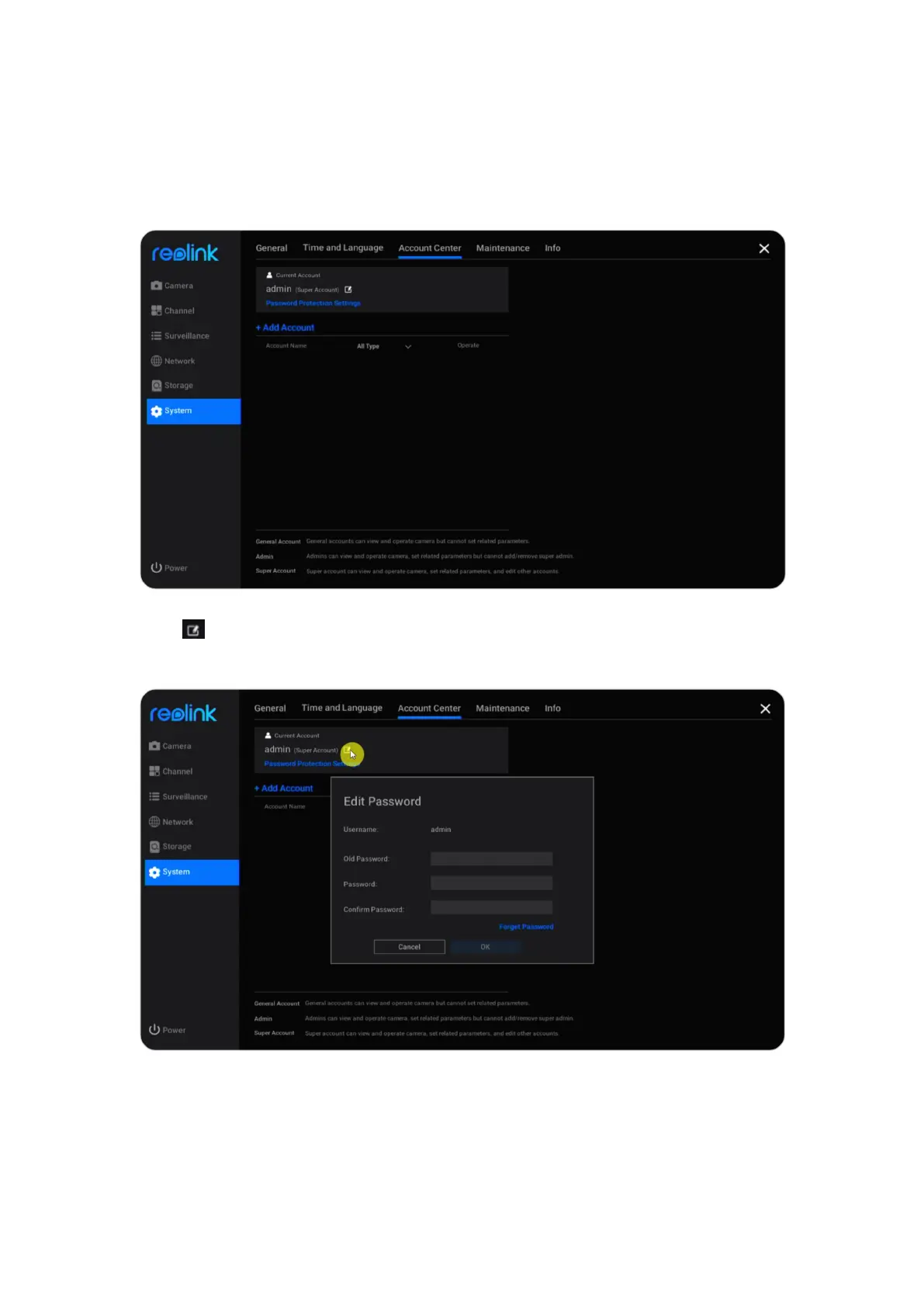
Go to System > Account Center page, here you can change the password of the
NVR and add other user accounts.
Click to change the password of the current account. Firstly, enter the old
password, then enter the new password and confirm the new password, click OK
to save the change.



 To Next Page
 Loading...

