Reolink PoE NVR
User Manual
6. Storage
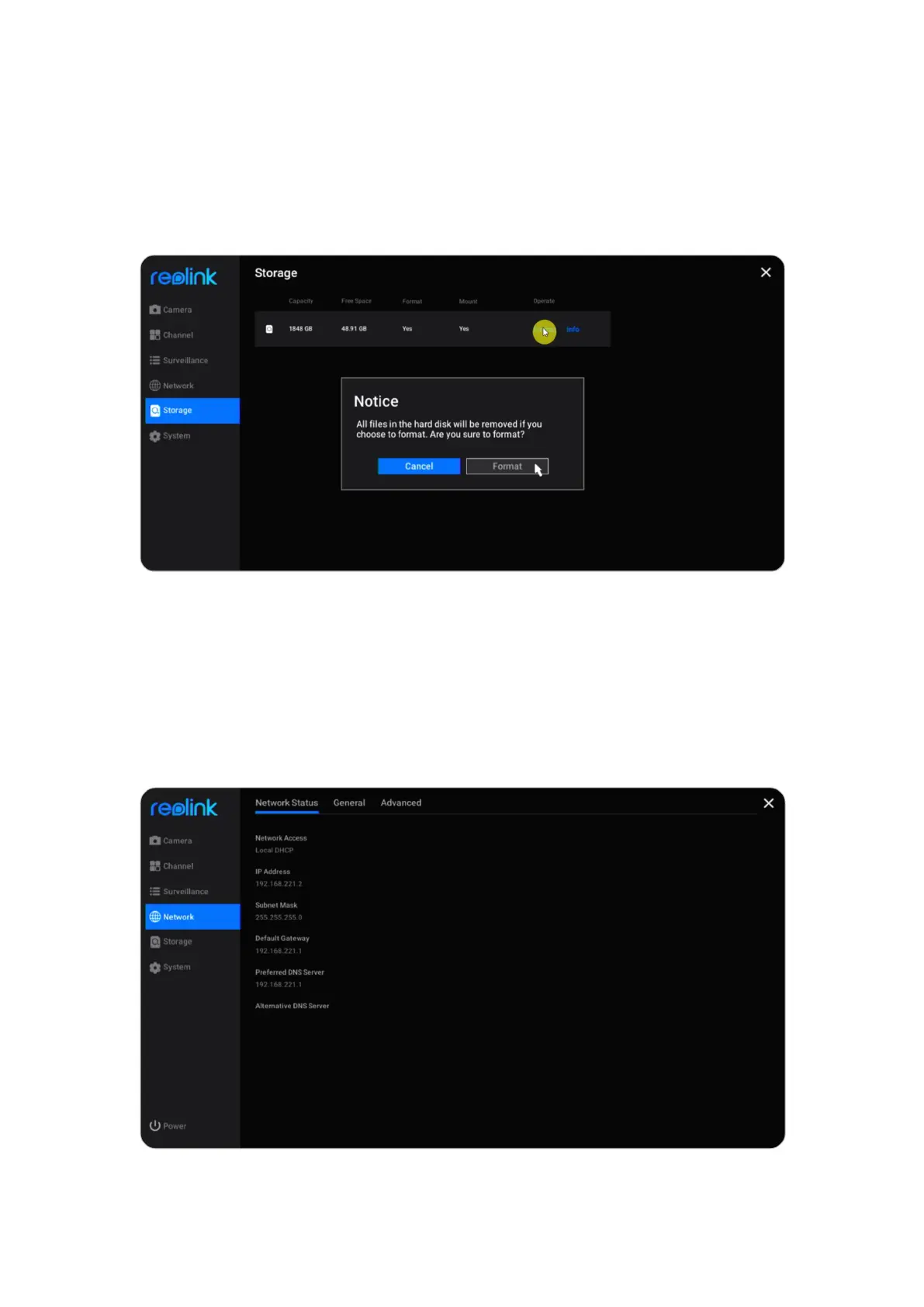
Go to Storage page, here you can see the status of the HDD. Click Format, it’ll
delete all the recordings on the HDD to for formatting.
7. Network and Connection
View NVR Network Status
Click Network > Network Status, here you can view the IP address, Default
Gateway and DNS of the NVR.



 To Next Page
 Loading...

