Reolink PoE NVR
User Manual
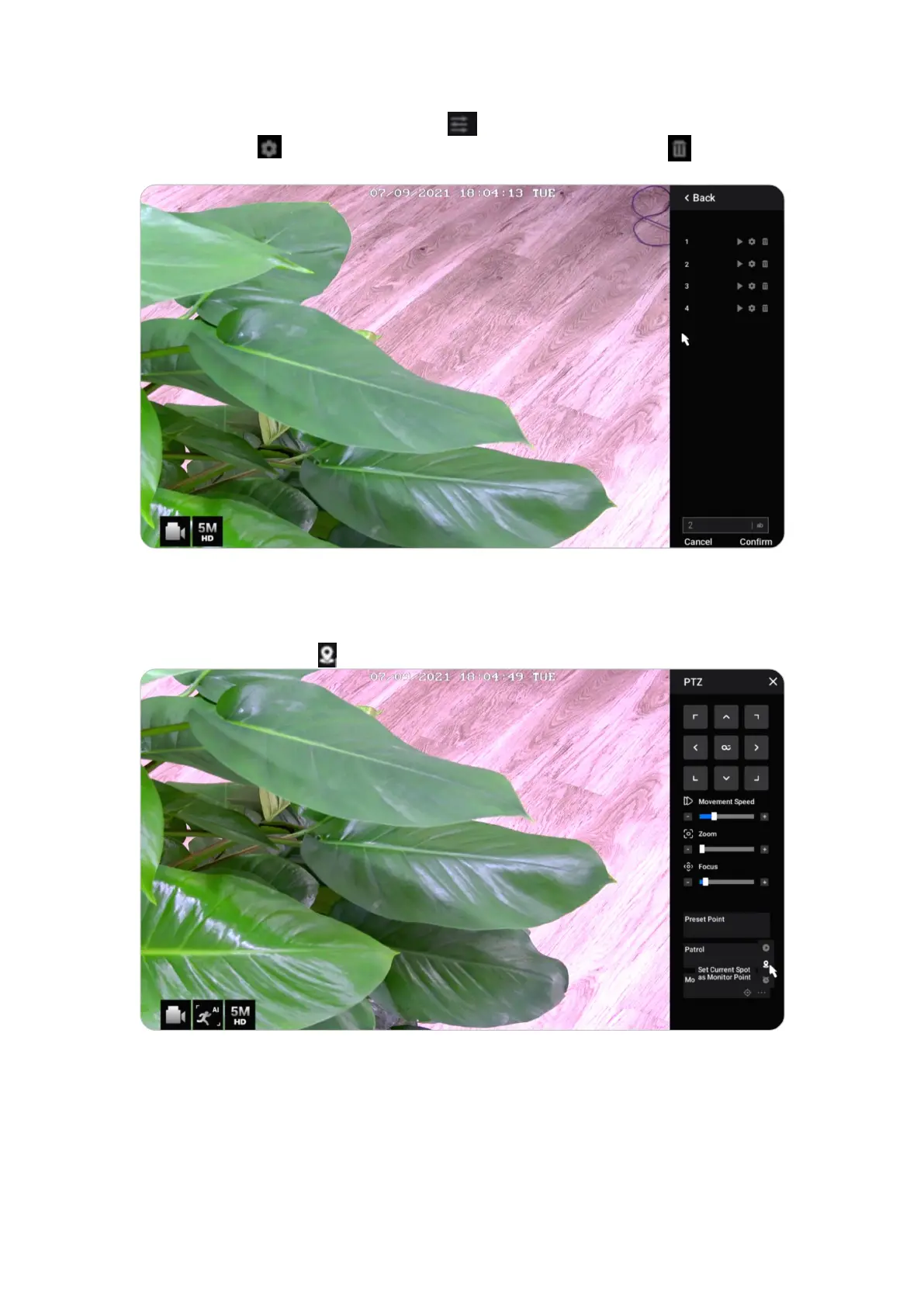
To delete a preset position, please click to edit all current saved preset
positions. Click to change name of the preset position, and click to delete
the selected position.
Monitor Point
Set the monitor point (or guard position). You can set the camera to always return
back to this position if the camera is rotated away from it.
At Monitor Point, click to set the current position as a monitor point.



 To Next Page
 Loading...

